Portfolio Company

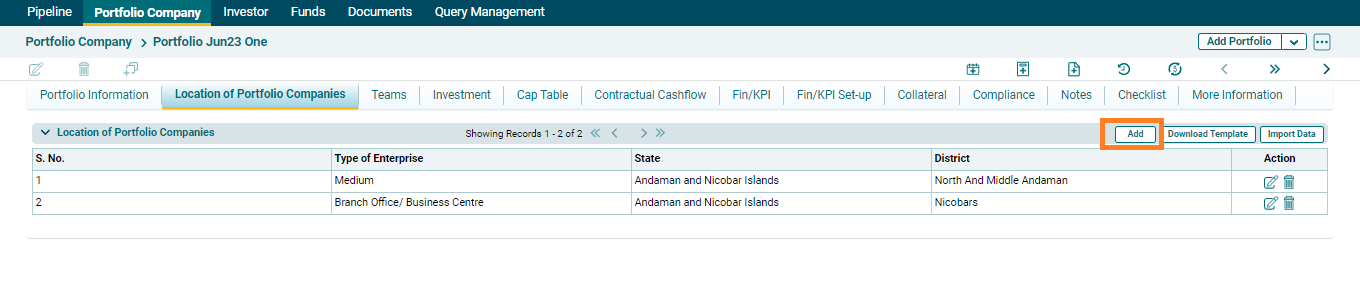
2. The field will be activated. Update the details and click the Check ( ) button to save the details.
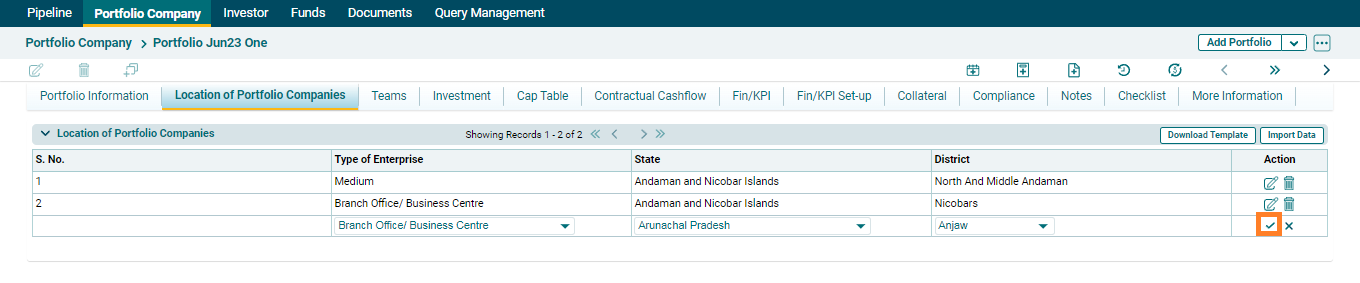
3. To edit click on Edit ( ) button in the Action column. Update the details and click on Check (
 ) button to save.
Download Template
1. To download click on Download Template on top right corner.

Import Data
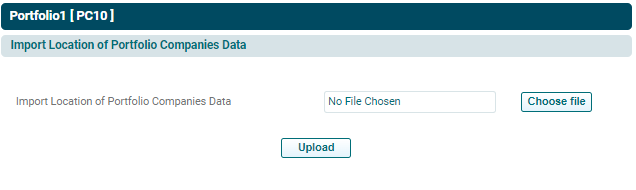
1. To import click on Import Data on top right corner.

2. Choose the file and then click on Upload.
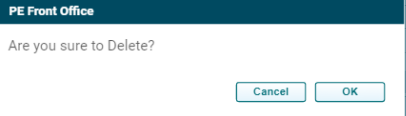
3. To delete the RE Collateral, click on Delete ( ) button in the Action column. The Delete window is displayed. Click OK to delete the collateral details.