Getting Started
Create A Fund
To create a fund, follow the below steps:
1. Click on Funds in the main menu.

2. Click on Add Fund button ( ) in the top right corner.
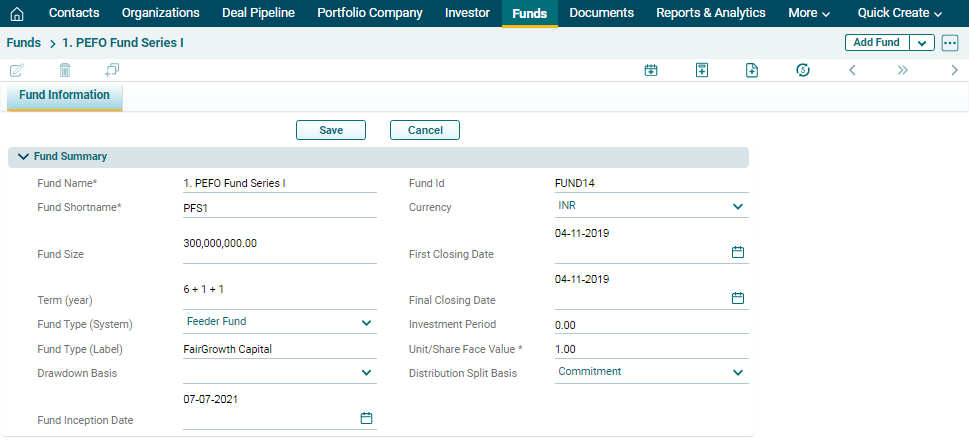
3. The Fund window is displayed. Update the mandatory details and click Save.
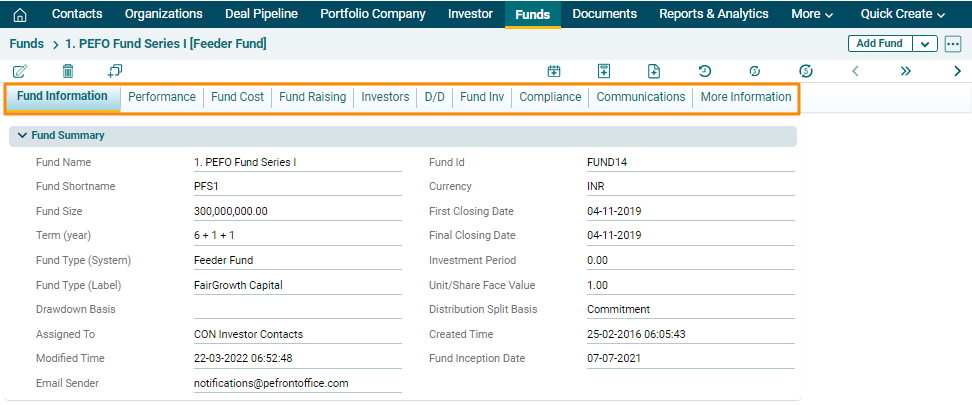
4. Once the Investor has been created, you will see different tabs here- Performance, Fund Cost, Fund Raising, Investors, D/D, Fund Inv, Compliance, Communications, More Information. Update the details by clicking the respective tabs.
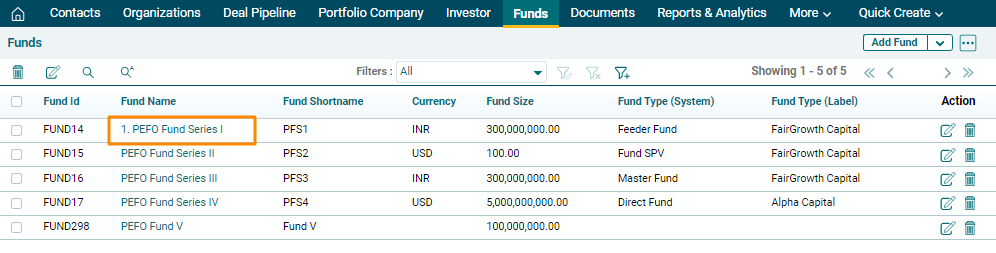
5. The created Fund can be accessed from the Funds menu. The company is visible on the Funds list page.