Portfolio Company

Portfolio Company Information

This tab contains the primary details pertaining to a portfolio company at the time of creation. It has thirteen panels which have been described below with their fields.

1). Portfolio Information

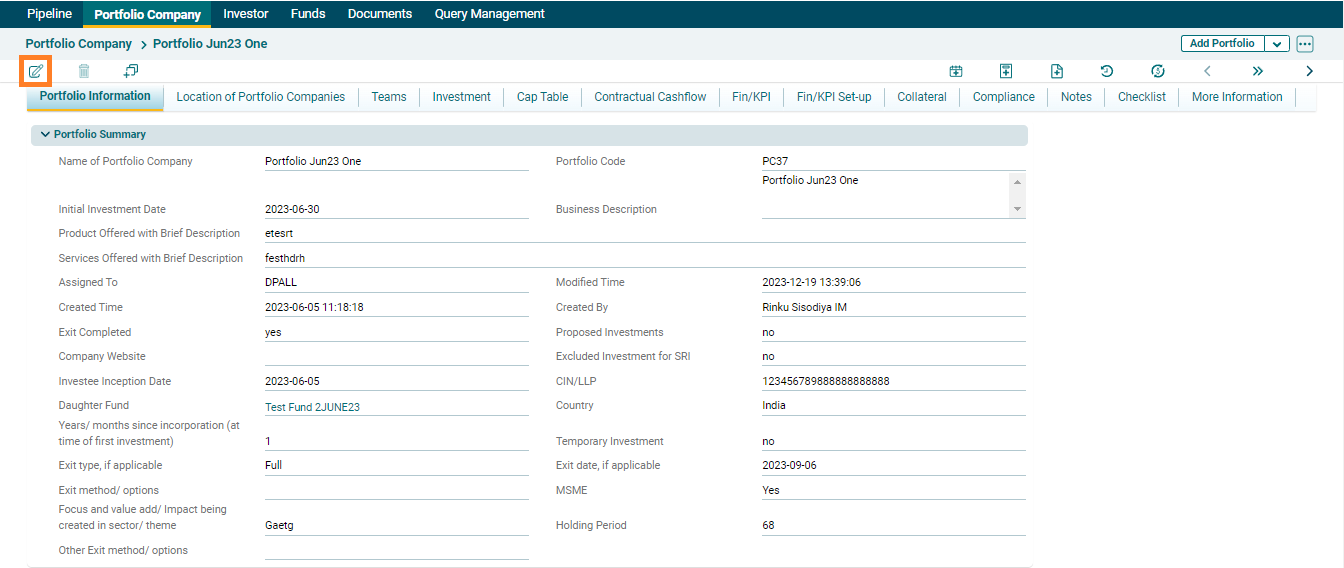
This panel allows you to capture the basic details of a Portfolio company.  AIF user can edit the portfolio information by clicking on ()edit icon


In the above panel, the following are system-generated fields:

  • Portfolio Code
  • Assigned To
  • Created Time
  • Created By
  • Modified Time

The system will auto-fill these details based on your login details and the time.

2). Udyam Certificate Details

This panels facilitates addition of Udyam registration details of a Portfolio Company.



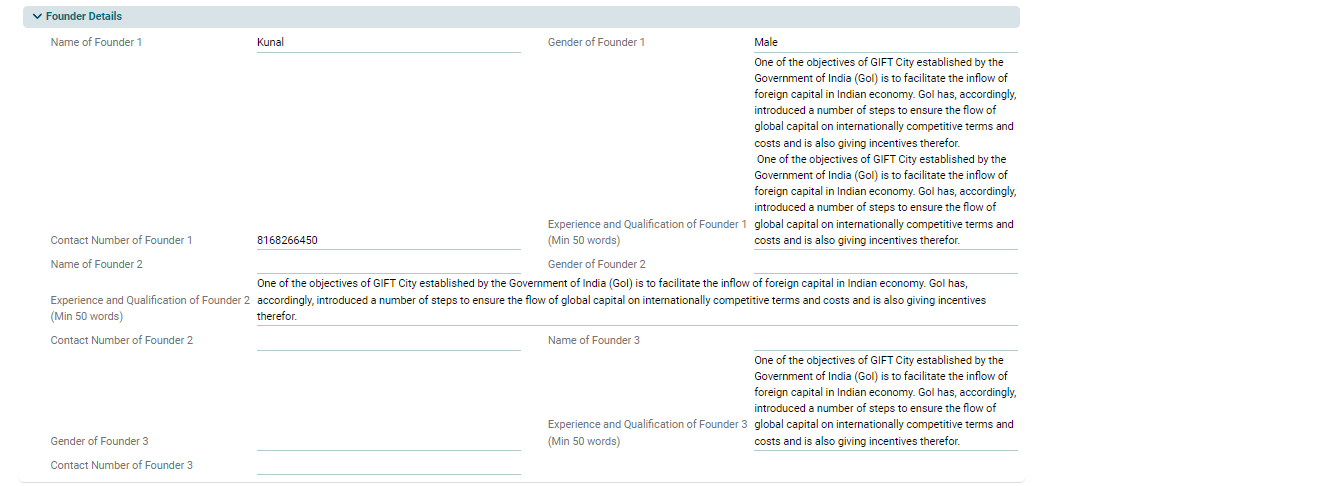
3). Founder Details 

This panel allows you to add founder details of Portfolio Company. It is mandatory to fill Founder 1 and Founder 2 details while Founder 3 details is an optional field

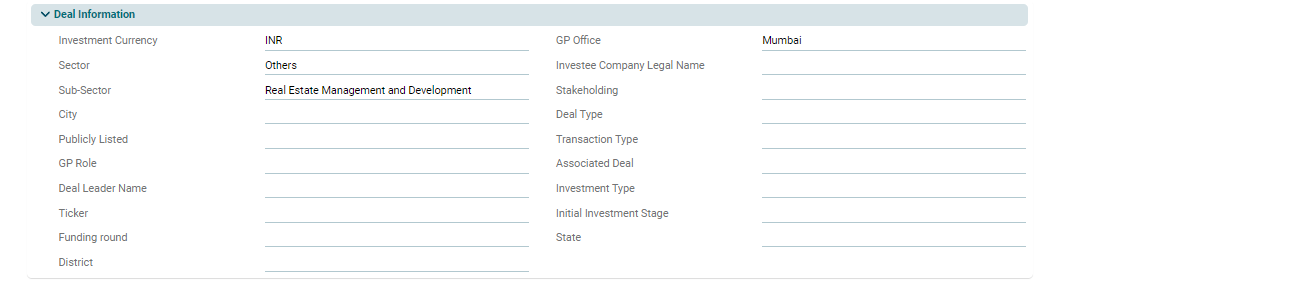
4). Deal Information

This panel allows you to capture additional basic details of a Portfolio Company.

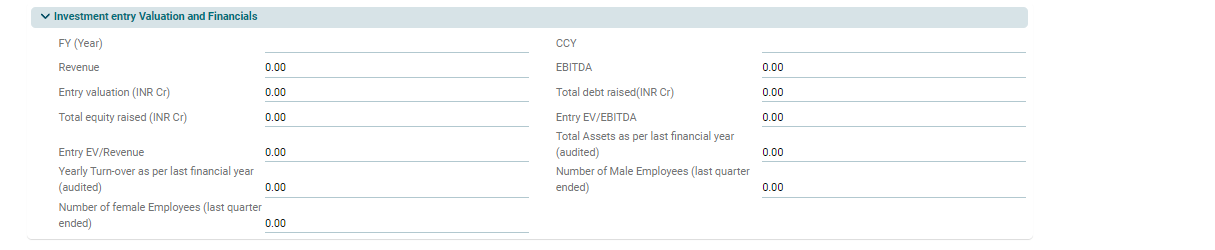
5). Investment Entry Valuation and Financials

This panel allows you to define the financial parameters related to the portfolio company at the time of investment.


6). Exit Financials

This panel allows you to define financial parameters related to the portfolio company at the time of exit.


7). Investment Summary (Actual Cashflow)

This is an auto-populated panel that is flowing from Investment Tab based on the underlying actual cashflows.


8). Investment Summary (Expected Future Cashflow)

This is an auto-populated panel.  The information is flowing from the Investment Tab based on the underlying expected cashflows.


9). Valuation

This panel shows the Current Valuation and the methodology used to calculate it. This is an auto-populated panel that is flowing from Investment Tab based on the underlying valuations.


10). IRR & MoC

This panel allows you to add IC case IRR and MoC while all the other IRRs and MoCs are auto-calculated by the system based on the cashflows and valuations entered in Investment Tab.


11). Financials/KPI Set up

This is a non editable panel, the values of which are pre defined by SRI


12). Registered Address Information
This panel allows you to enter primary mailing address pf the portfolio company alongwith the mailing city


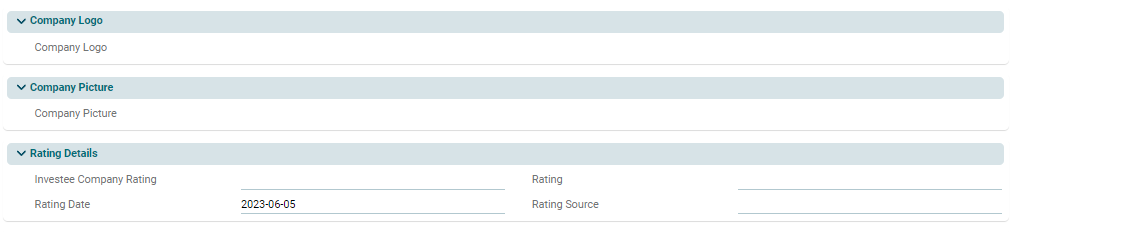
13). Company Logo: Upload Portfolio Company's logo.

14). Company Picture: Upload Portfolio Company's Picture.

15). Rating Details: Add rating details pertaining to a portfolio.

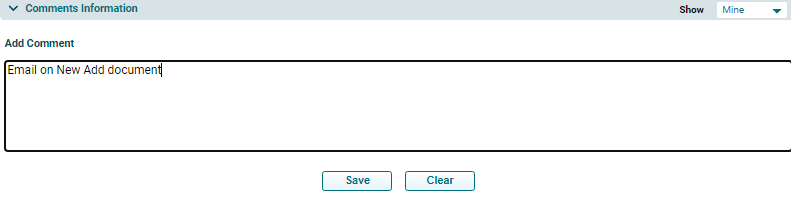
16). Comment Information

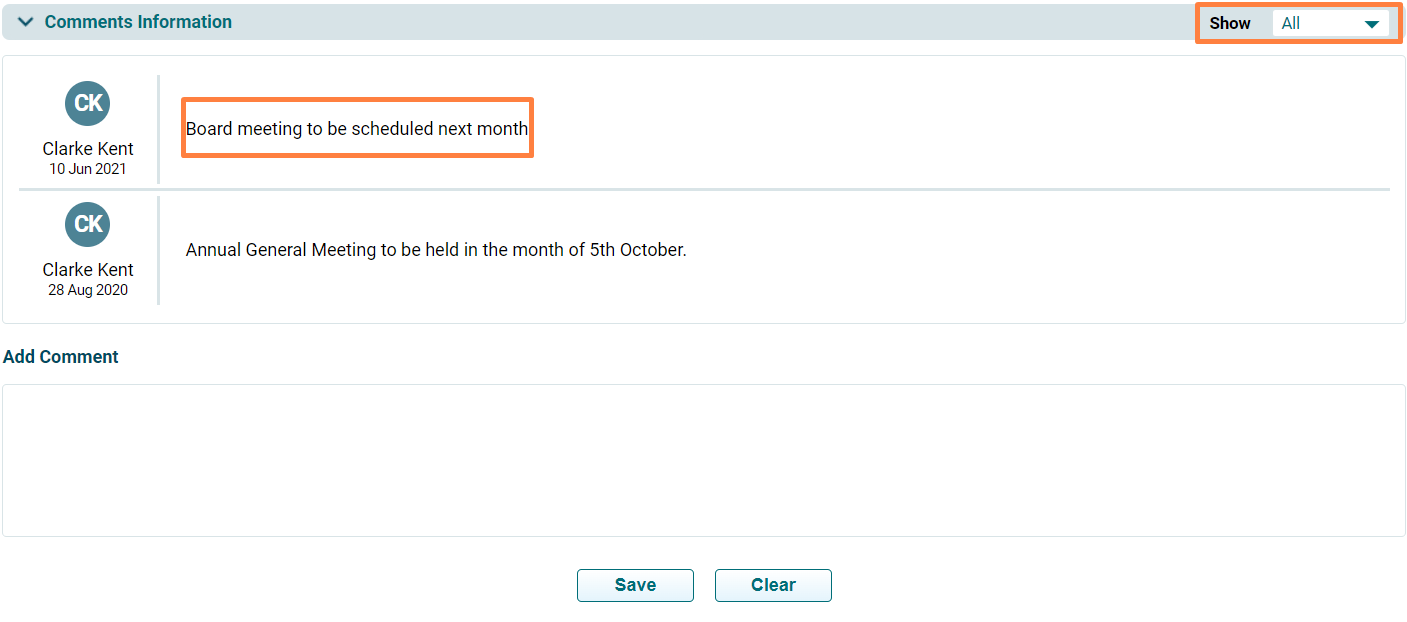
This panel allows you to add any portfolio company-related comments which can be viewed by all team members at any given time.

Once you have added a comment, it cannot be deleted. It is always displayed in the Comments section. You can also apply the Show filter to see relevant comments.