Notes
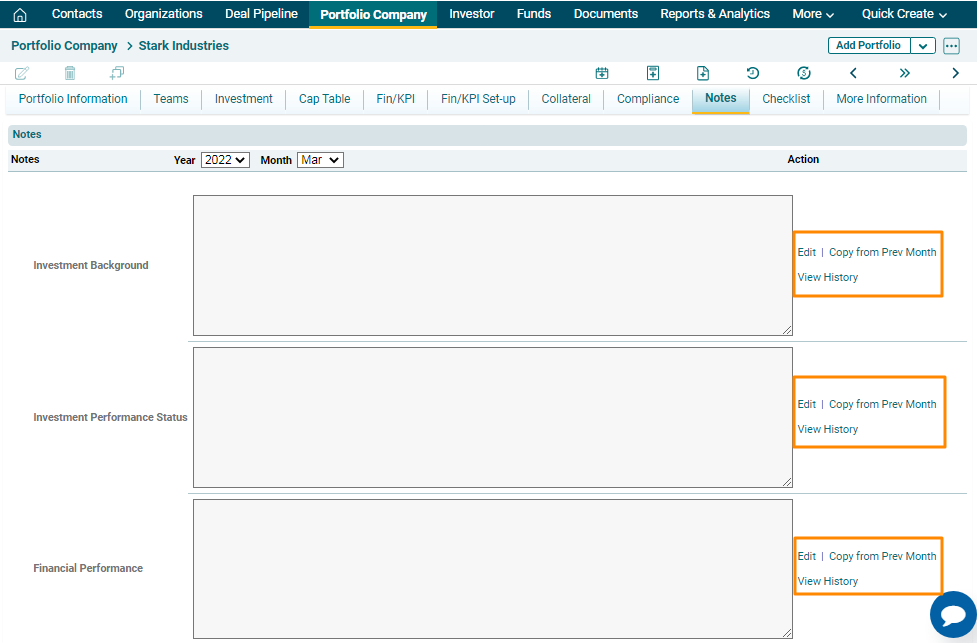
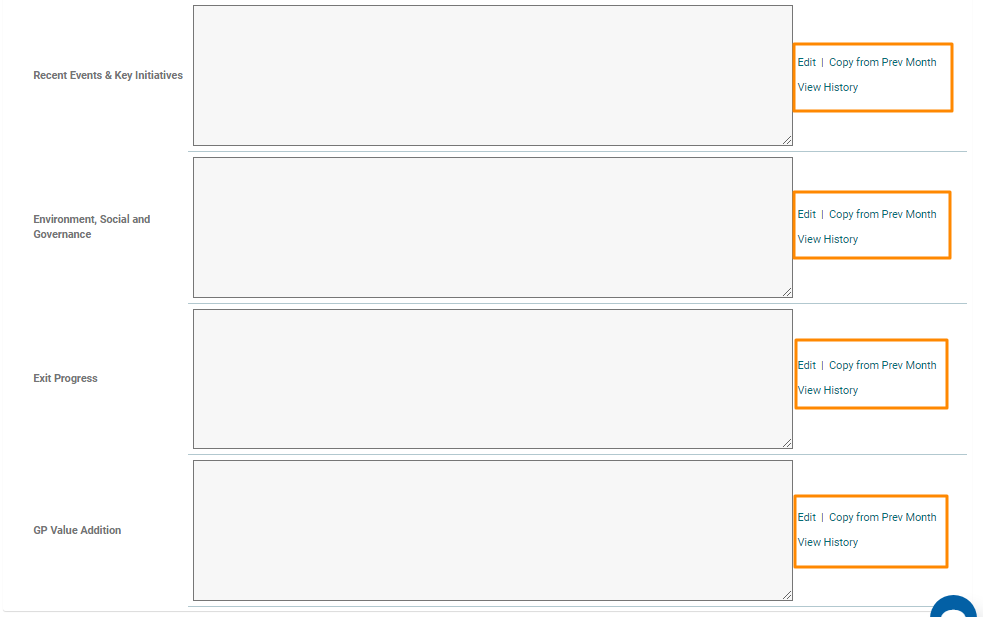
In this tab, you can capture notes related to Investment Background, Investment Performance Status, Financial Performance, Recent Events & Key Initiatives, Environmental, Social & Governance, Exit Progress, and GP Value Edition. You can edit the notes or copy the notes previous month into the current month or view the history of notes using the buttons in the Action column.
1. To edit a Note, click on Edit in the Action column. Enter the Note and click Check ( ) button to save.
2. To copy a note from the previous month, click on Copy From Previous Month in the Action column beside the field. Make the changes to the Note, if any, and click check ( ) button to save.
3. To view history, click on View History in the Action column beside the field. The Notes History window is displayed. It displays the content of note, who created it, and when it was created.

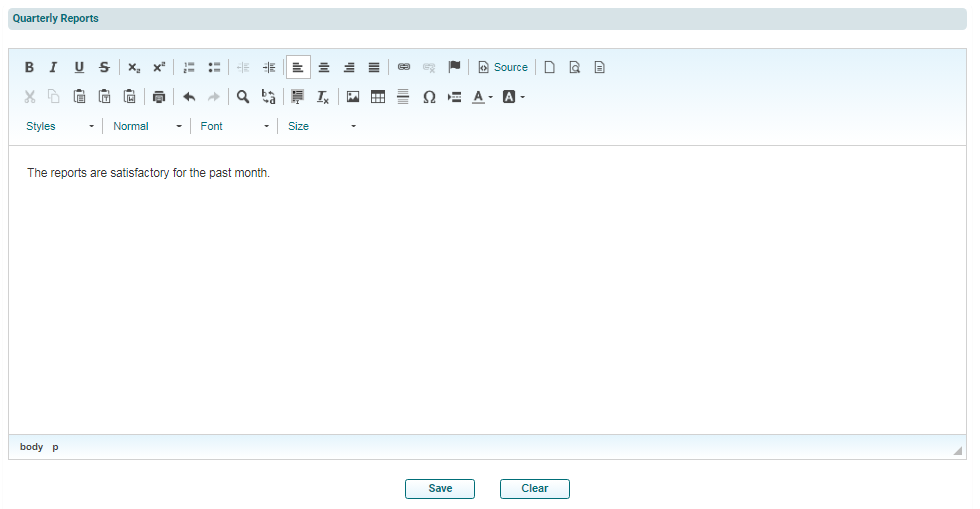
You can also enter Quarterly Reports in the panel below the Notes fields. Enter the details and click Save.