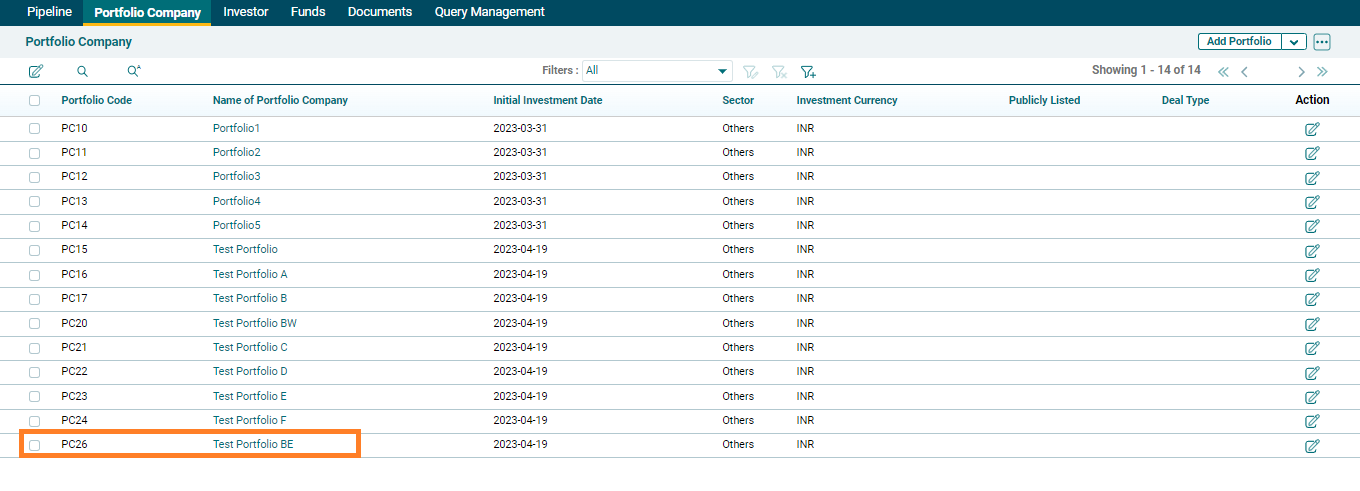
Generate Info Template
In addition to creating portfolio company manually, an AIF can also upload them in bulk through an Excel template, which is an alternative method of creating portfolio companies in the platform. To create a portfolio company through Excel template, follow the below steps:
1. Click on the three dots at the top right corner and navigate to Generate Info Template.
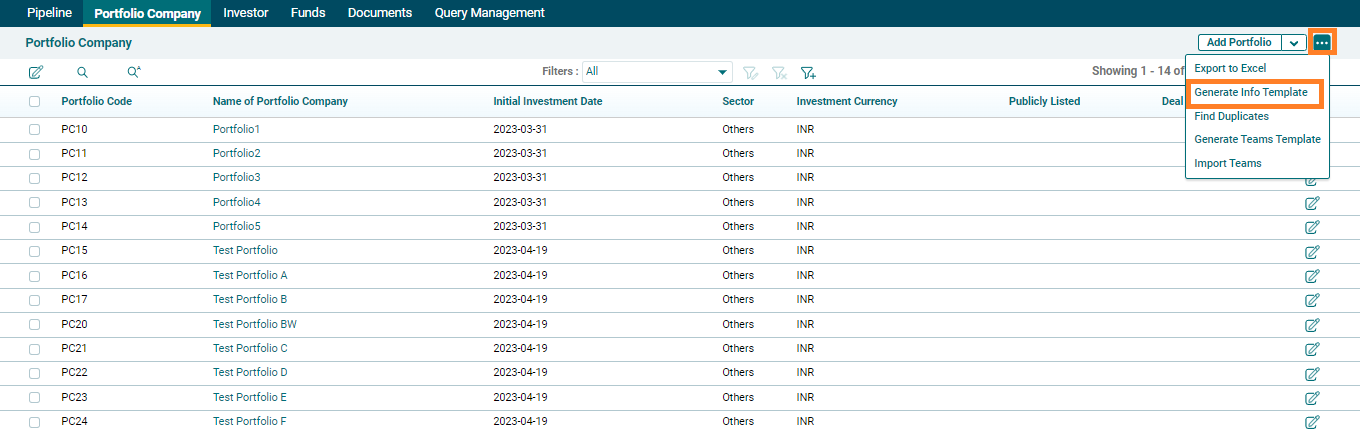
2. Excel template would get downloaded in which an AIF user is required to add portfolio company data and then save the Excel template.
3. As a next step , AIF user need to click on arrow on top right corner and click on Import from Excel and select and upload the saved excel template.
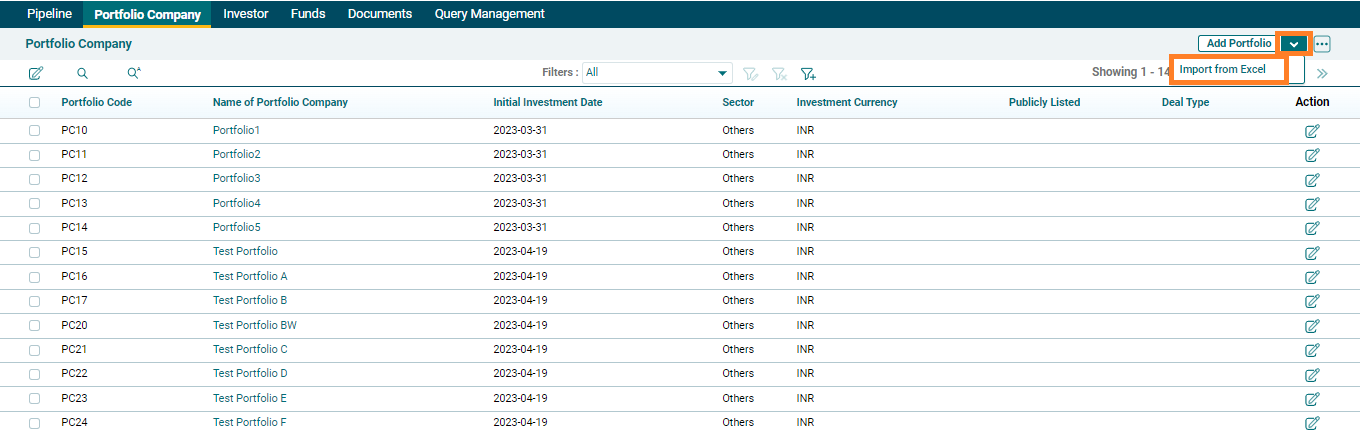
4. On uploading the template, Portfolio Companies will get created in the List view