Calculate IRR & MoC
This panel allows you capture quarterly performance of a portfolio company.
To modify IRR & MoC data, follow the below steps:
1. Click on Add Data button in the top right corner of the panel.
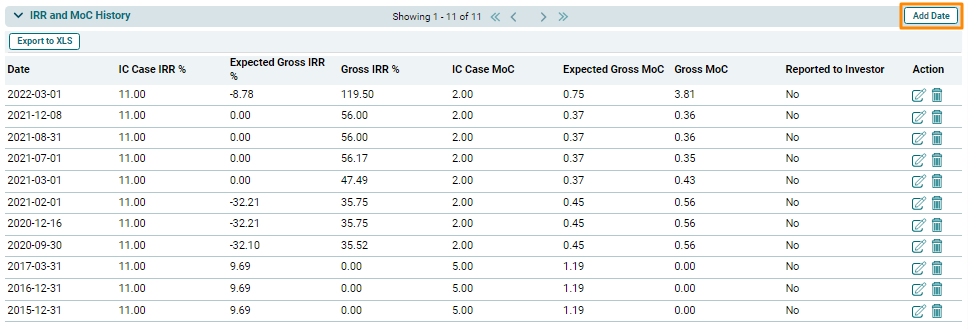
2. The field will be activated. Select the date. The IRR and MoC will be auto calculated. Check the Report to Investor check box to report the figures.
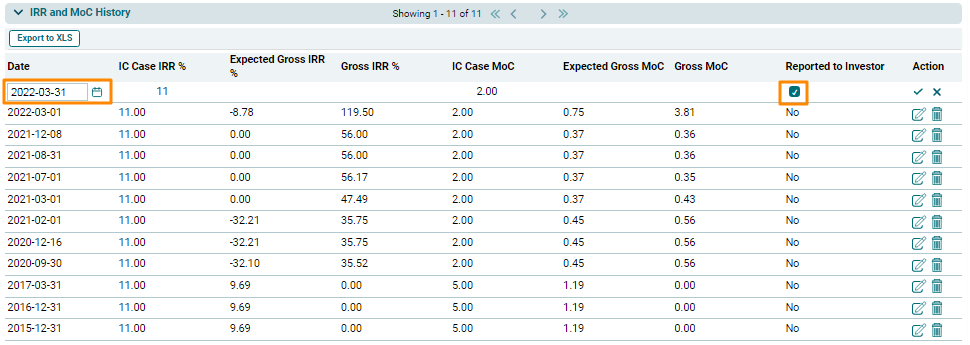
3. Click Check button to save the details.
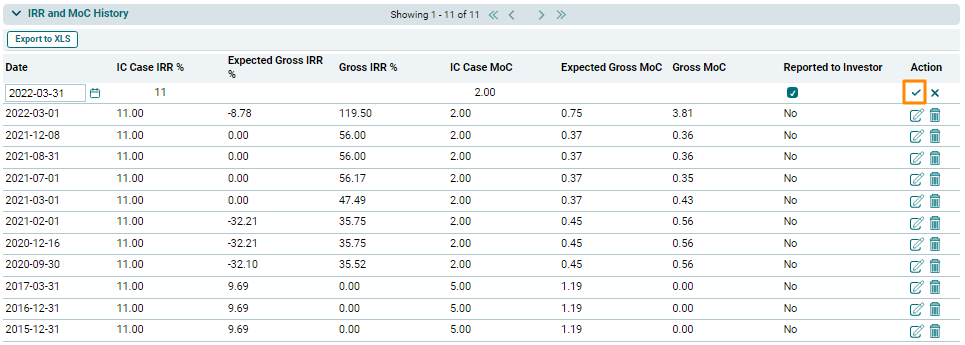
4. The added data will be displayed in the IRR & MoC History.
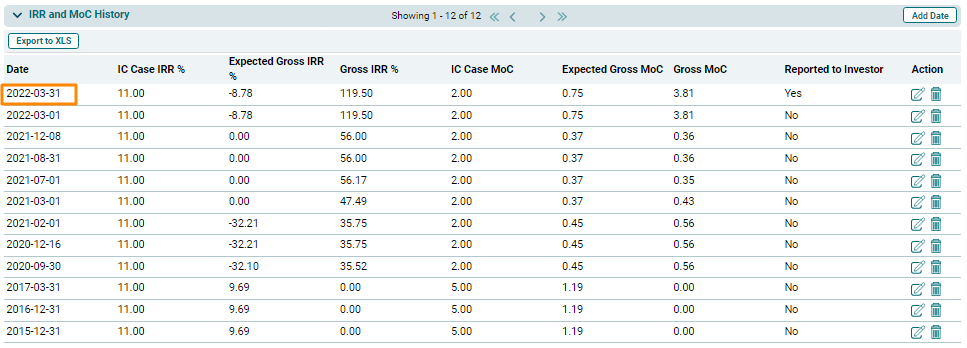
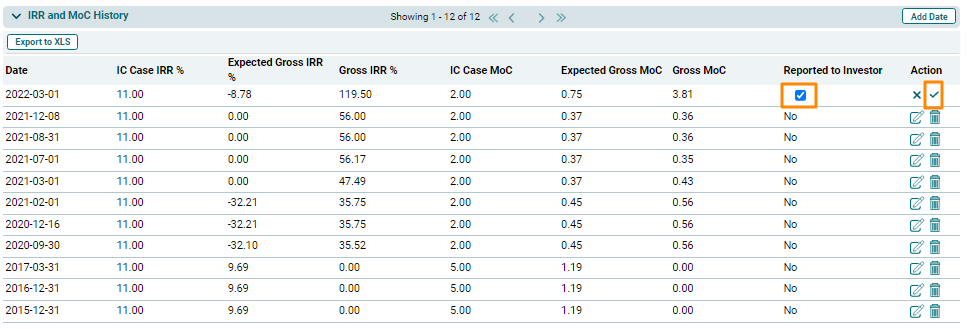
5. To edit IRR & MoC data, click on the Edit ( ) button in the Action column. You are allowed to edit only the Reported to Investor column.
Edit the details, and click Check button to save.
) button in the Action column. You are allowed to edit only the Reported to Investor column.
Edit the details, and click Check button to save.
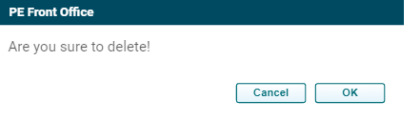
7. To delete IRR & MoC data, click the Delete ( ) button in the Action Column. The delete window is displayed. Click OK to delete the record.