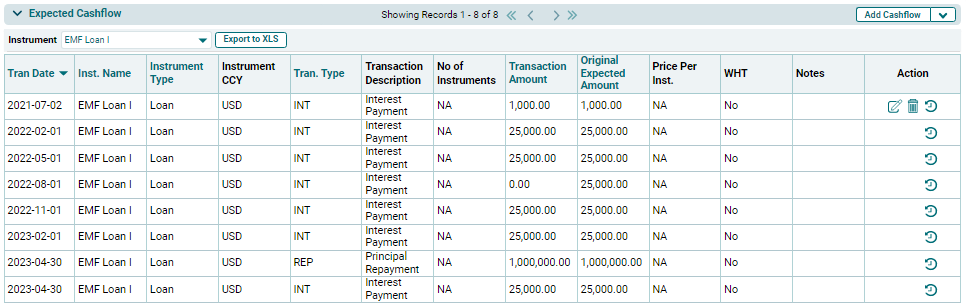
Portfolio Company
Capture Expected Cashflow (Bulk Upload)
To upload cashflows for instruments in bulk, follow the below
steps:
1. Click on the
down arrow button next to Add Cashflow
button. Click on Download Template.

2. The excel file
will download. Enter the details and save the file.
3. To import bulk
cashflows for instruments, click on the down arrow button next to Add Cashflow button.
Click on Import Data.

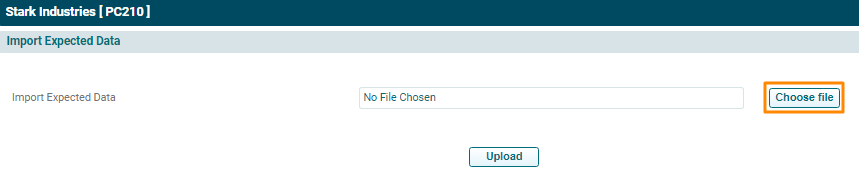
4. Click the Choose File button.
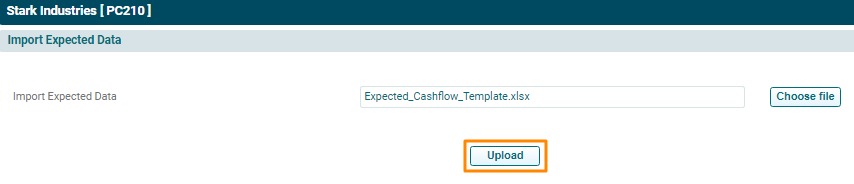
5. Choose the
cashflow template. Click Upload.
6. The Expected Cashflow will populate based on the uploaded template.