
To export
Portfolio Company to Excel, follow the steps below:
1. Click on Portfolio Company in the main menu.
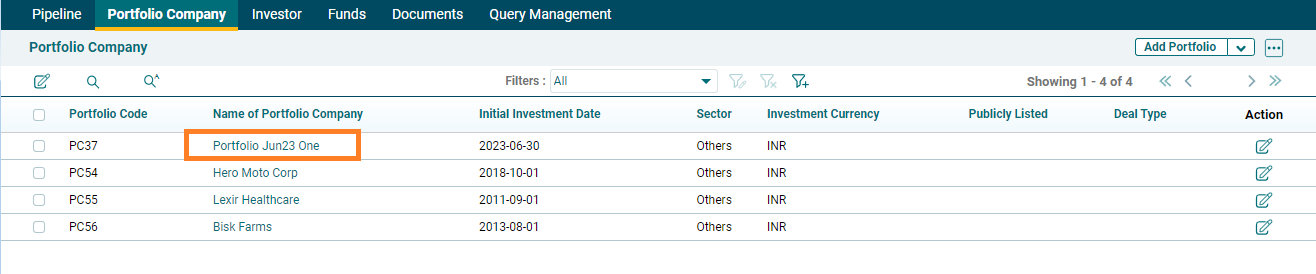
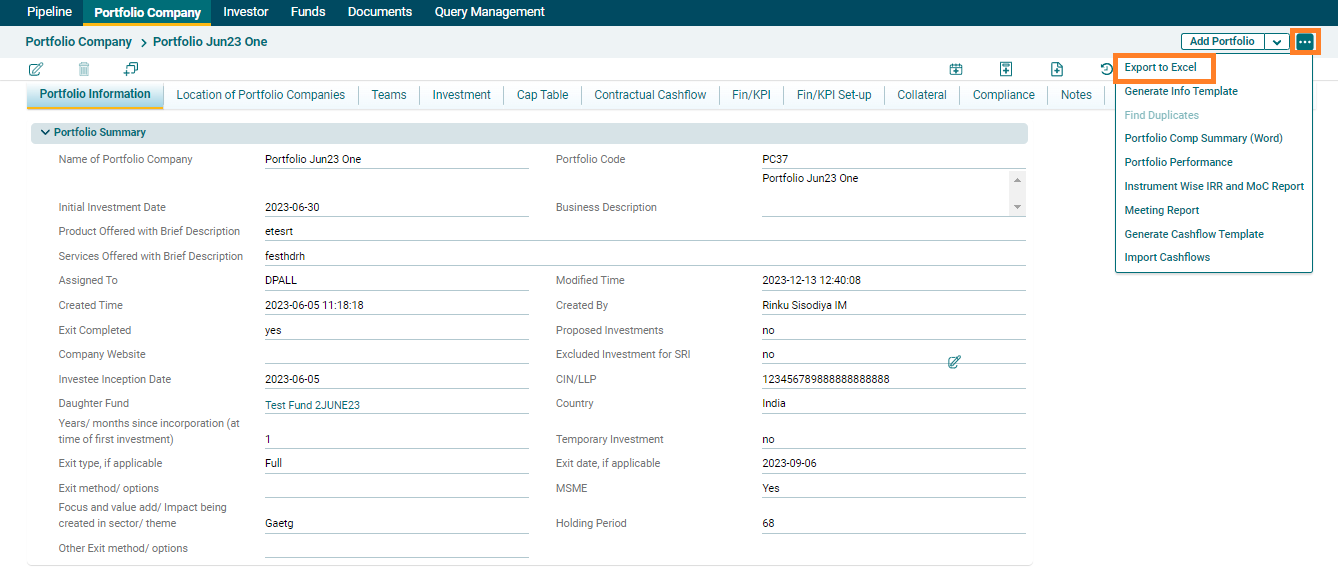
2. Click on
the three dot menu next to Add Portfolio button. Click on Export to Excel.
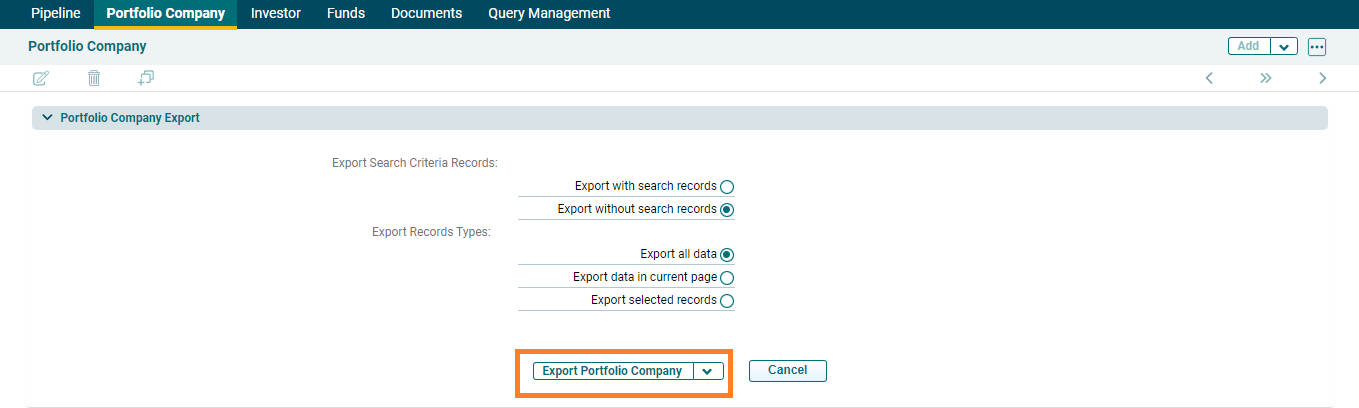
3. The Portfolio Company Export window is displayed. Select the export options and click Export Portfolio Company.
4. The Excel file will download with the data of selected records or all records.