
Covenant Data - Financial Covenants
Once the rule has been defined for the financials in Financial Covenants, the data displays here. The system calculates Actual value to be displayed and these are editable.
To attach a file, follow the below steps:
1. Click on Attach File in the Attachment column.
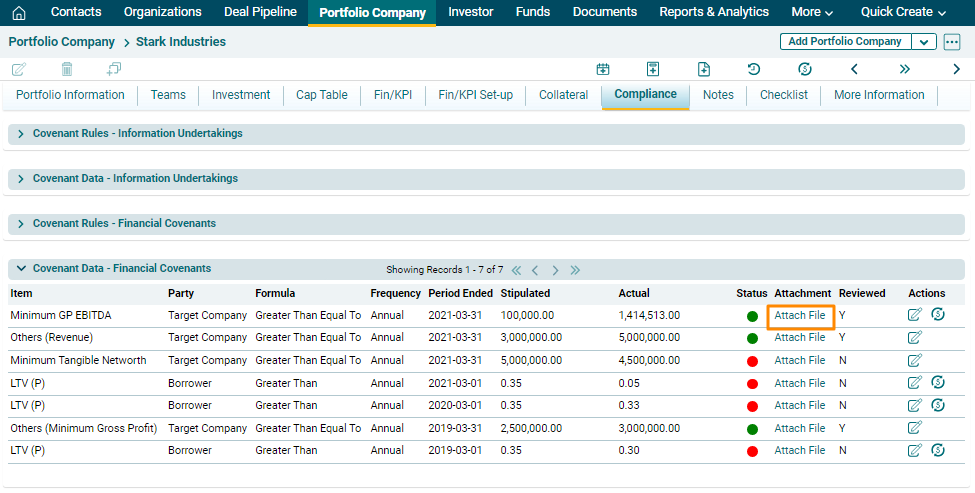
2. Click on Choose File button.

3. Choose the file. Click on Save.

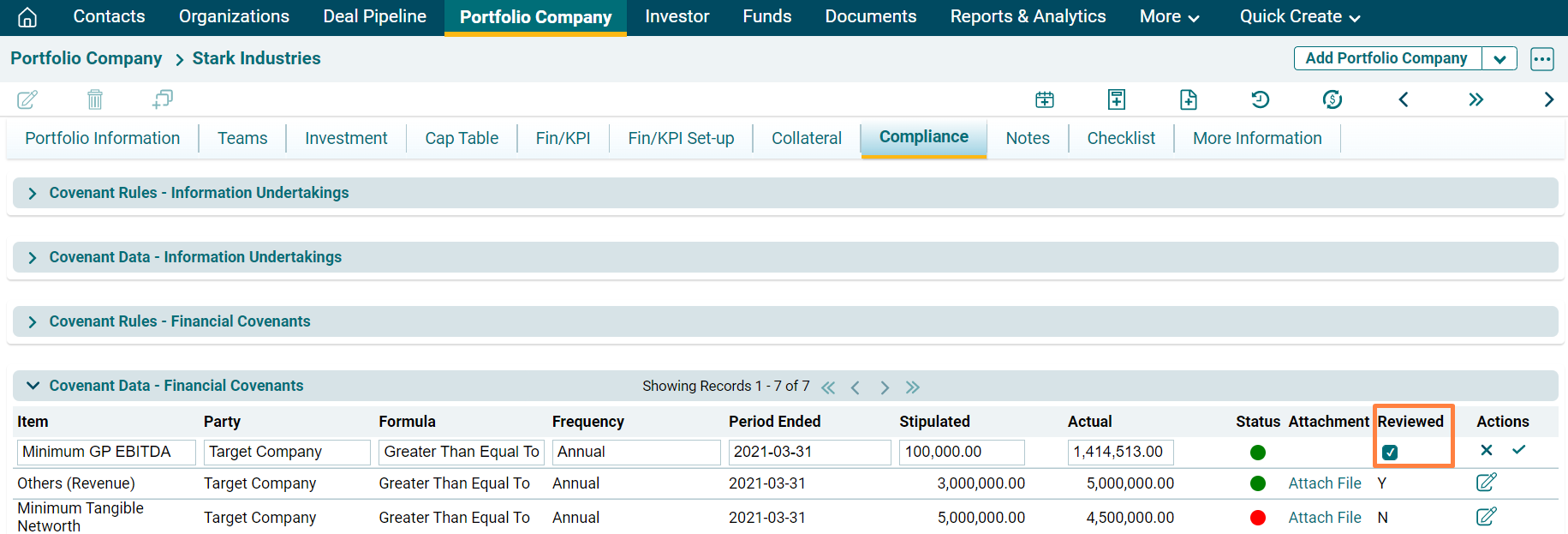
4. Click on Edit ( ) icon in the Action column. Update the details and click on Check (
 ) button to save.
Calculate
To calculate, follow the below steps:
1. Click on Calculate ( )
icon in the Action column.
)
icon in the Action column.
2. The field will be activated. Update the details and click the check button to save the details.
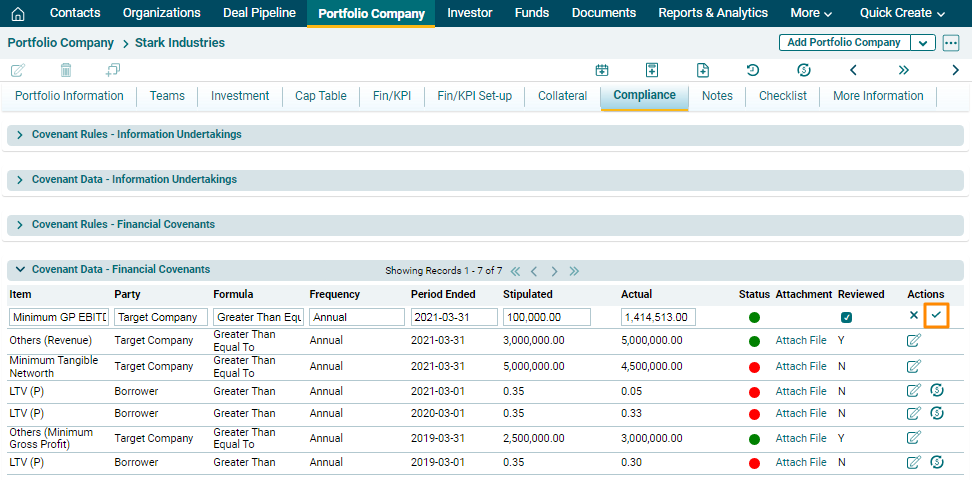
The status would be based on if Actual Value is Greater Than (Formula) Stipulated Value.
- Green if Actual Value is equal to or better than Stipulated Value.
- Red if Actual Value is worse than Stipulated Value.
- Yellow if either Stipulated Value or Actual Value is not available.