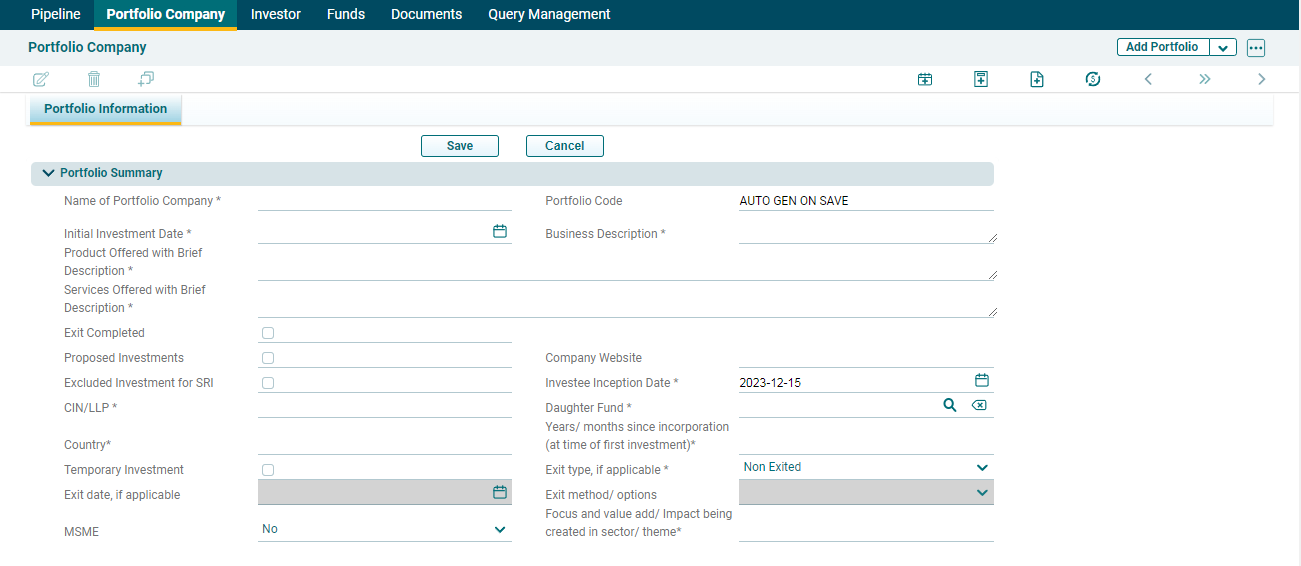
3. The Portfolio Information window is displayed. Update all the mandatory fields marked with an asterisk and click Save.
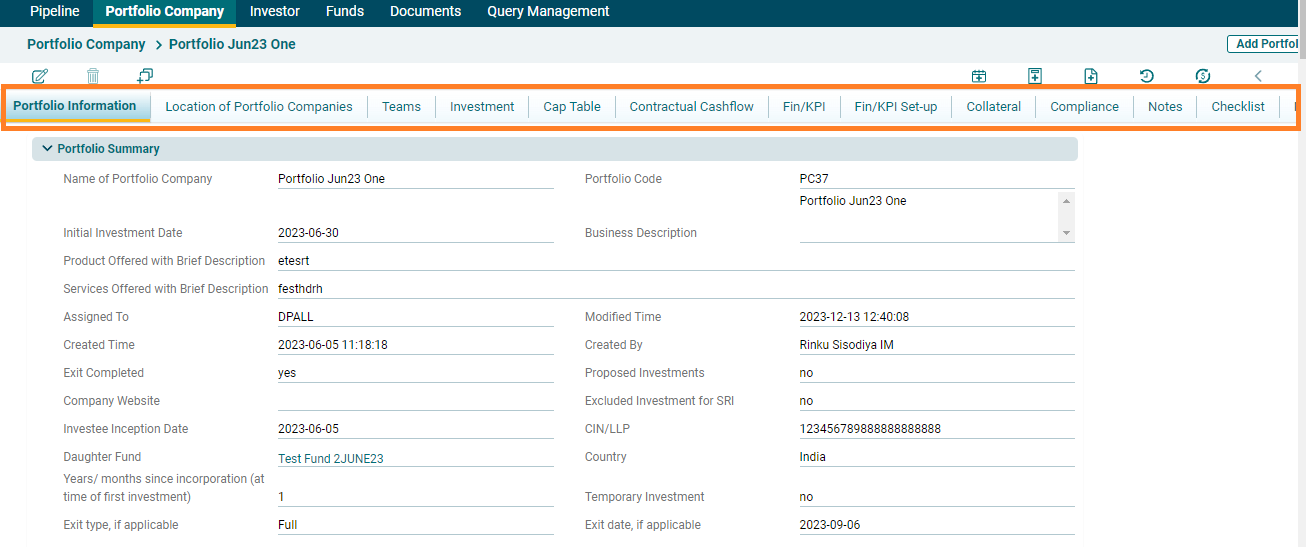
4. Once the Portfolio has been created, you will see different tabs here- Teams, Investment, Cap Table, Contractual Cashflow, Fin/KPI, Fin/KPI Setup, Collateral, Compliance, Notes, Checklist, and More Information. AIF user can fill in the required details by navigating to the respective tabs.
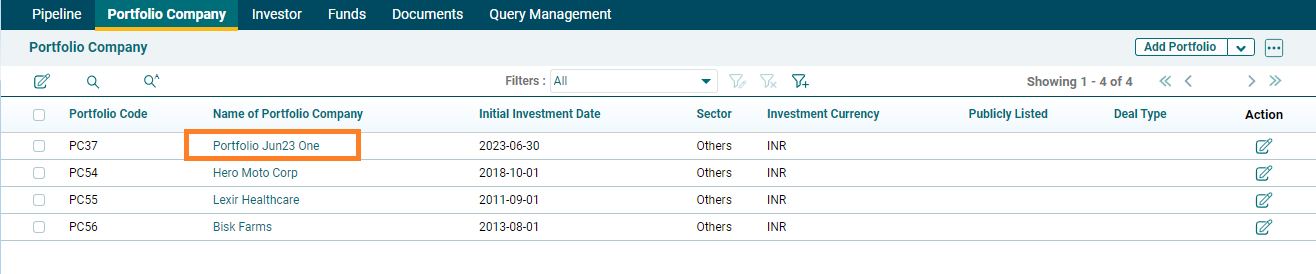
5. The created portfolio company can be accessed from the Portfolio Company menu. The company is visible on the Portfolio Company List View page.