List View
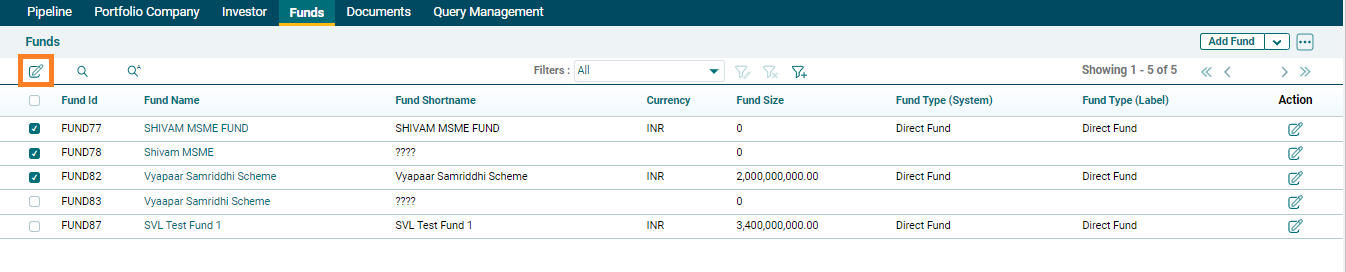
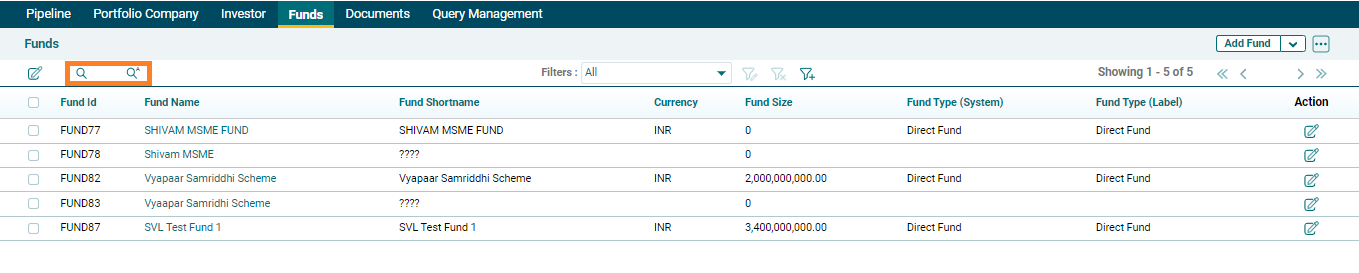
Once a deal is empaneled by SRI , the same gets converted into a fund and is visible under Funds Module in list view. The following details pertaining to a fund are visible in List View:
- Fund Id
- Fund Name
- Fund Shortname
- Currency
- Fund Size
- Fund Type (System)
- Fund Type (Label)

AIF user can also mass edit entire record field by following the steps below:
1. Select the multiple fund name by clicking on checkbox.
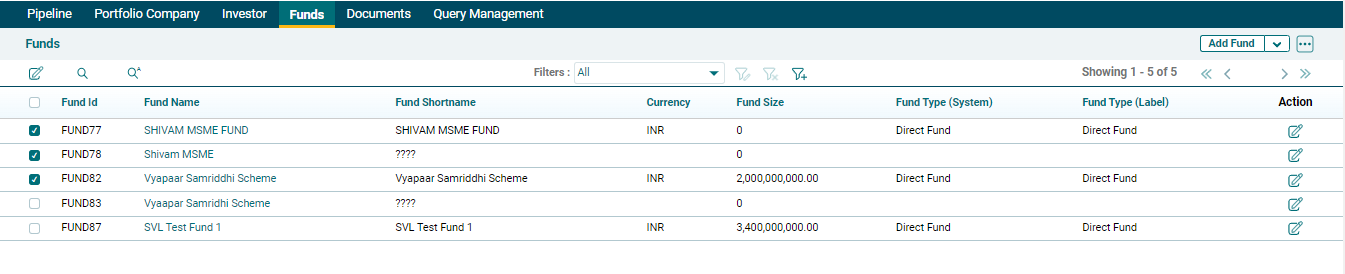
2. Click on edit icon on top left corner.