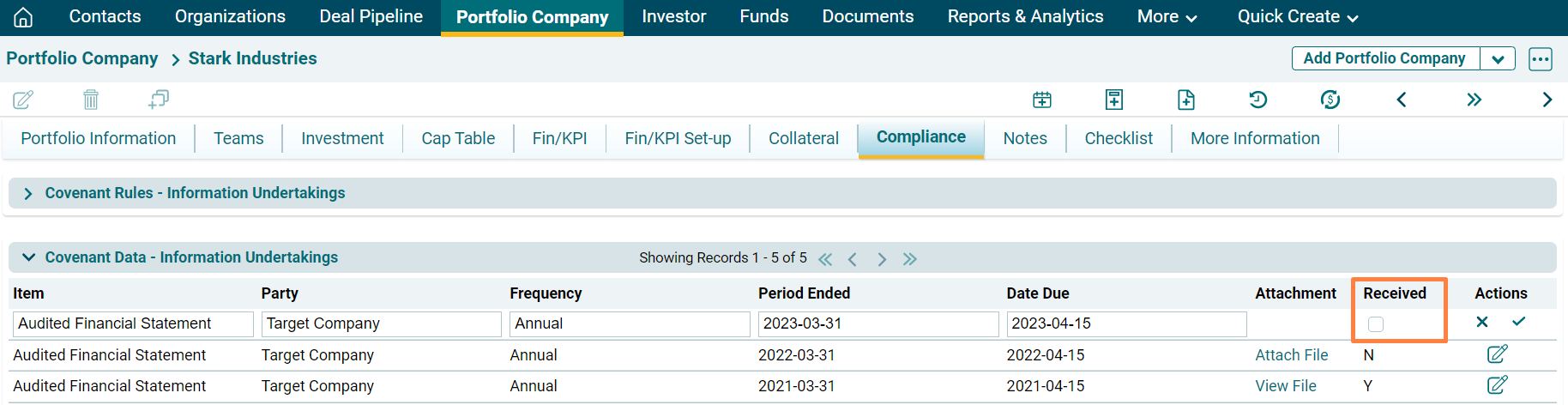
Information Undertaking - Covenant Data
Once the rule has been defined for an item in the Compliance Rules, the Compliance Data panel allows you to capture the required documentation associated with the compliance rule.
To attach a file, follow the below steps:
1. Click on Attach File in the Attachment column.
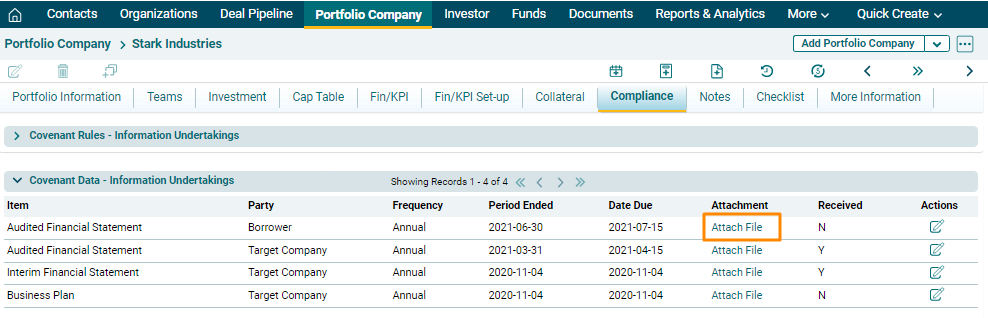
2. Click on Choose File button.

3. Choose the file. Click on Save. So upcoming Due date entries will be shown and Entries will be sorted in descending order on Due Date.

4. Click on Edit ( ) icon in the Action column. Update the details and click on Check (
 ) button to save.