Funds Administration
Key Person panel captures details of key members associated with the deal. The details included are:
- Name: Name of the member.
- Gender: Gender of the person.
The details of key persons gets auto-populated from DAF initially, AIF user can also add or remove any new person at a later stage.
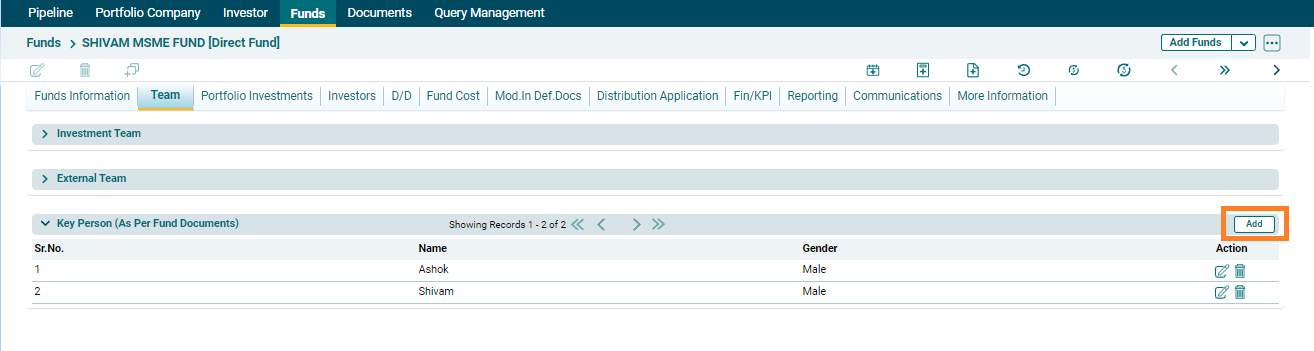
To add Key person, follow the below steps:
1. Click on the Add button in the top right corner.
2.  ) button from Actions column to save.
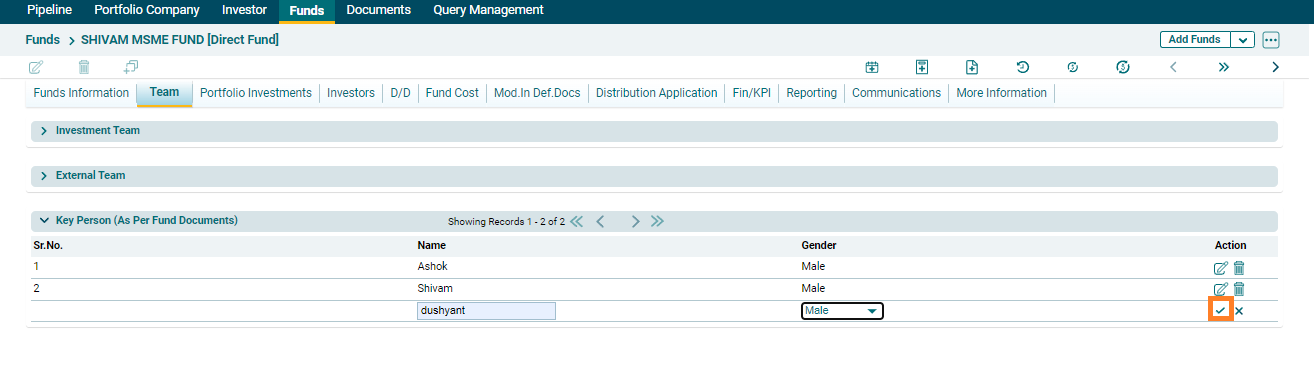
3. To edit a person's details, click on the Edit icon ( ) in the Actions column. After making the changes, click on Check (
 ) button to save.
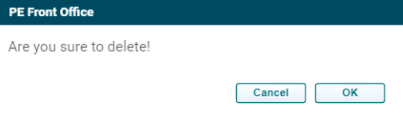
4. To delete person's details, click on the Delete icon ( ) in the Actions column. The delete window is displayed. Click OK to delete the member details.