
Funds Administration
Investment Committee
This functionality is specifically for SRI
This tab contains the
details of IC Meeting and IC members.
Investment
Committee Meeting
To add Investment
Committee Meeting, follow the below steps:
1. Click Add
button in the top right corner of the panel.

2. The Investment
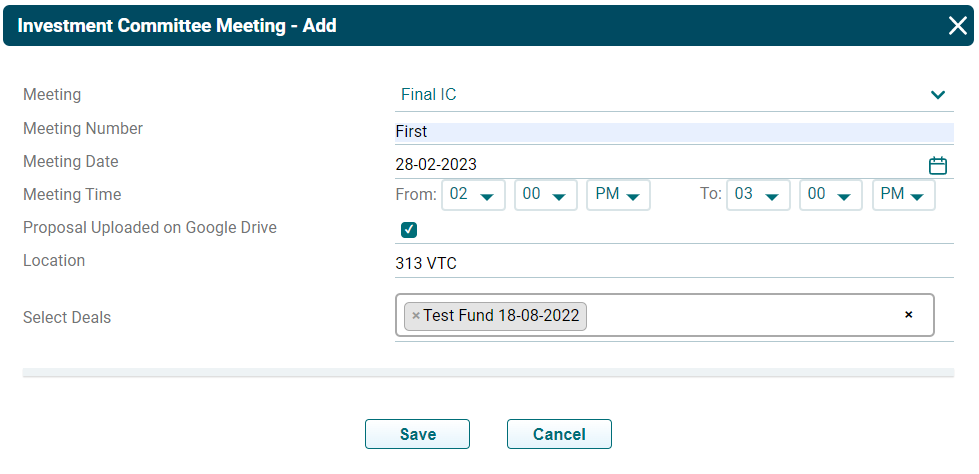
Committee Meeting-Add window is displayed. Specify the following details:
- Meeting: Specify the deal stage, i.e., Pre IC or Final
IC.
- Meeting Number: Specify the meeting number.
- Meeting Date: Specify the date of the meeting.
- Meeting Time: Specify the time of the meeting.
- Proposal Uploaded
on Google Drive: Check the box
if the proposal is uploaded to Google Drive.
- Location: Specify the location of the meeting.
- Select Deals: Select the deal for which meeting is to be held.
3. Click Save.
To view the meeting
details, click the Meeting Number. The Investment Committee Meeting-
View window is displayed.

To send a meeting
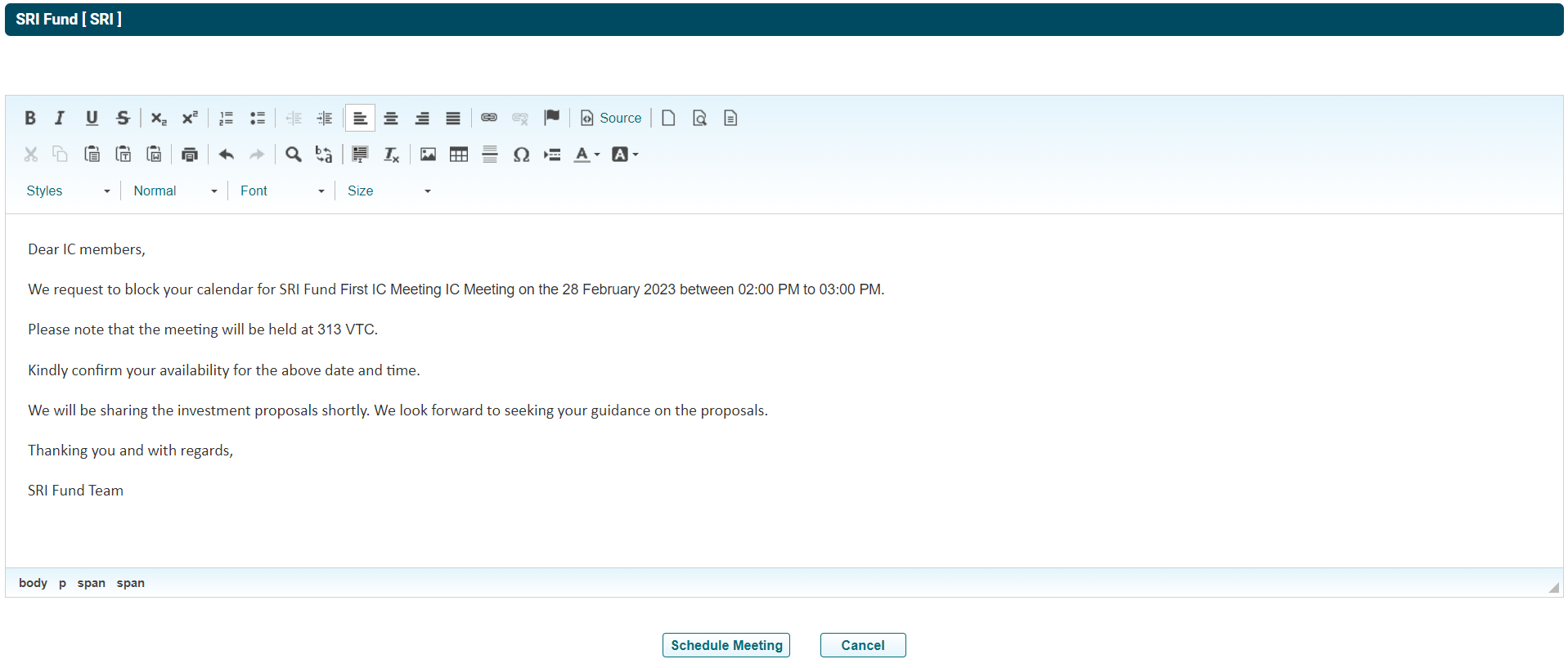
calendar invite, click on Send Meeting icon ( ). Email Preview is displayed.
Click Schedule
Meeting to send the invite.
Click Send Email
icon ( ) to send the deal details to IC members concerning which the meeting is
to be held.
) to send the deal details to IC members concerning which the meeting is
to be held.
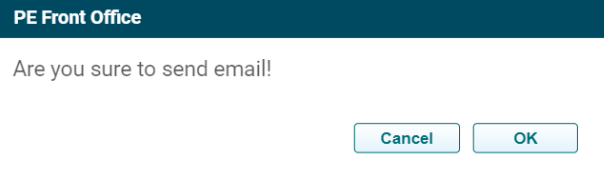
A new window is
displayed. Click OK to send the email.
Once the meeting is
held, the IC Recommendation panel under the Pre IC or Final IC tab will be
auto-populated, based on the Meeting chosen.
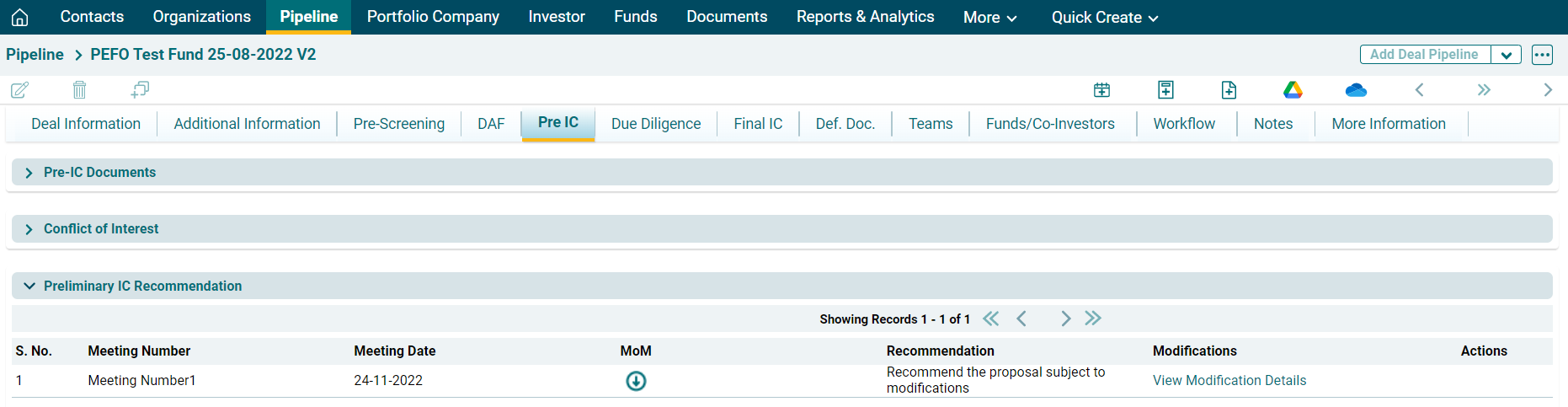
If the proposal is accepted with or without modifications, the deal will move to the next stage.
Click Edit or Delete
to make the changes.

To upload the minutes
of the meeting, click Choose File icon ( ). The Meeting MoM File window
is displayed. Click Choose File.
). The Meeting MoM File window
is displayed. Click Choose File.

Upload the file. Click Save.

To download the
minutes, click on the Download icon ( ).
).