
Funds Administration
Class of Investors
This panel defines the various classes of investors for the Fund.
To add a class of Investor, follow the steps below:
1. Click on Add button in the top right corner of the panel.
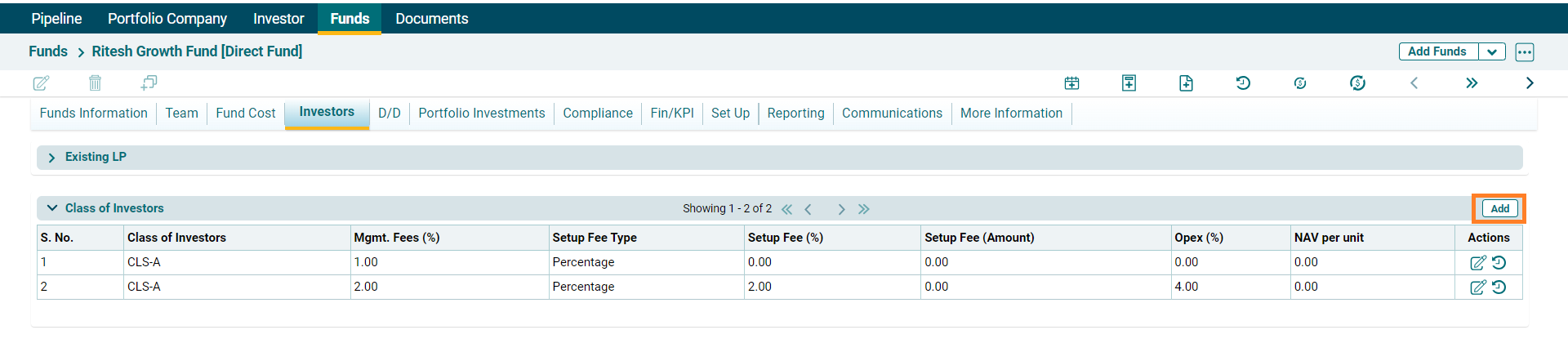
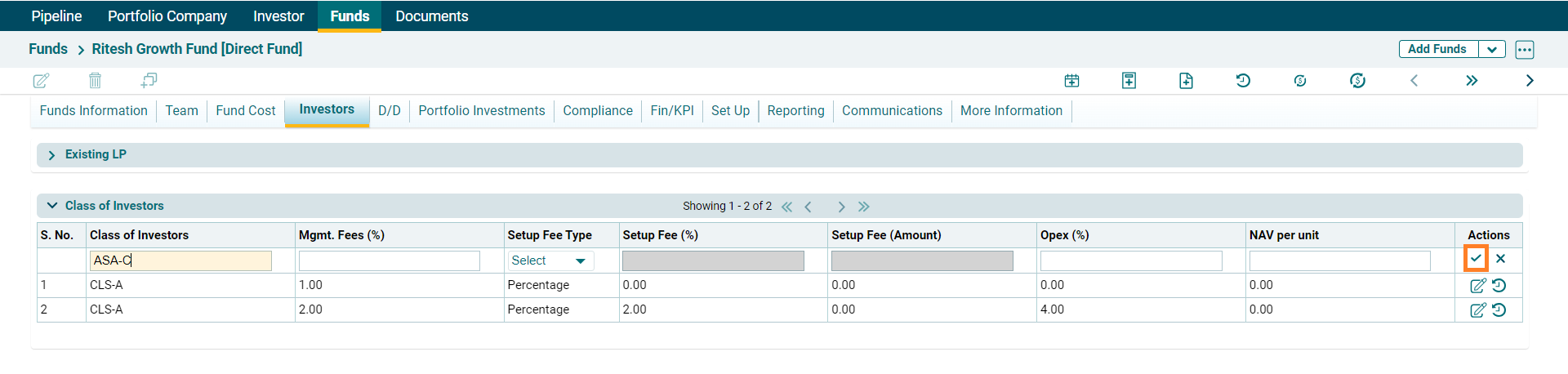
2. Enter the following details:
- Class of Investors: Specify the class of investors.
- Mgmt. Fees (%): Specify the percentage of management fees.
- Set up Fee Type: Specify the set up fee type, whether it will be paid as a percentage or fixed amount.
- Setup Fee (%): Specify the percentage of setup fee if setup fee type is to be given as a percentage.
- Setup Fee Amount:
- Opex (%): Specify the percentage of operational expenses.
- NAV Per Unit: Specify the NAV per unit.
3. Click on Check button to save the details.
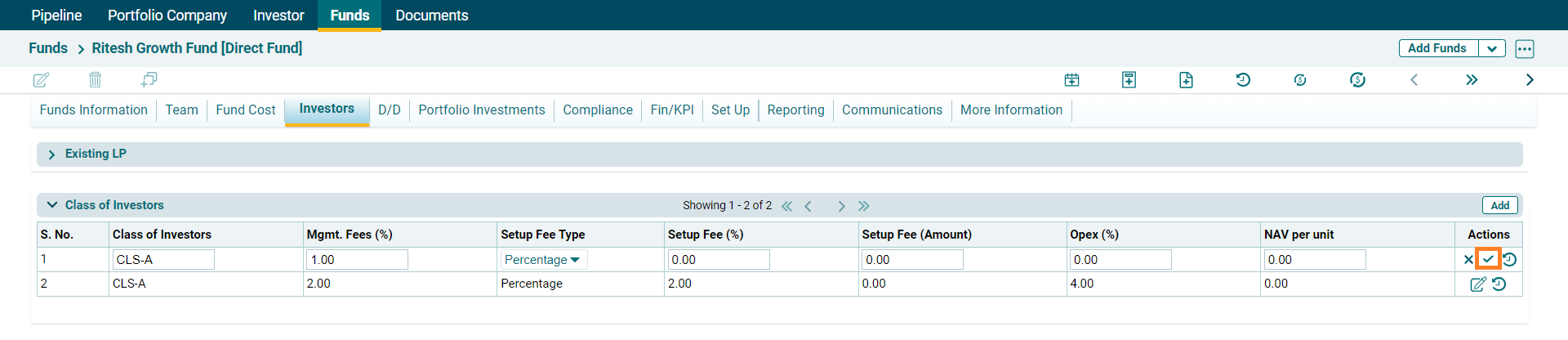
4. To edit a class of
investors details, click on the Edit icon ( ) in the Actions Column. Update and
click on Check button to save the details.
) in the Actions Column. Update and
click on Check button to save the details.
5. To view History, click
on the History button ( ) in the Actions column.
6. A new window is displayed with the Class of Investors history.
