Funds Administration
Portfolio Expected Cashflow
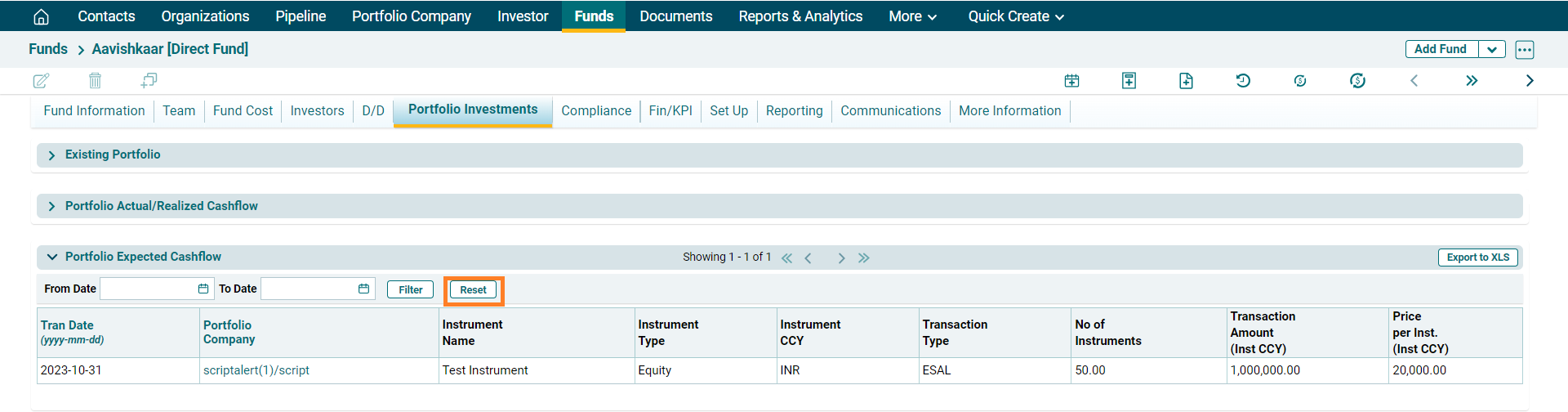
Portfolio Expected Cashflow panel allows you to view the expected cashflows from various Portfolio Company investments. This panel is populated from the Portfolio Company module. This panel is applicable to Direct Fund, Master Fund, Fund SPV, and Fund of Funds. The details included are:
- Trans Date: Displays the transaction date, i.e. date on which realization was made.
- Portfolio Company: Displays the Portfolio Company name in which investment was made.
- Instrument Name: Displays the instrument in which investment was made.
- Instrument Type: Displays the instrument type, i.e. Loan, Equity, PS, Bond, Options, or Convertible Note.
- Instrument CCY: Displays the instrument currency.
- Transaction Type: Displays the fund currency.
- No. Of Instruments: Displays the number of instruments.
- Transaction Amount (Inst CCY): Displays the total transaction amount in instrument currency.
- Price Per Inst (Inst CCY): Displays the price per instrument in instrument currency.
Filter
To filter realization cashflows for a
specific period, specify the dates and click on Filter button on the horizontal bar on top of the panel.
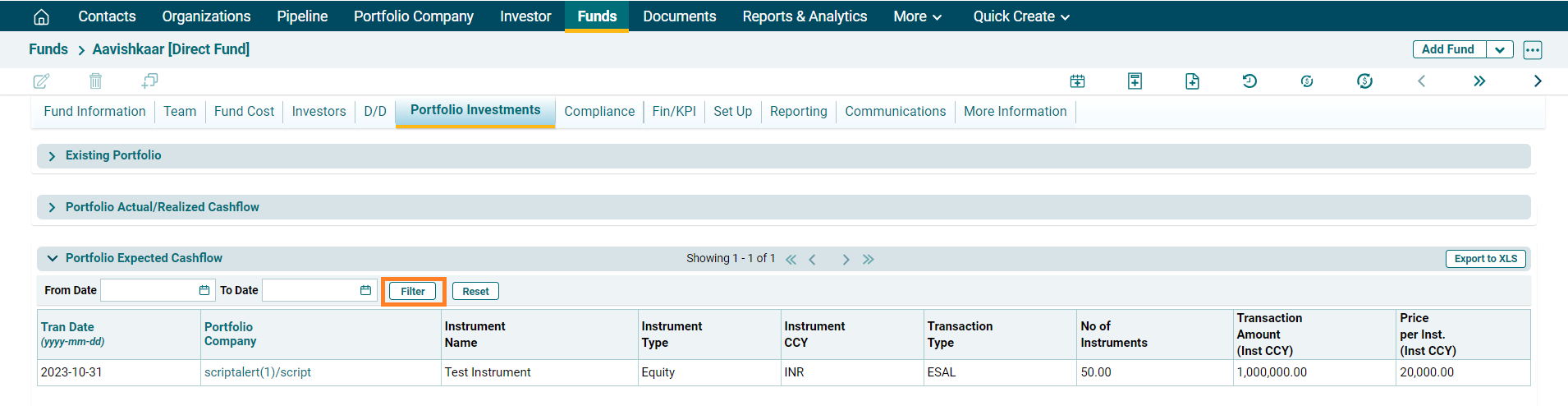
The transactions for the period will be displayed.
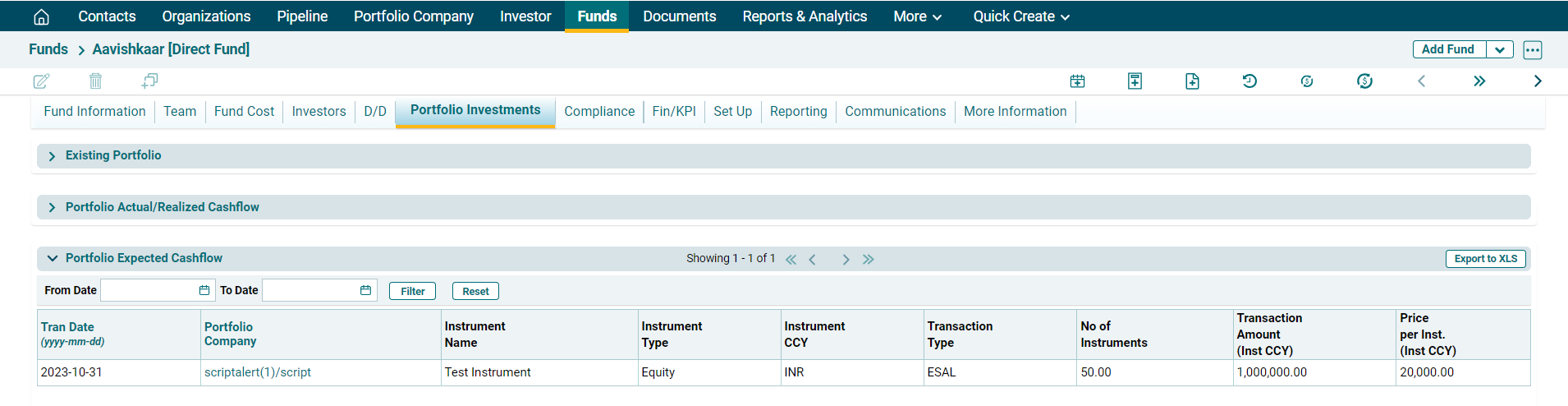
Reset
To Reset the filters, click on Reset button on the horizontal bar on top of the panel. The dates will be reset.