
Funds Administration
Fin/KPI Parameters
To set up Fin/KPI Parameters, follow the below steps:
1. Click on the Fund Information tab. Scroll down to the Fin/KPI Set up panel.
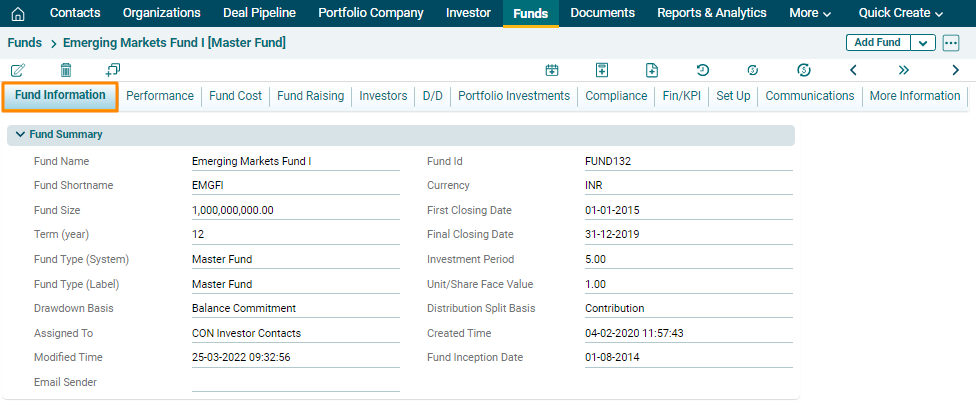
2. You can set up Fin/KPI parameters while creating the Fund, or you can click on Edit ( ) button and set up the parameter later.

3. Click on Save after entering the details. It appears in the Fund Information tab under Fin/KPI setup panel.
