
Valuation History
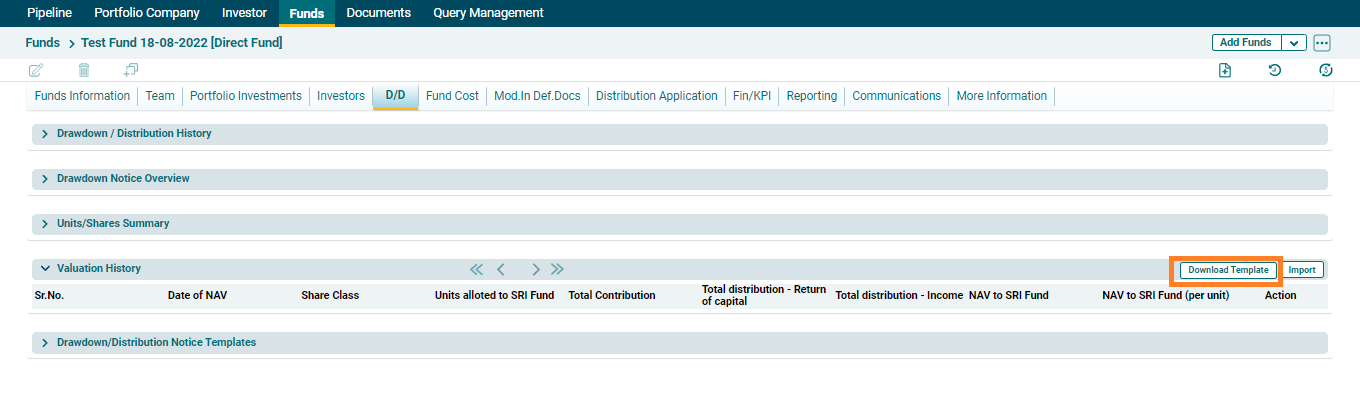
Valuation History panel allows users to capture the total valuation of DF and also the valuation share of SRI Fund
To download and import Valuation History, follow the below steps:
1. Click on Download Template button on the top right corner of the panel.
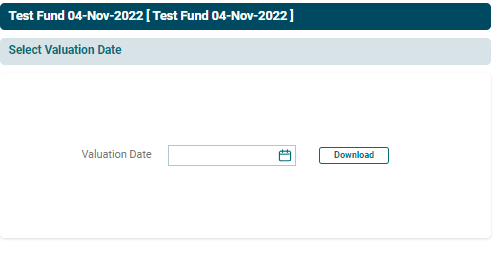
2. Choose the date then click on Download.
Import Data
1. To import data click on Import on top right corner.

2. Choose the file then click on Import.

3. To delete Valuation History, click on the Delete icon ( ) in the Actions column. The delete window is displayed. Click OK to delete.
