Funds Administration
Units/ Shares Summary
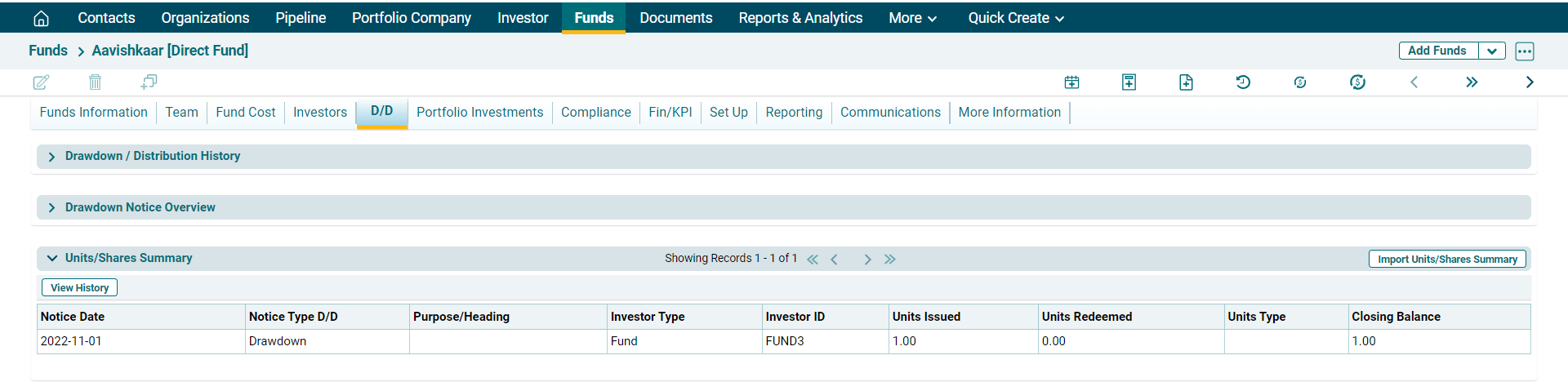
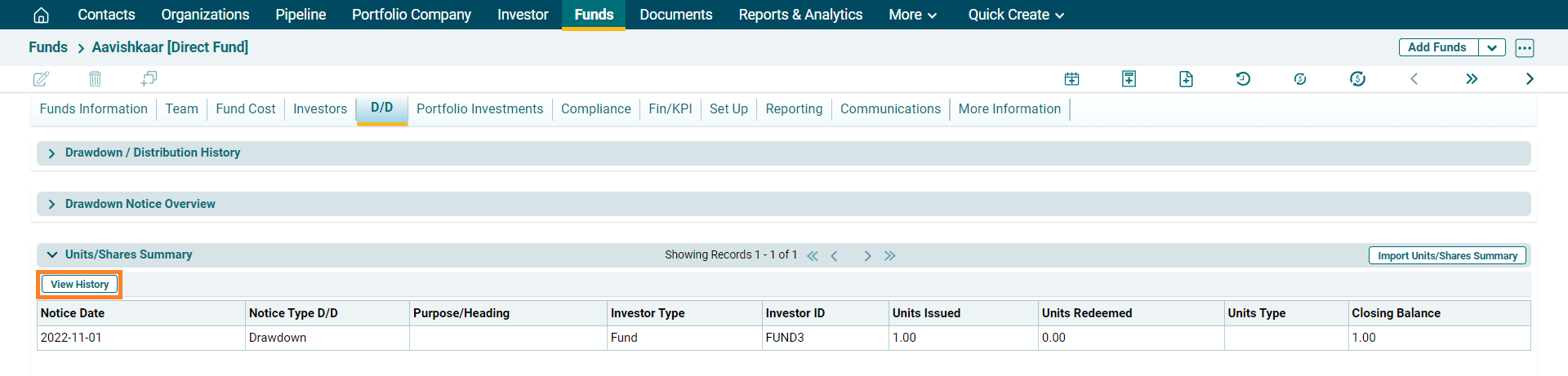
Units/ Shares Summary panel allows you to capture the details of units issued to and redeemed by investors. The details included are:
- Notice Date: Displays the notice date.
- GL Due Date: Displays the due date for making payment.
- Purpose/ Heading: Displays the purpose.
- Investor Type: Displays the investor type, i.e. Investor or Fund.
- Investor ID: Displays the Investor ID.
- Units Issued: Displays the number units issued to the investor.
- Units Redeemed: Displays the number of units redeemed by the investor.
- Unit Type: Displays the Units Type.
- Closing Balance: Displays the closing balance of the units lying with the investor.
Import Units/ Shares Summary
To import units/ shares summary, follow the below steps:
1. Click on Import Units/ Shares Summary button on the horizontal bar on top of the panel.
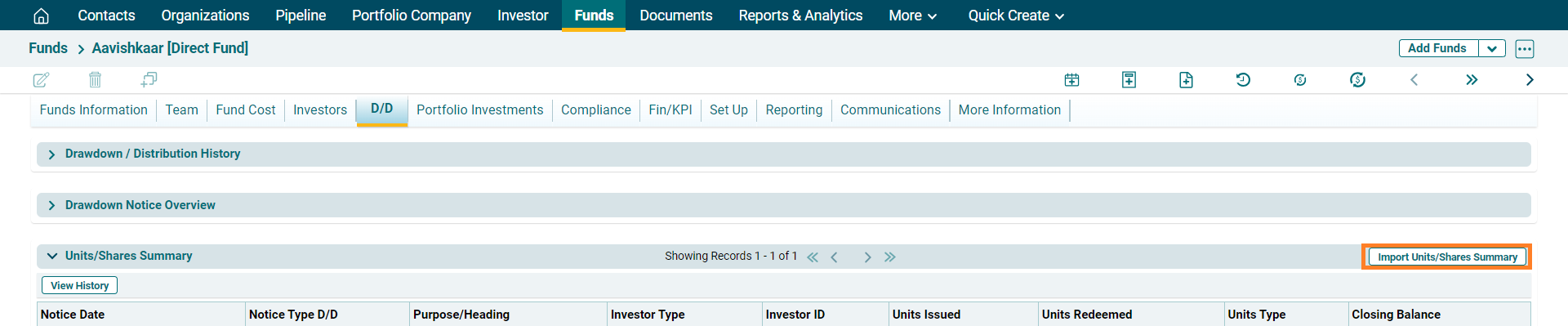
2. The import Unit Share Summary is displayed. Click on Choose File button.

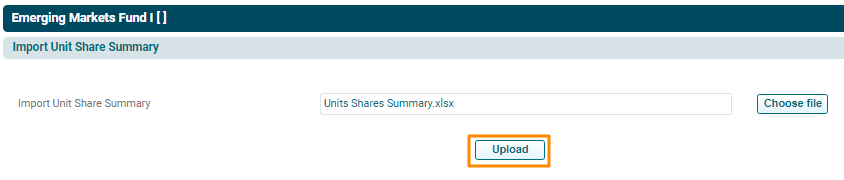
3. Choose the file. Click Upload.
4. The Units Shares Summary will populate based on the uploaded file.
View History
To view history of Units/ Shares summary, follow the below steps:
1. Click on View History button on the horizontal bar on top of the panel.
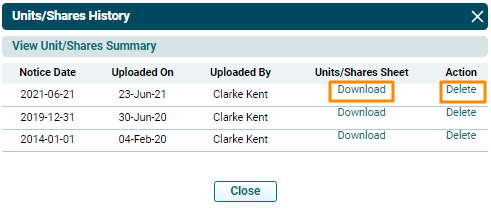
2. The View Units/ Shares Summary window is displayed. To download summary on a specific date, click on Download button. The Excel file will download. To delete summary on a specific date, click on Delete button in the Action Column.
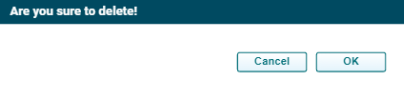
3. The Delete window is displayed. Click OK to delete the file.