User Login History
PE Front
Office allows you to view login history of a user. .
To view User Login
History, follow the below steps:
1. Click on CRM
Settings icon  ) in the upper right corner.
2. In the Users
and Access Management panel, click on User Login History.

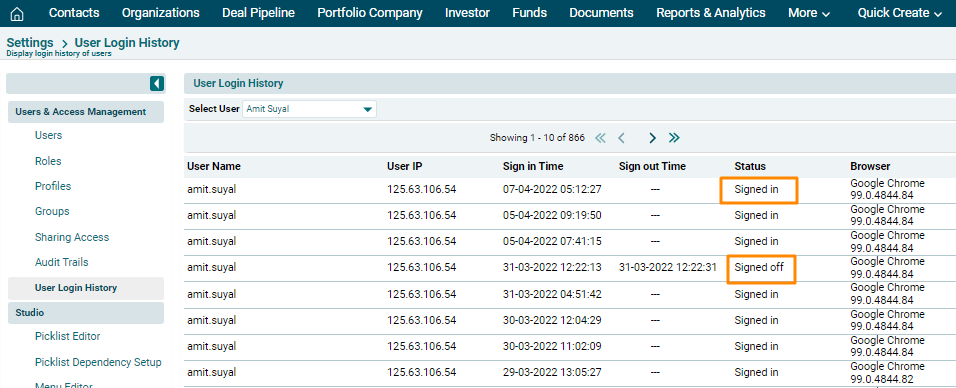
3. The User Login History window is displayed. Select a user from the dropdown.

4. The user history is displayed with User ID, IP Address, Sign in time, sign out time, status, and browser used.
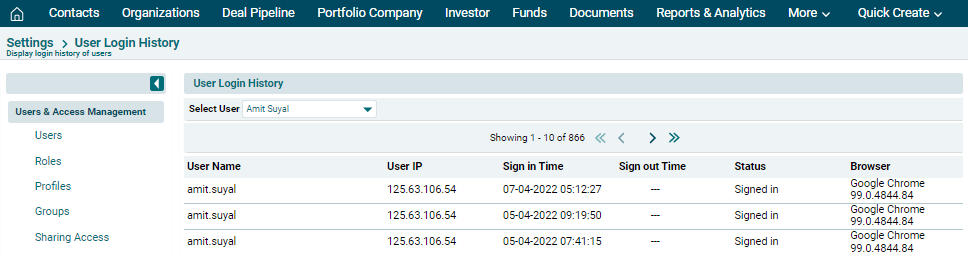
5. The Status and Sign out time columns are updated only if the user signs out of the system, instead of closing the browser window.