Company Details
You can also save your company details in PE Front Office.
To modify Company details, follow the below steps:
1. Click on CRM
Settings icon ( ) in the top right corner of the panel.
2. In the Communication
Templates, click on Company Details.
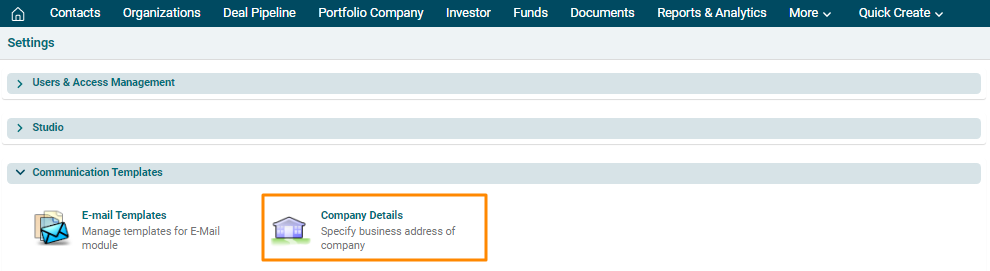
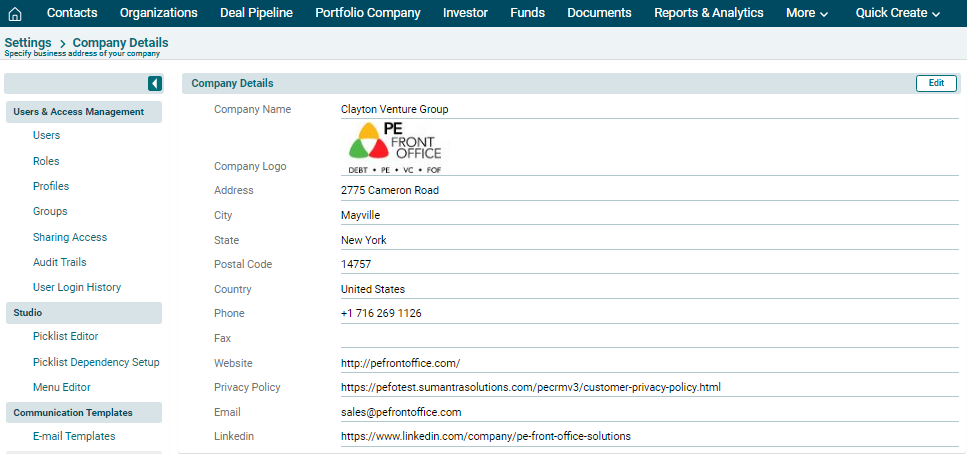
3. The Company Details window is displayed. The
details included are:
- Company Name
- Company Logo
- Postal Address
- Website
- Privacy Policy
- LinkedIn Link
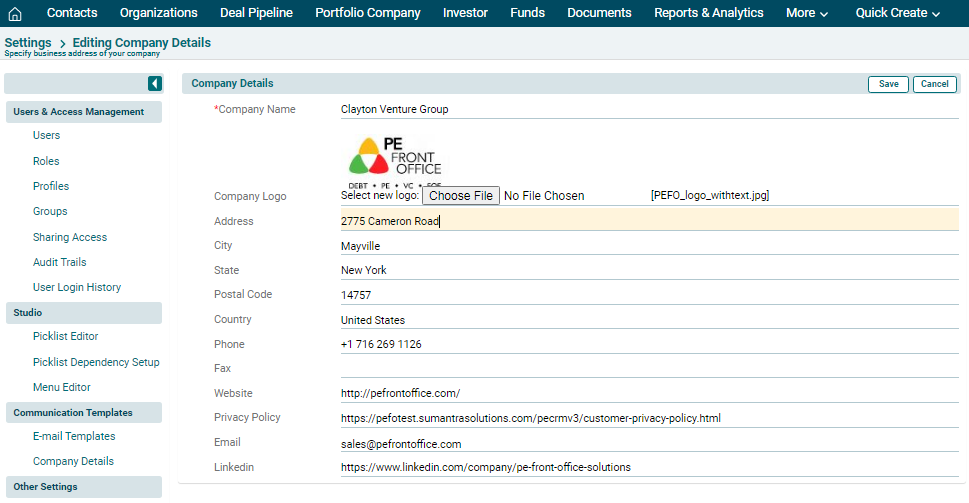
4. To edit details, click on
Edit ( ) button in the top right corner of the panel. Update the details and
click Save.
) button in the top right corner of the panel. Update the details and
click Save.