
System Administration
Menu Editor
Menu Editor allows you to choose the modules which shall appear on the blue horizontal bar as you log in. It allows you to place your most-visited modules for ease access and navigation. You can easily switch between modules. You can also change their positions as per your convenience.
To configure a menu, follow the below steps:
1. Click on CRM
Settings icon ( ) in the top right corner of the panel.
2. In the Studio panel, click on Menu Editor.
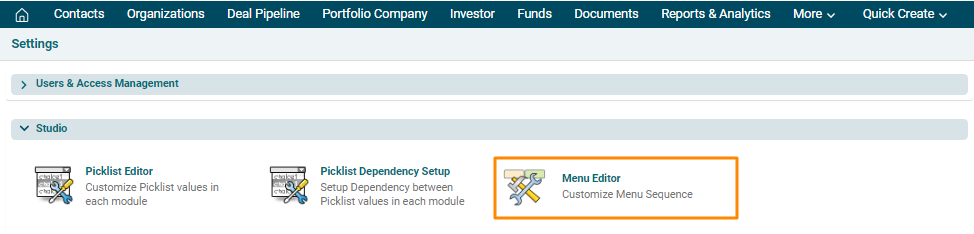
3. A new window is displayed. Click on the module you wish to add and press the right-facing arrow button to select the module. Click Save.
