Deal Pipeline
Preliminary IC Draft Commitment Letter
This functionality is specifically for SRI
This panel contains
details about the Draft Commitment Letter.
Once the deal is
recommended, it moves to next stage.
To make it official, a
draft commitment letter is sent to the AIF.
The legal team drafts
the letter. The Legal Team member can be added under the Due Diligence tab.
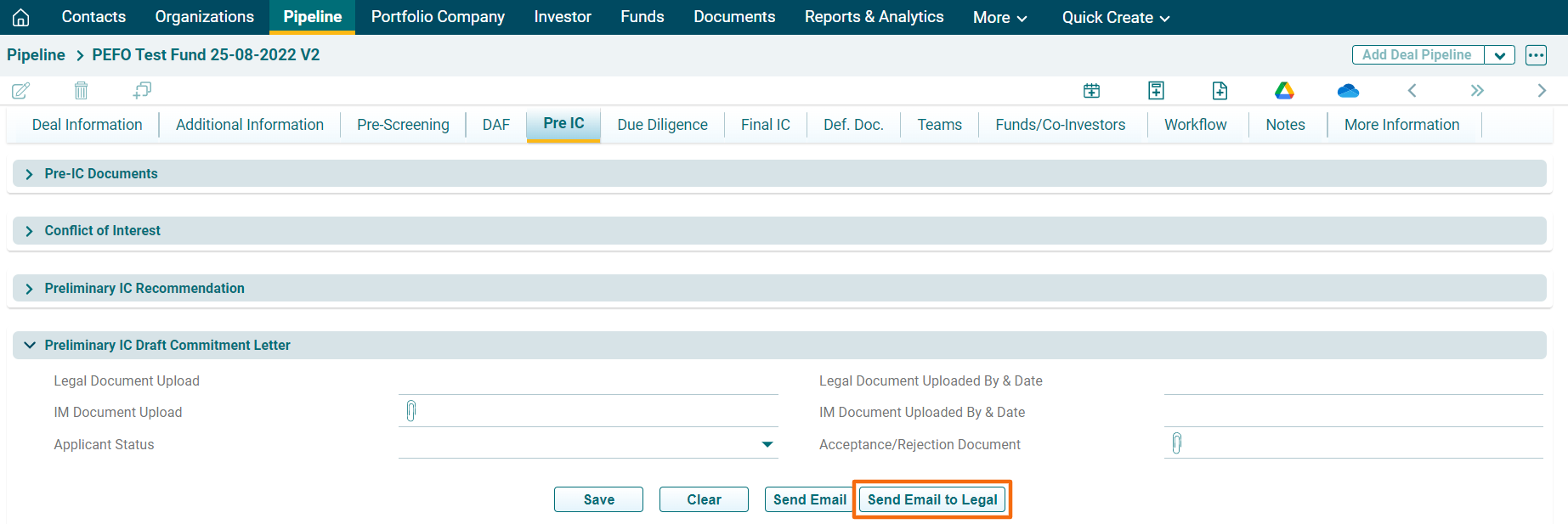
Click Send Email to
Legal button to auto-send an email to the legal team regarding the commitment
letter drafting.
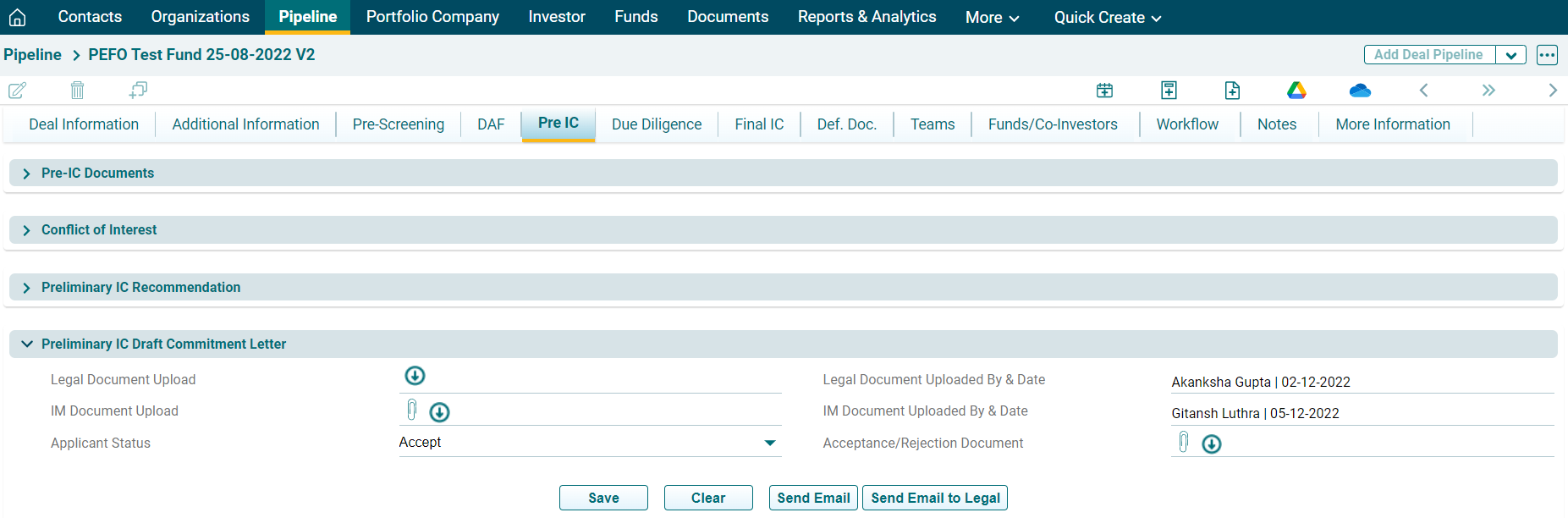
In Pre IC Draft
Commitment Letter, there are following fields:
- Legal Document
Upload: The legal team drafts
and uploads the commitment letter document. Click on Download icon (
 ) to
download the document.
) to
download the document. - Legal Document
Uploaded By & Date: It is
an auto-populated field, which displays who uploaded the document and when.
- IM Document Upload: To upload the draft commitment letter for AIF’s
perusal, click Choose File icon (
 ). Click on Download icon (
 ) to
download the document. Click Send Email
button (
) to
download the document. Click Send Email
button ( ) to send an email to the AIF for document acceptance.
 - IM Document
Uploaded By & Date: It is
an auto-populated field, which displays who uploaded the document and when.
- Applicant Status: Update Applicant Status to Accept/Reject once
the AIF reverts.
- Acceptance/
Rejection Document: Whether
the Applicant accept/s rejects, the acceptance/ rejection document is uploaded.
To upload the Acceptance/Rejection Document, click Choose File icon (
 ).
Click on Download icon (
).
Click on Download icon ( ) to download the document.
Click Save.