Deal Pipeline
Final IC
This functionality is specifically for SRI
This tab contains
details regarding the Final IC stage. It has two panels which have been
described below along with their fields.
This tab appears once
the Deal Stage is updated to Final IC from Deal Information Tab.
Final IC
This panel allows you
to upload Final IC documents.
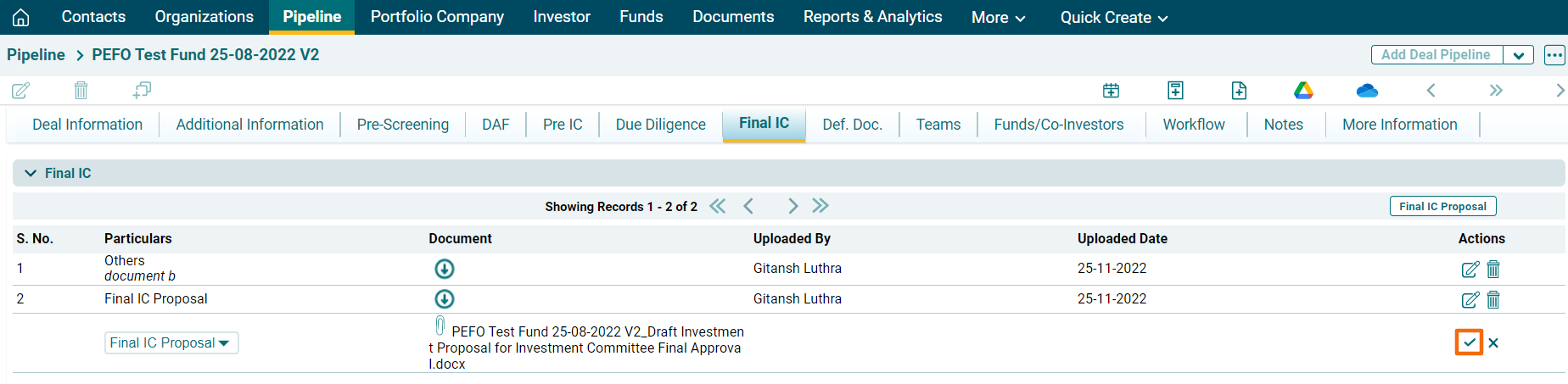
To upload the Final IC
proposal, follow the below steps;
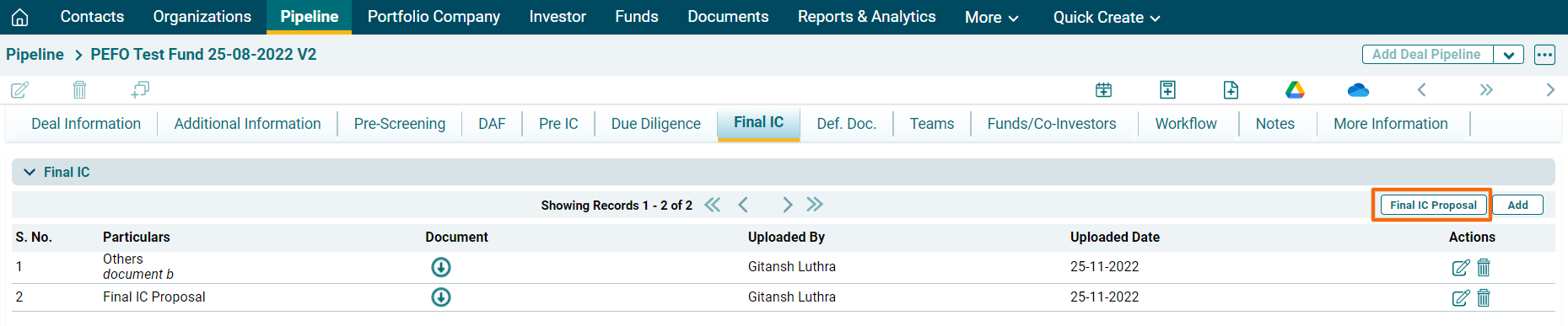
1. Click on Final IC
Proposal button in top right corner of the panel.
2. The document will download.
Make the necessary changes and update the proposal.
To add the documents,
follow the below steps:
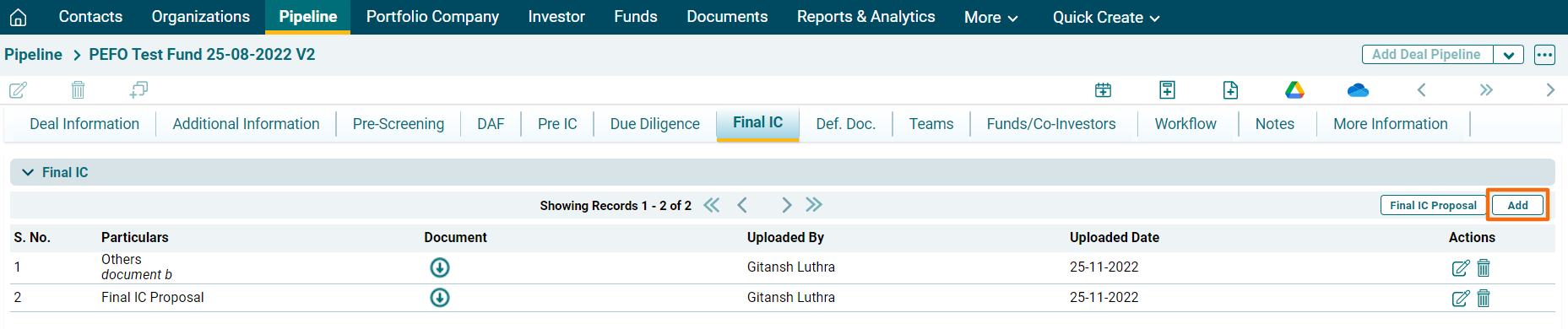
1. Click on Add button in
the top right corner of the panel.
2. Select the document to
be uploaded, i.e., Final IC or Others.
3. Click on Choose File icon
( ).
).
4. Click Save.