Deal Pipeline
Meeting Report
This functionality is specifically for SRI
This
report contains details about the meeting that have been held and are scheduled
to happen related to a Deal Pipeline.
To download the report, follow the below steps:
1. Click on Deal Pipeline in the main menu.

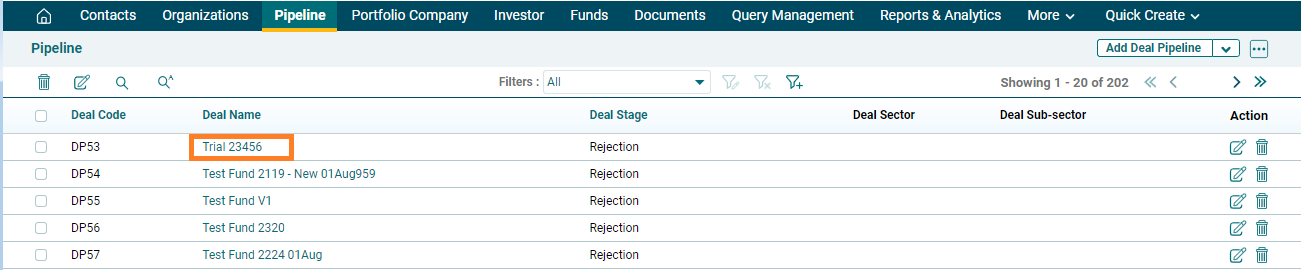
2. Click on
the Deal Name for which report has to be downloaded.
3. Click on
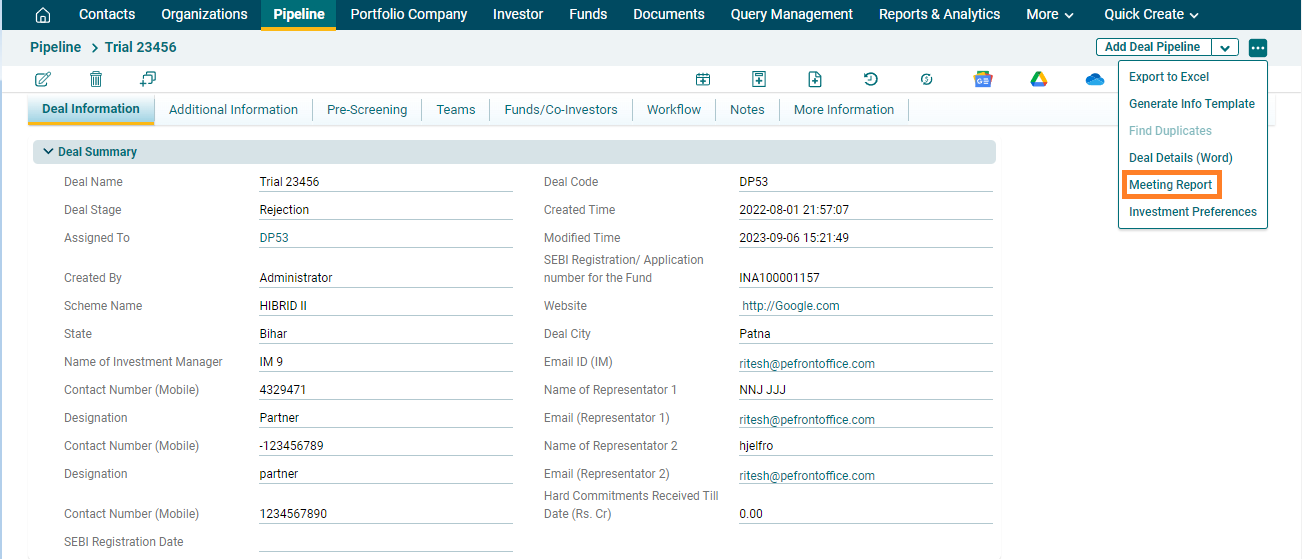
the three dot menu in the top right corner. Click on Meeting Report. The Excel file will download.