
Deal Pipeline
Deal Empanelment
This functionality is specifically for SRI
Once the definitive documents have been submitted and verified, the pipeline will be empanel.
To empanel a pipeline, follow the below steps:
1. Click on Pipeline in the main menu.

2. Click on the Deal name.

3. Click on Edit icon in the top left corner.
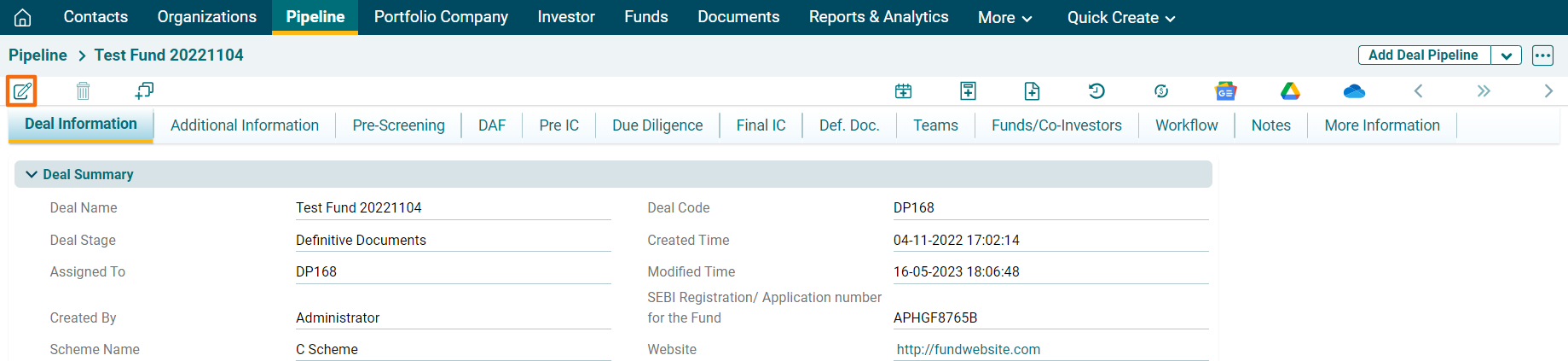
4. In the Deal Stage dropdown, click on Empaneled.
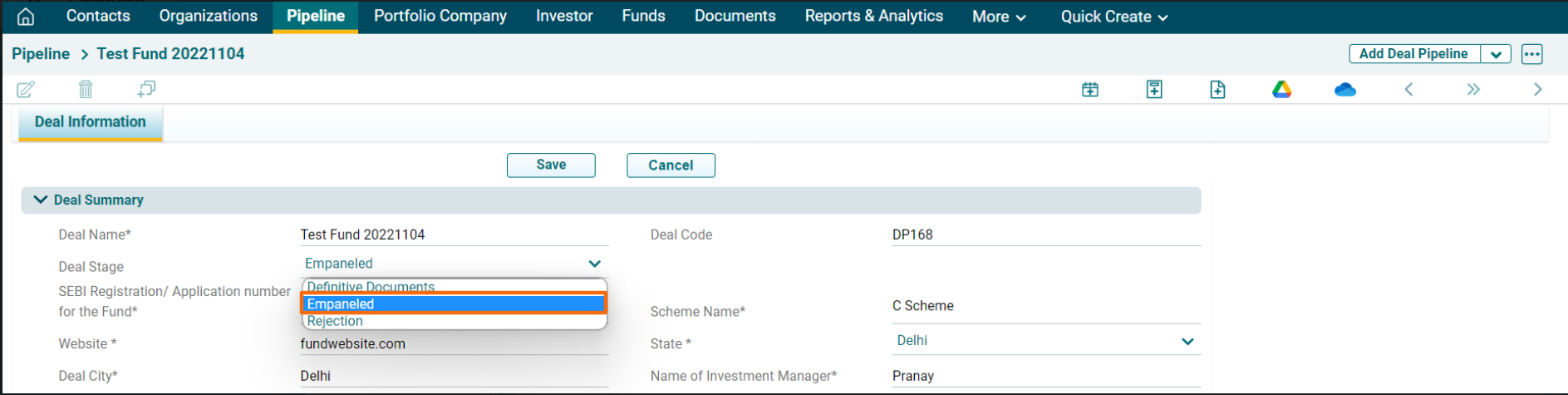
5. Click Save.
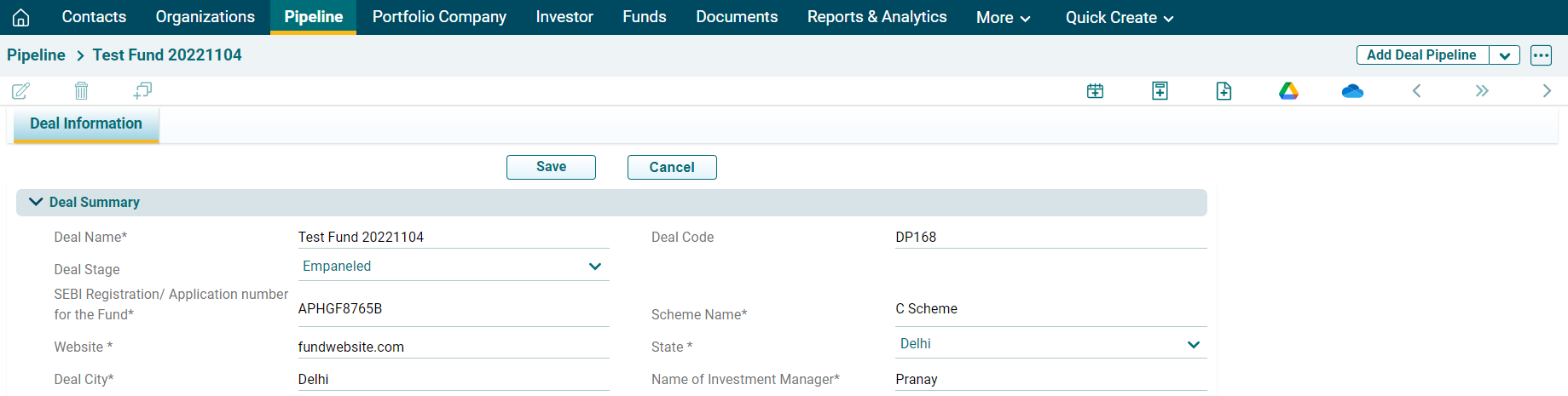
The pipeline will be empaneled as an approved Direct Fund and will be visible to AIF under the Funds module.