Investor Management
Investment In Other Funds
The Investment in Other Funds panel allows you to add details of investments made by the investor in other funds. The details included are:
- Fund Name: Displays the fund name in which investment has been made. Choose from the drop down list.
- Year Of Investment: Displays the year of investment.
- Currency: Displays the fund currency.
- Amount: Displays the investment amount.
- Notes: Enter notes, if any.
To modify Investment in Other Funds details, follow the below steps:
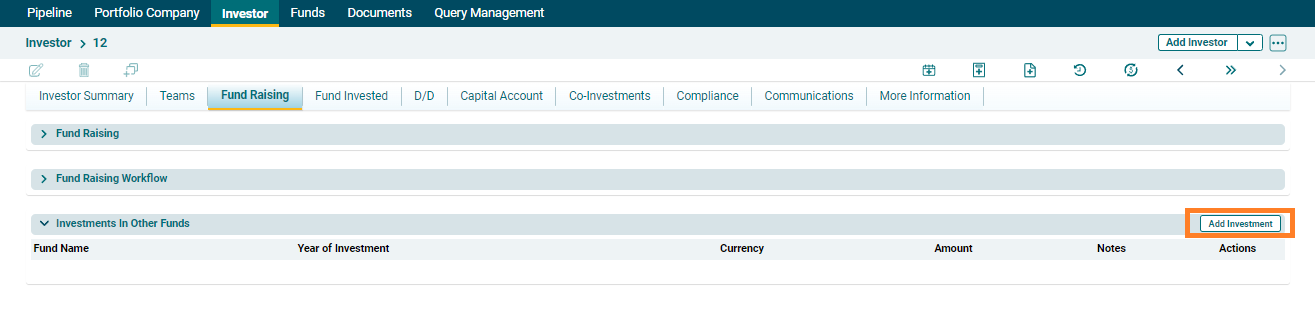
1. Click on the Add Investment button in the top right corner of the panel.
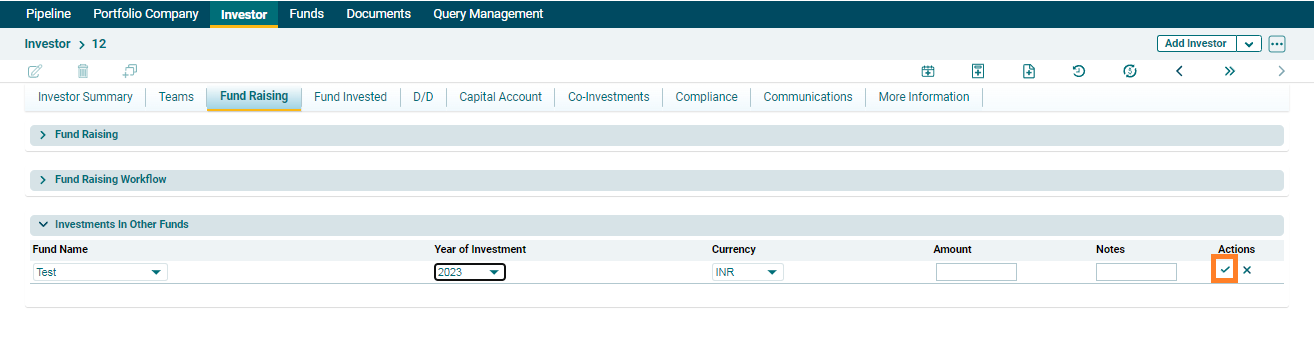
2. Update the details and click Check( ) button from Actions column to save.
3. To edit other fund details, click on
the Edit icon ( ) in the Actions column. Update the
details and click on Check (
) in the Actions column. Update the
details and click on Check ( ) button to save.
4. To delete other fund details, click on
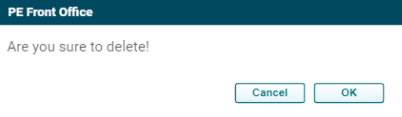
the Delete icon ( ) in the Actions column. The delete window is displayed.
Click OK to delete the other fund details.
) in the Actions column. The delete window is displayed.
Click OK to delete the other fund details.