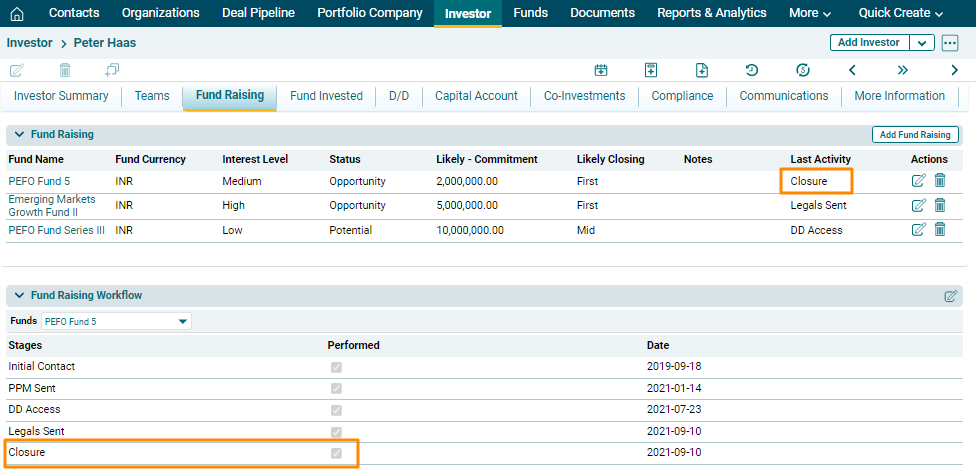
Fund Raising Workflow
The Fund Raising Workflow panel allows you to capture the stages of fundraising that an investor goes through during the investment process in a fund.
To edit a workflow, follow the below steps:
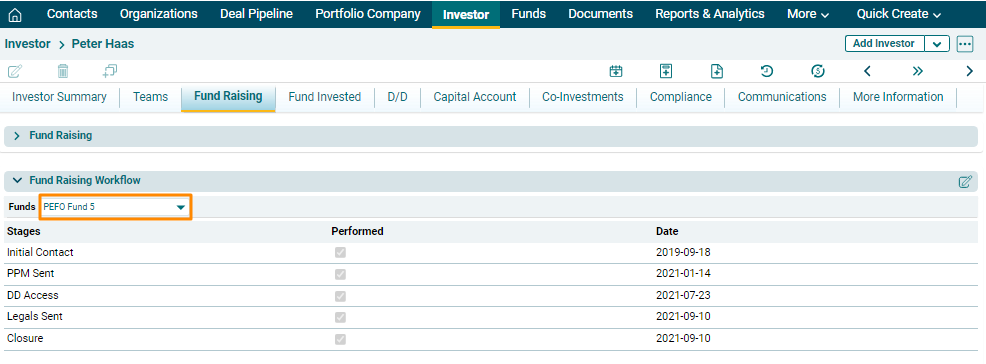
1. Select the fund from the dropdown for which you are updating the workflow.
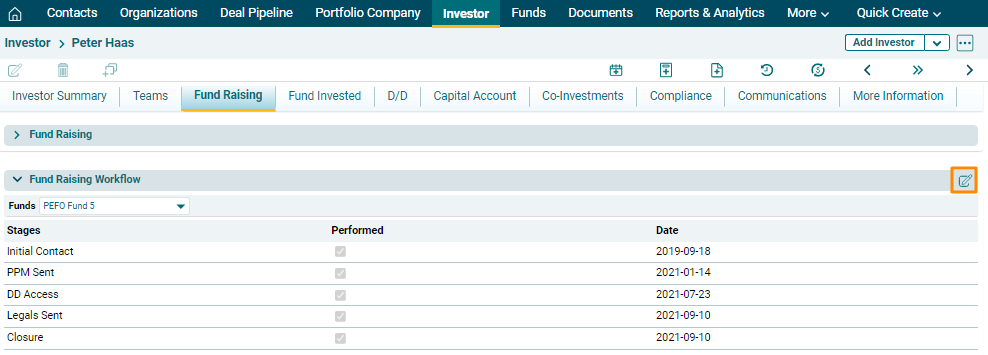
2. Click on Edit ( ) icon in the top right corner of the
panel.
) icon in the top right corner of the
panel.
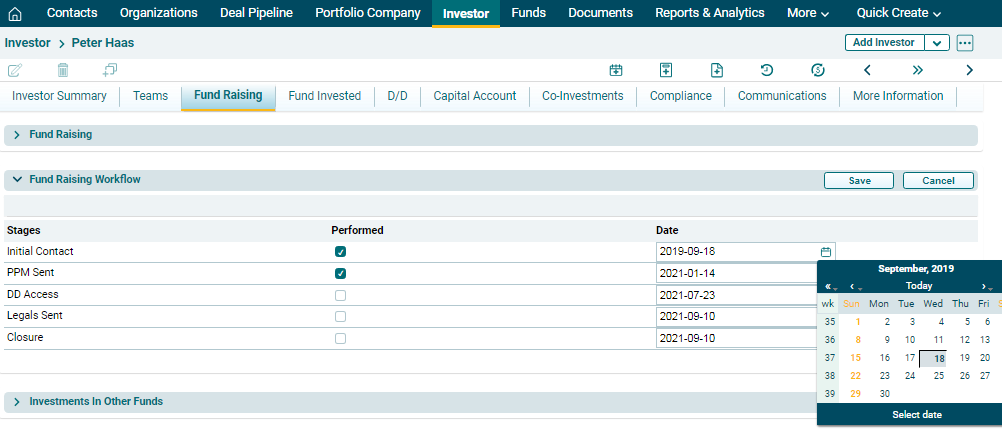
3. The fields will be activated. Click the checkbox against the stages which have been completed and enter the date on which it was completed. Click Save.
4. Based on the stage completed, the Last Activity column in the Fund Raising panel will be populated.