Duplicate An Investor
To
duplicate an investor in Record View, follow the below steps:
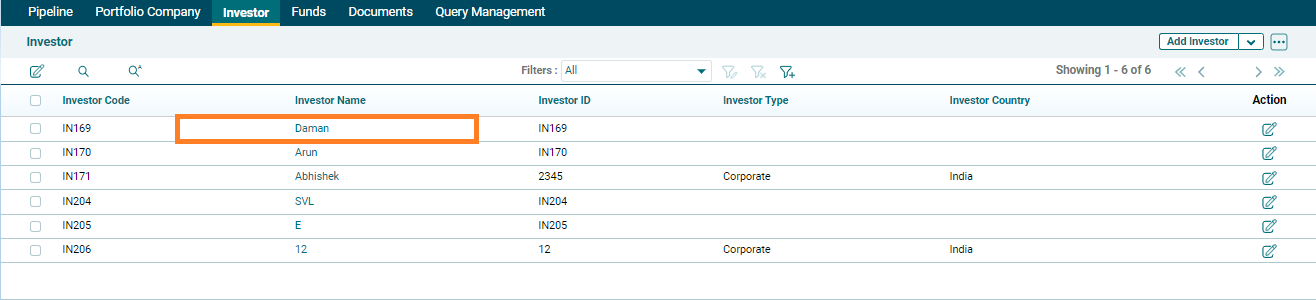
1. Click on
the Investor name.
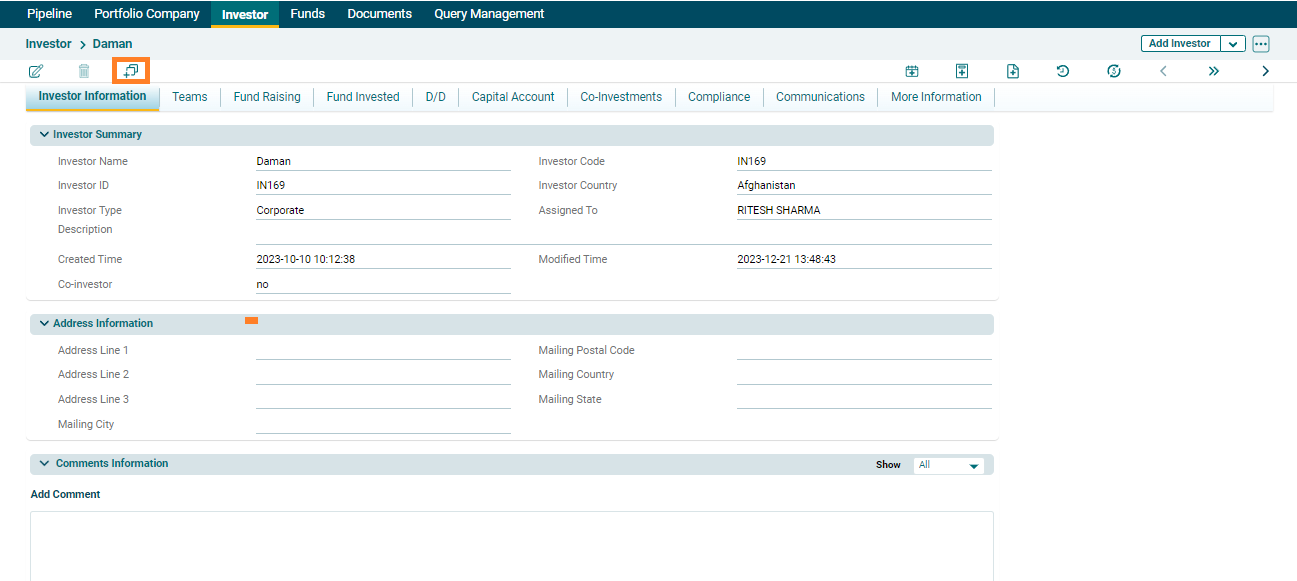
2. The Investor Information window is displayed. Click on the Duplicate icon in the top left corner.
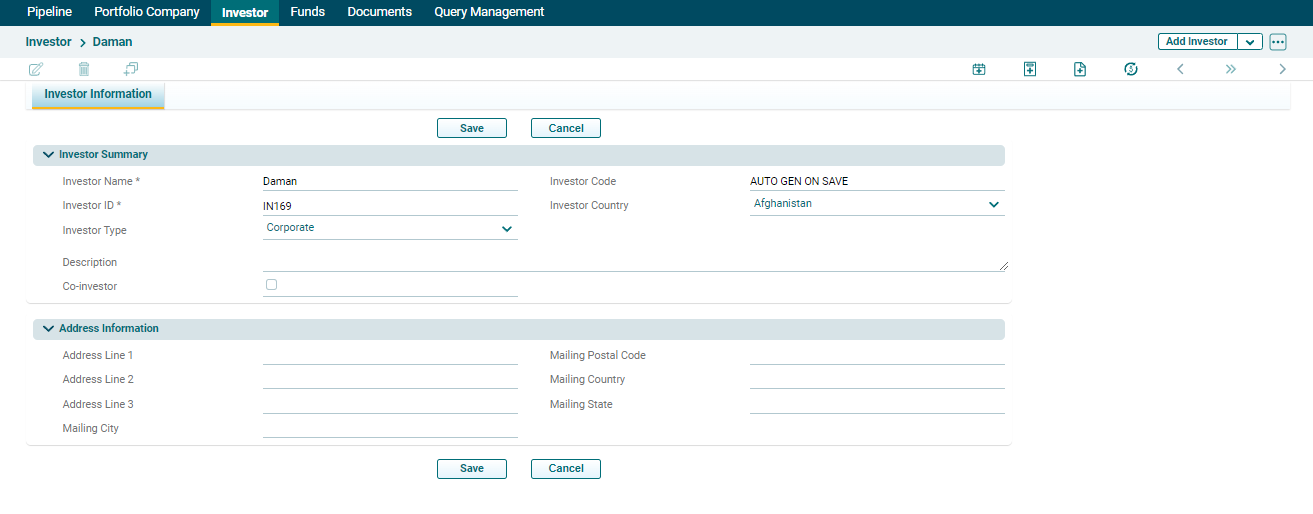
3. Update the details and click Save.