Integration
Events
To view or modify an event associated with the contact, follow the below steps:
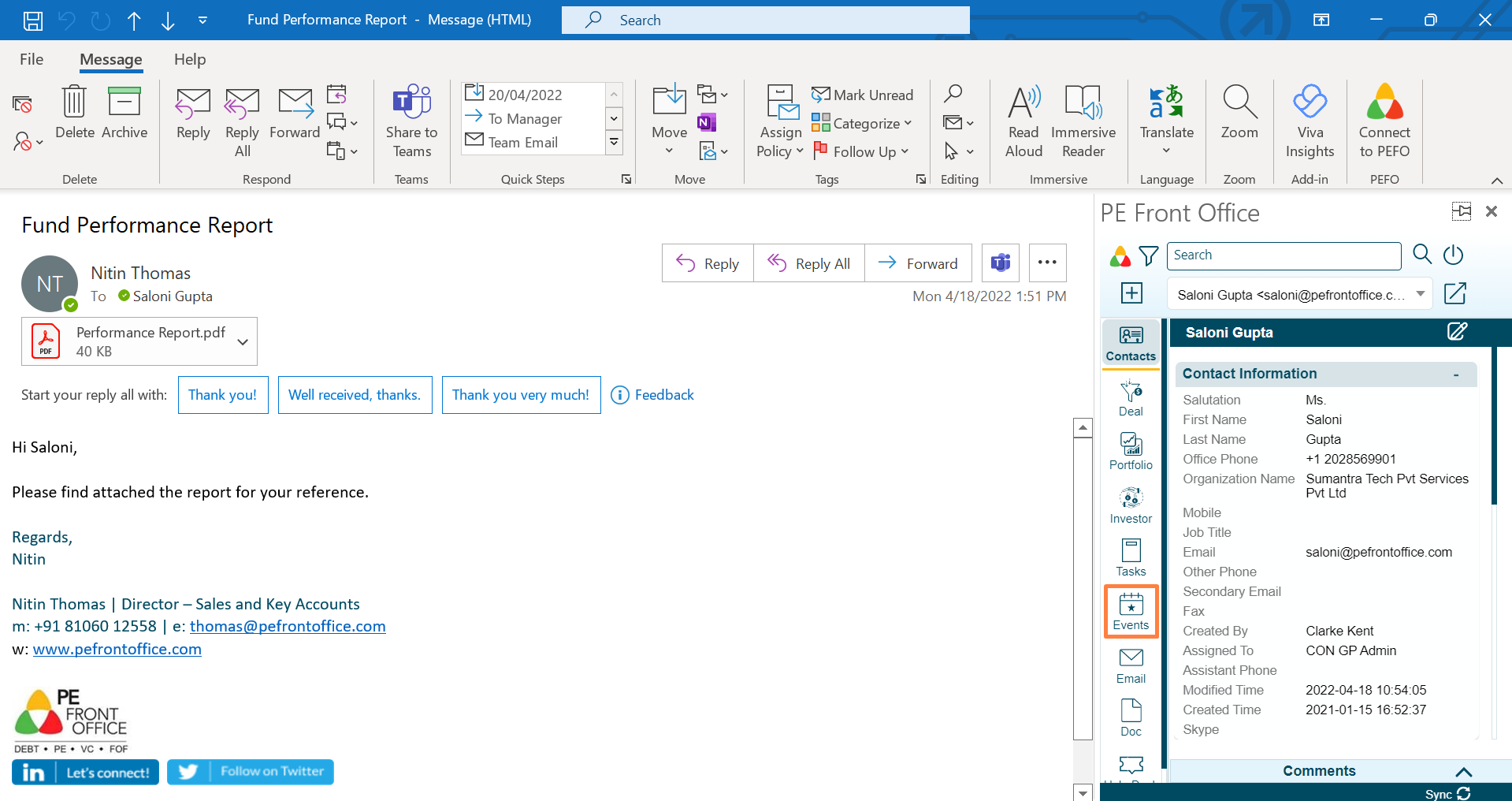
1. Click on Events in the left-hand side menu.
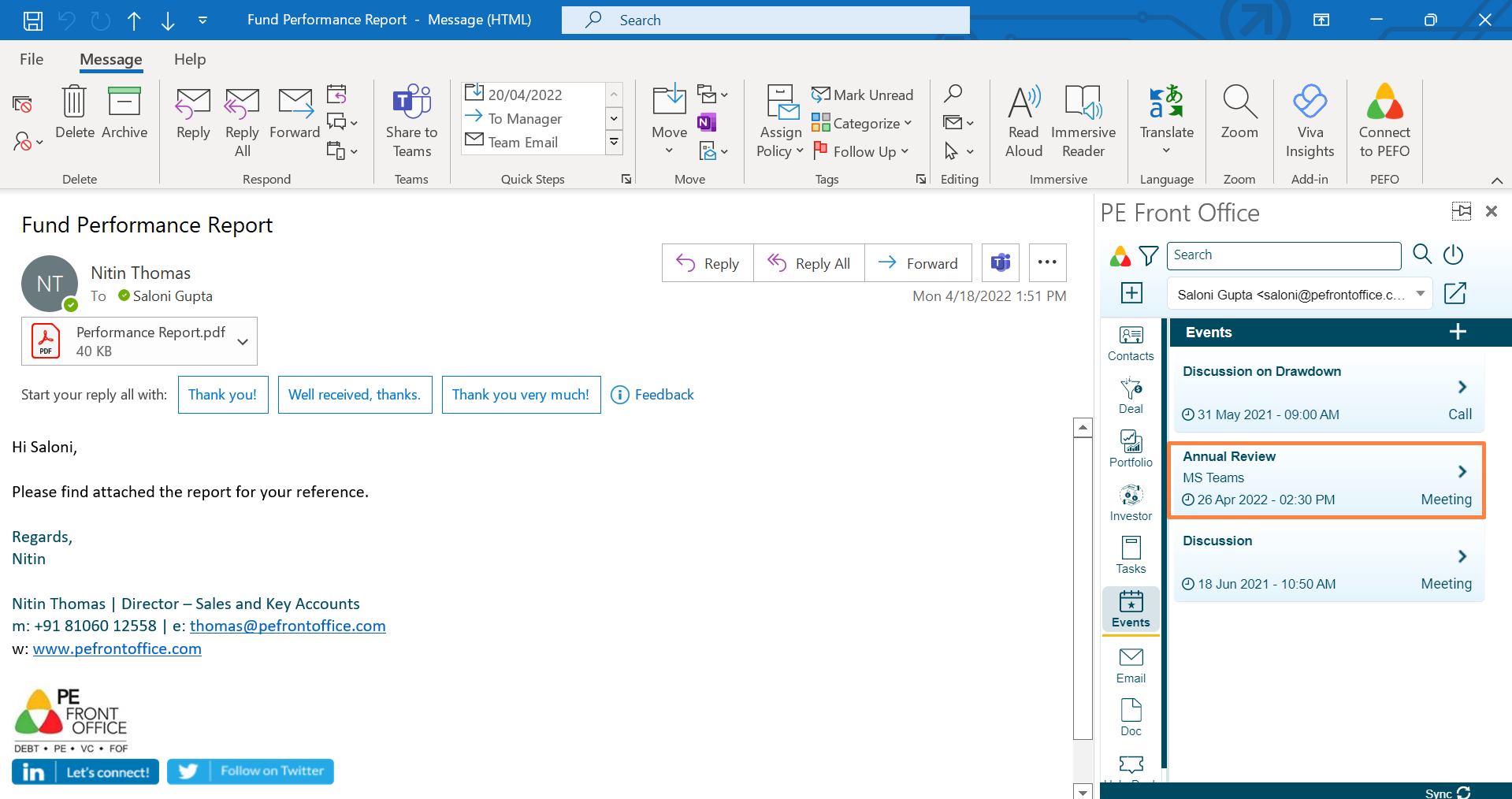
2. The Events window is displayed. Click on an Event to view details.
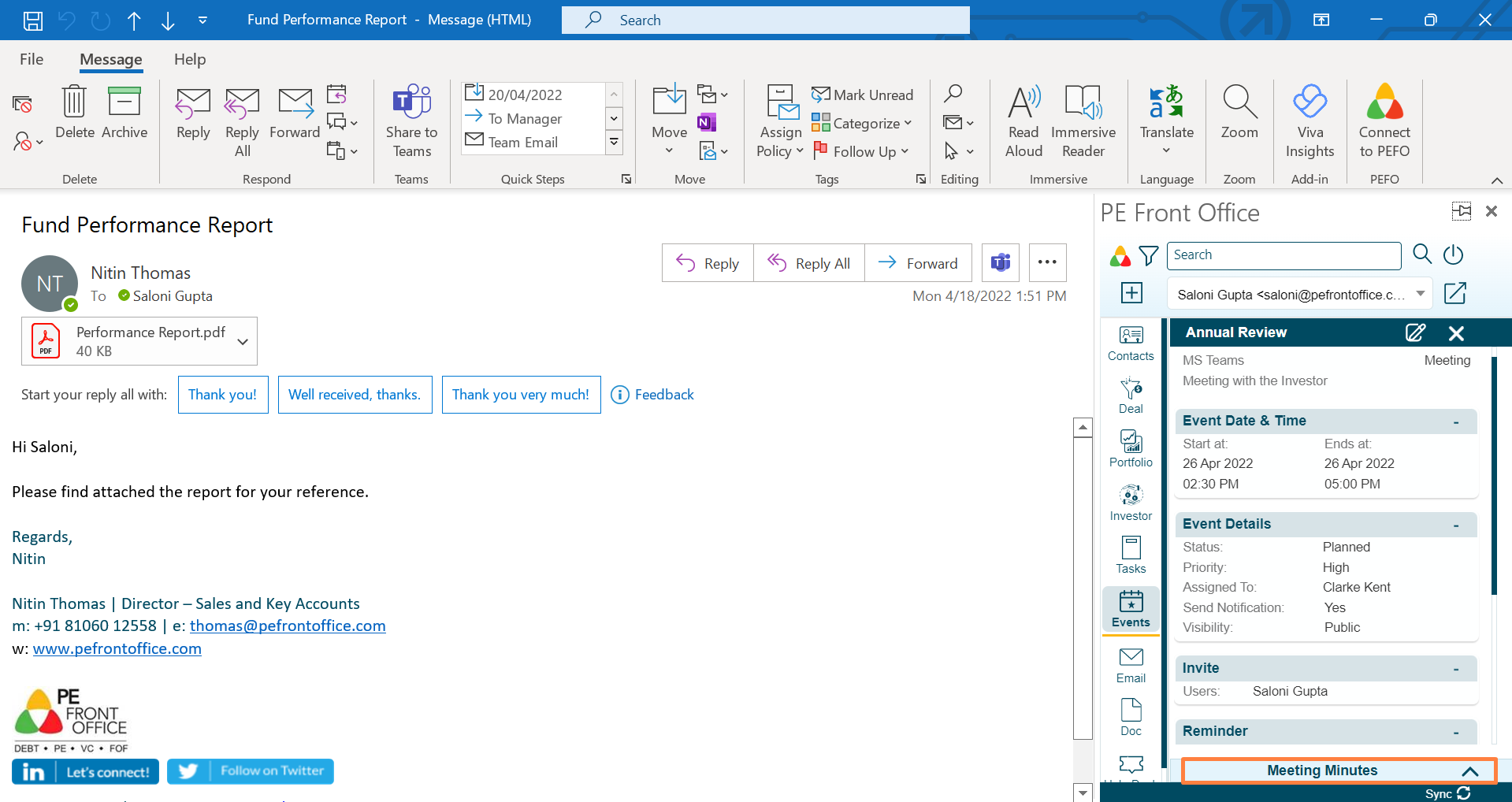
3. Click on Meeting Minutes button to capture any meeting notes.
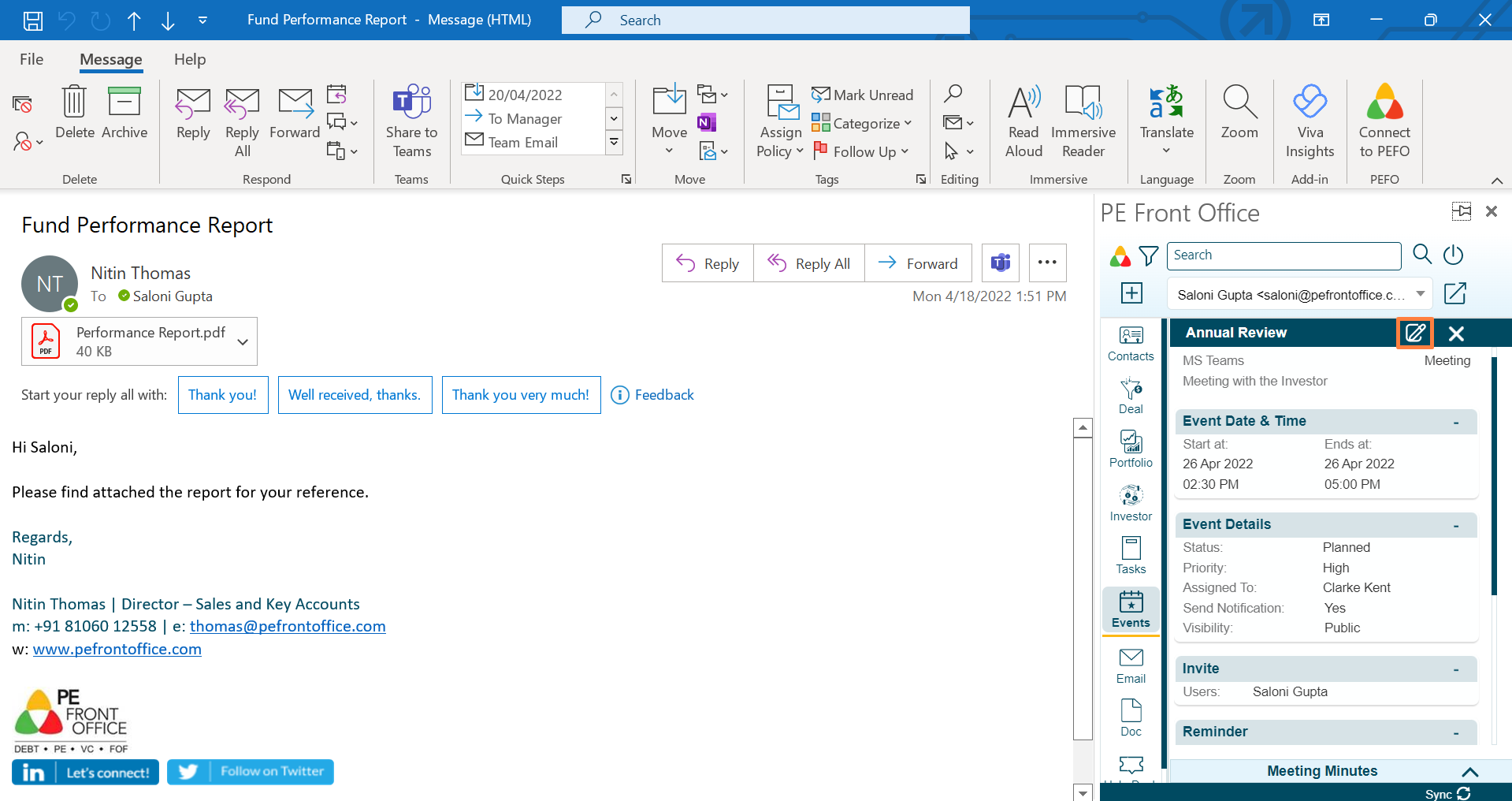
4. Click on Edit button to make any changes to the event.