
Integration
Install
1. Ensure Add-ins are enabled in Outlook
2. In Outlook, go to the Inbox of the specific email account and on Menu ribbon click Get Add-ins.

3. In the pop-up, click on My Add-ins on left hand side.
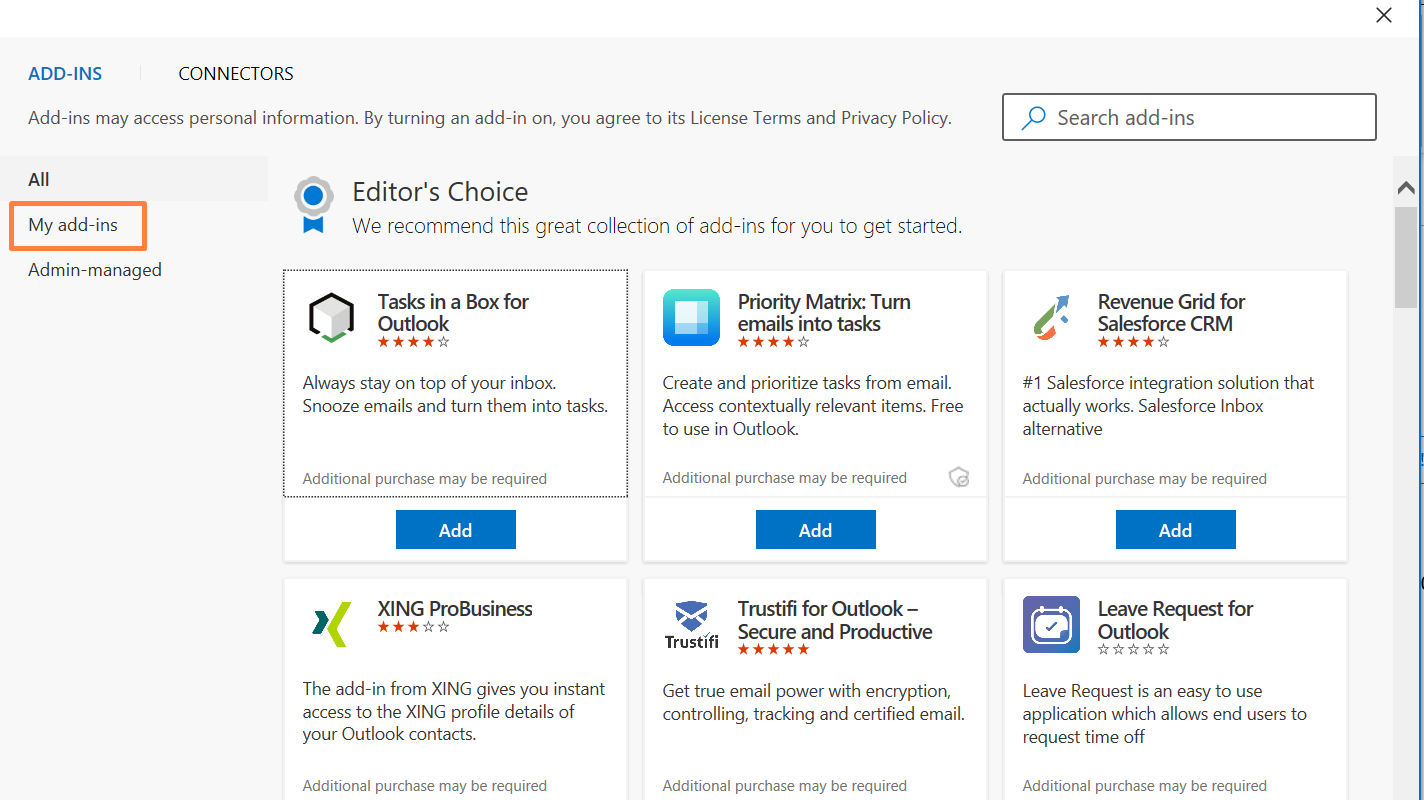
4. Go to the bottom and find Custom Add-Ins section
5. Click Add a custom Add-In link -> Add from URL.


6. Enter this URL: https://pefotest.sumantrasolutions.com/version4/outlook_addin/manifest_pefo_outlookaddin.xml

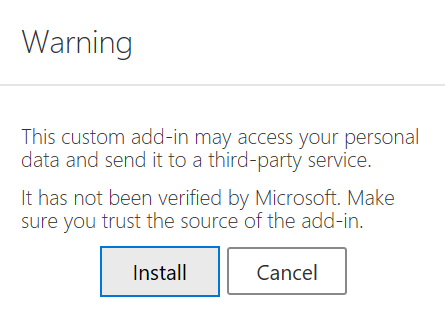
7. Click on Install button.
6. You should be able to see the PE Front Office plugin like shown below.
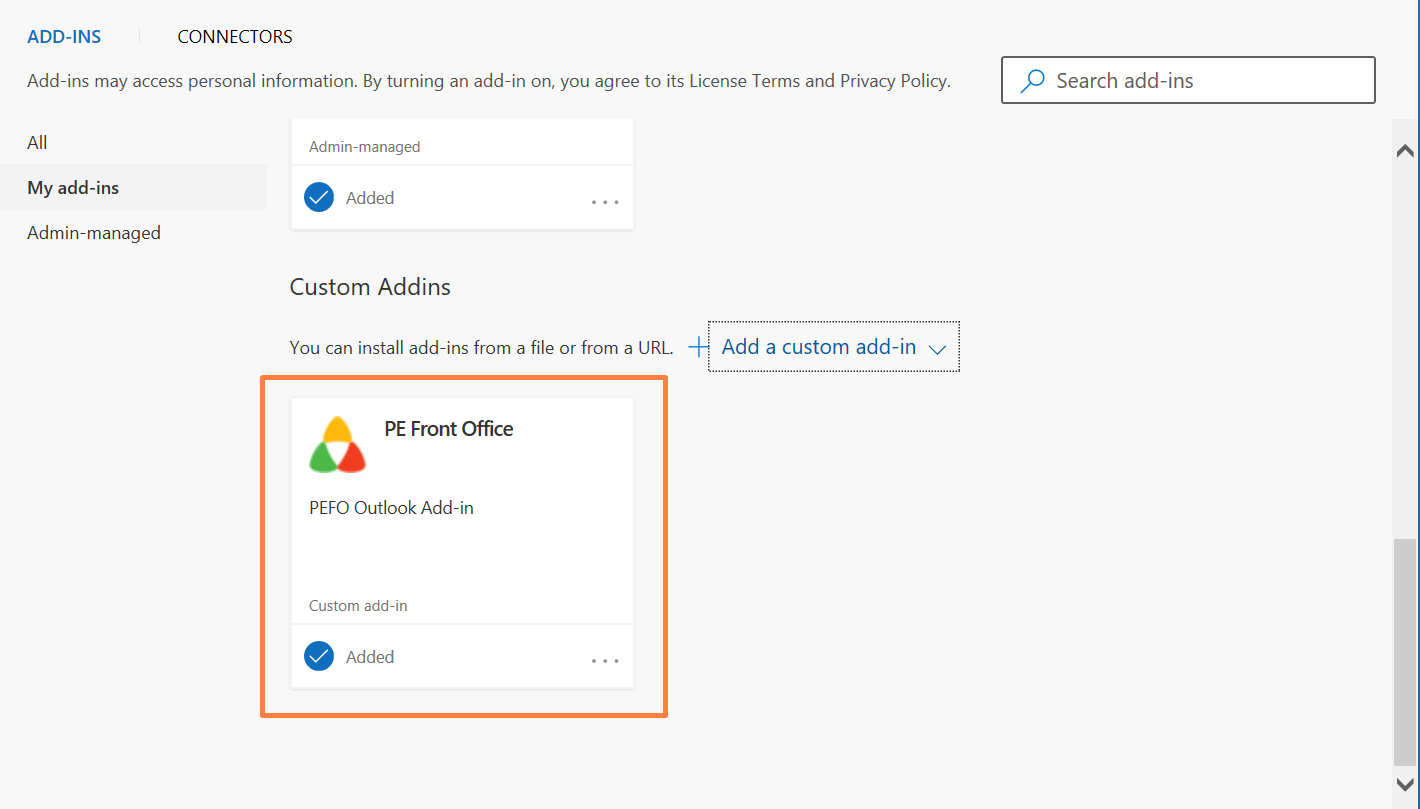
7. Now open an email and you should be able to see Connect to PEFO.

8. Clicking on Connect to PEFO will give you an option to login. Enter your PEFO login credentials to start using the outlook plugin like shown below.
