Integration
Contact
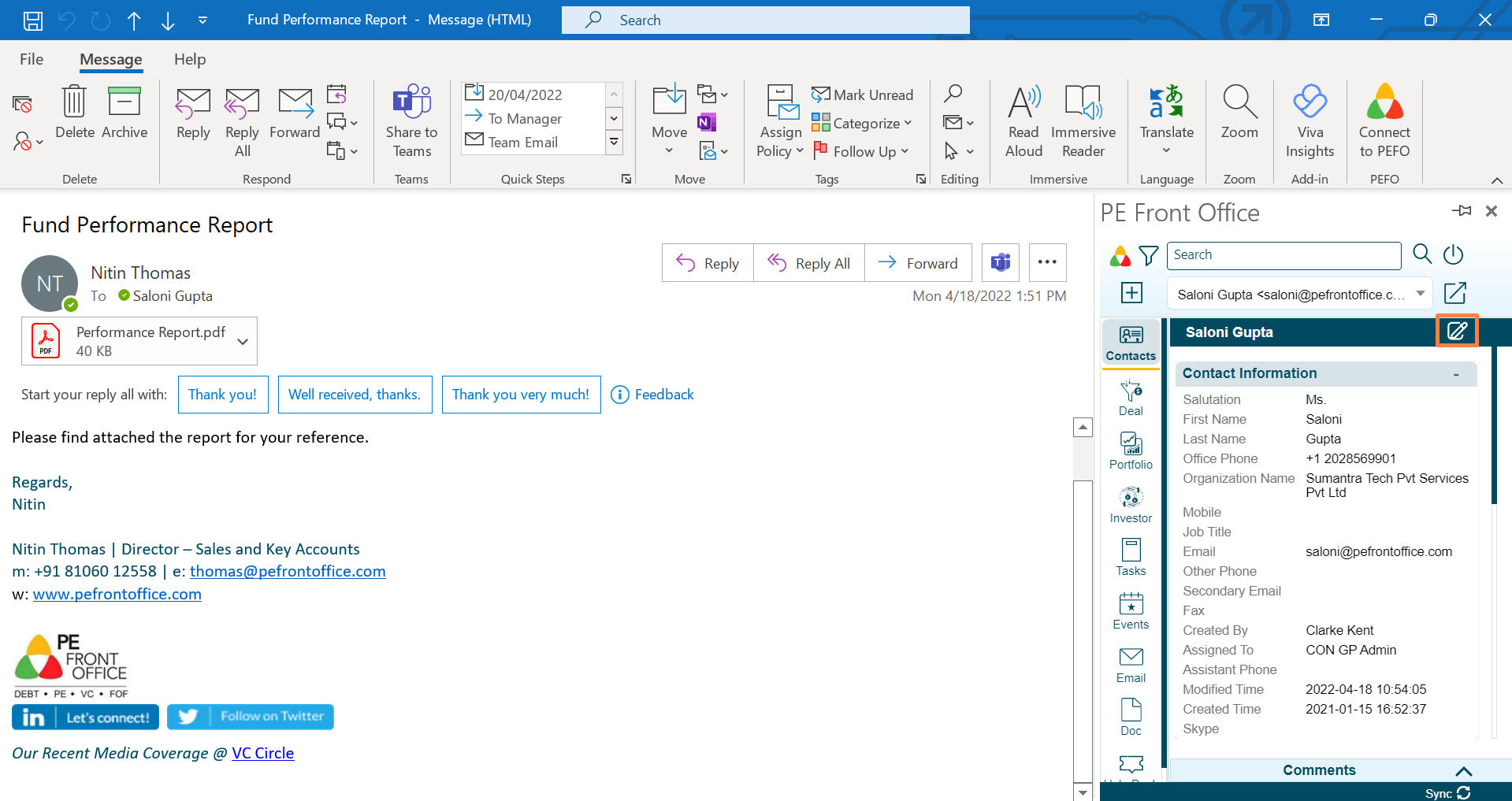
To view or modify an existing contact, follow the below steps:
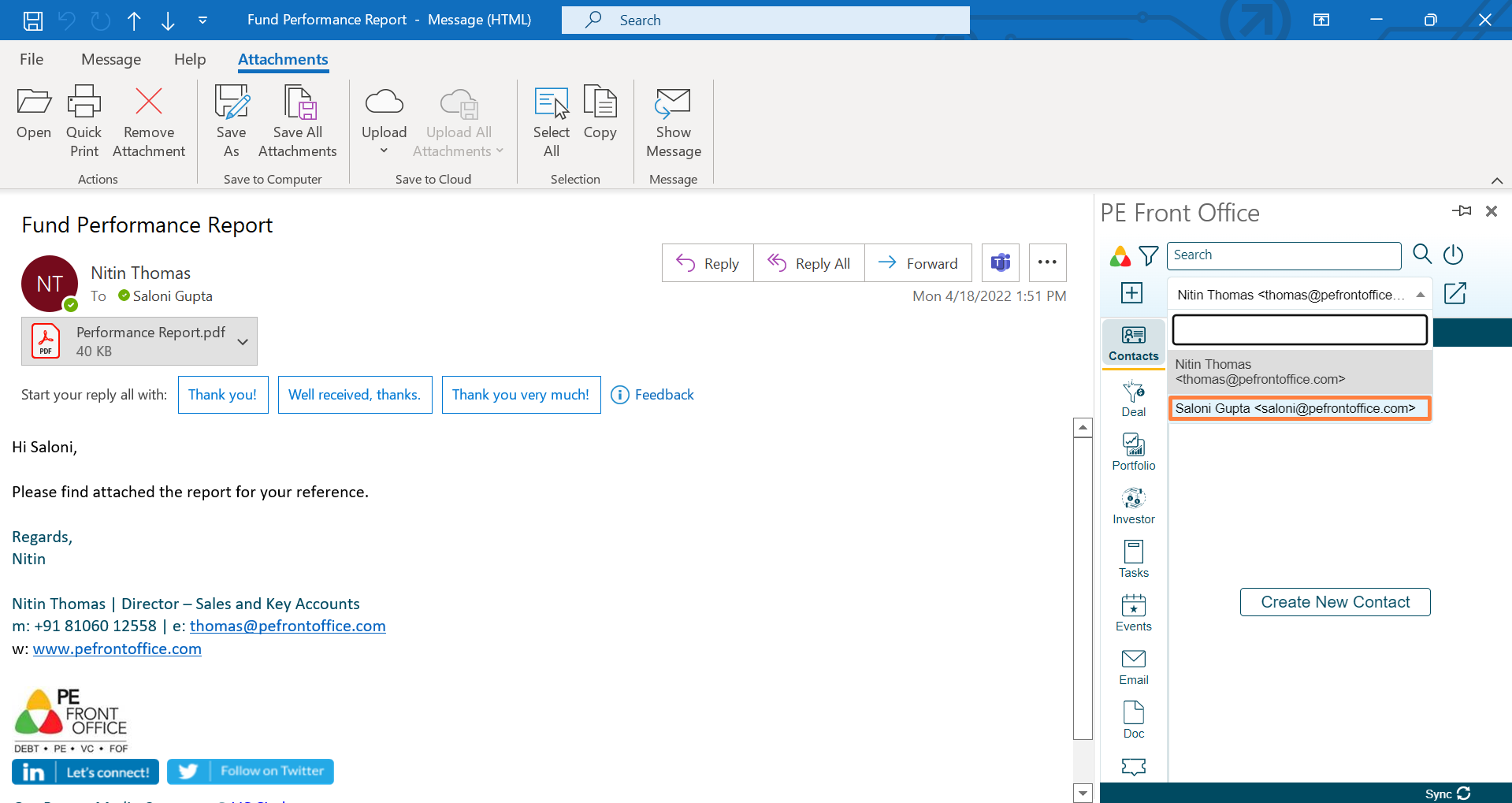
1. Choose a contact from the dropdown.
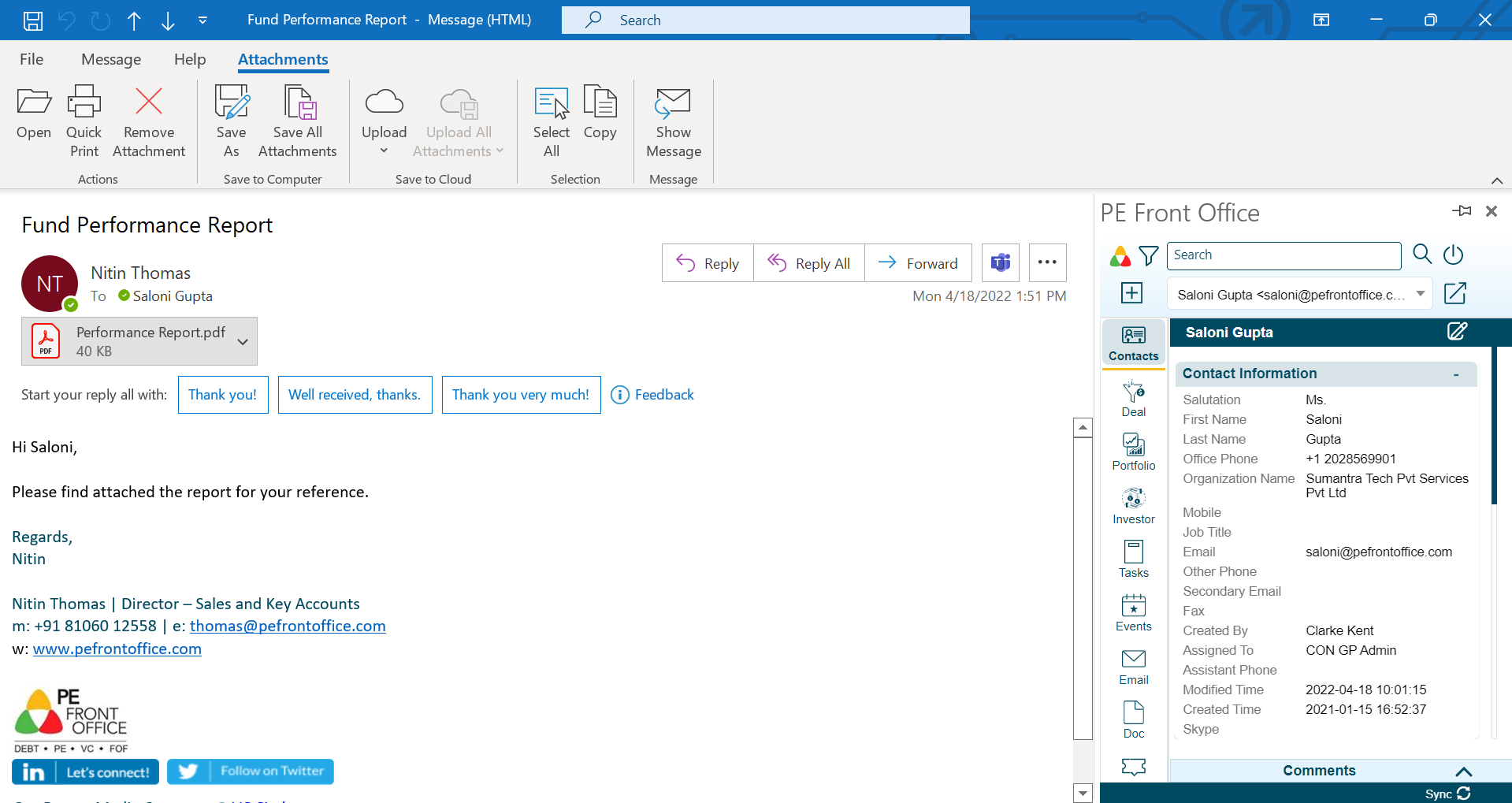
2. The [Contact Name] window is displayed with complete data pertaining to the contact.
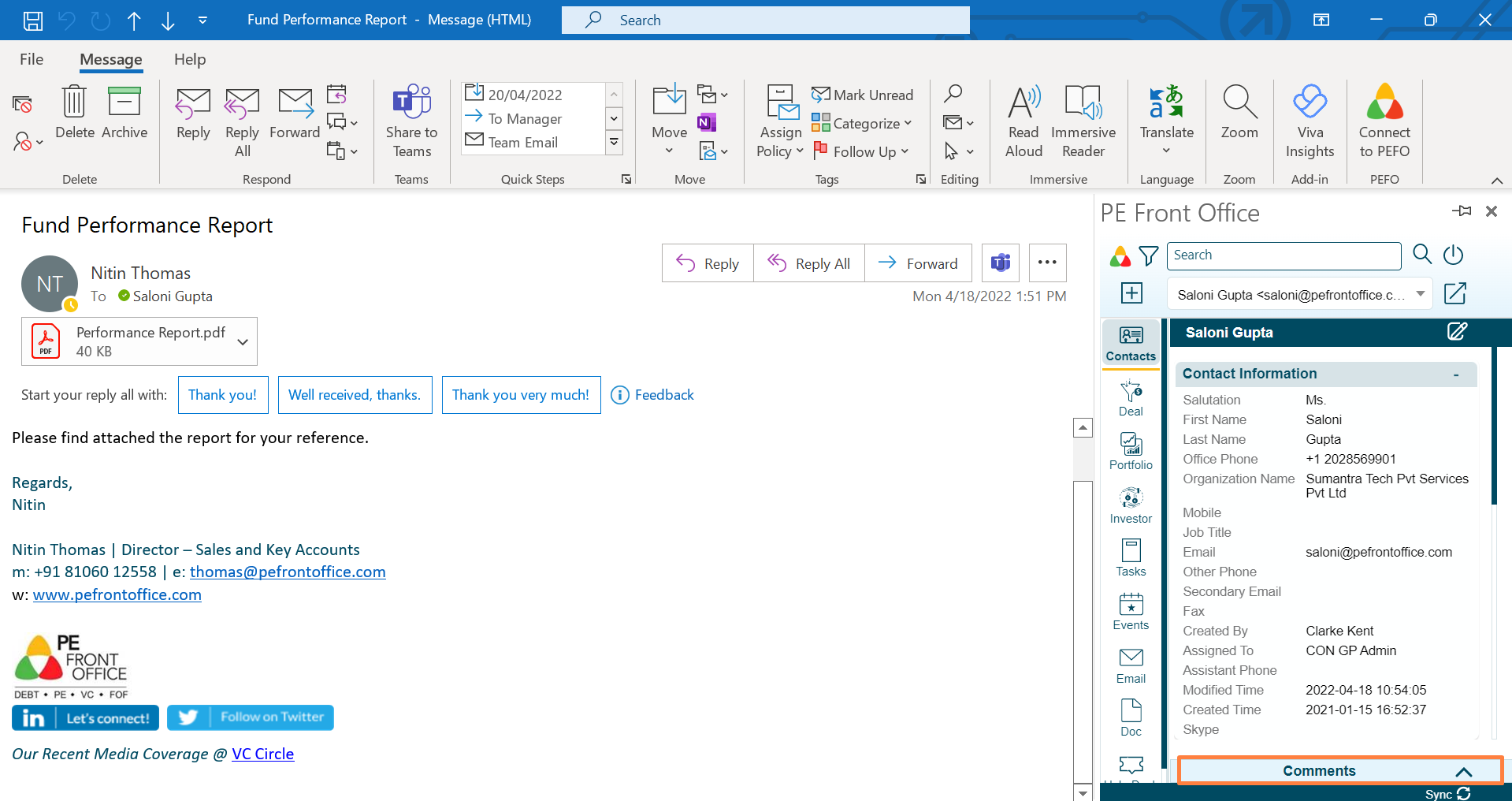
3. Click on Comments button to capture any contact related comments.
4. Click on Edit button to make changes to the contact.