
Install
To install Gmail Plugin, follow he below steps:
1. Use the following URL to
add the extension in Google Chrome - Chrome Web Store URL: https://chrome.google.com/webstore/detail/ecngfplmpmbolkjbjlcbdbmofiehidil?authuser=0&hl=en
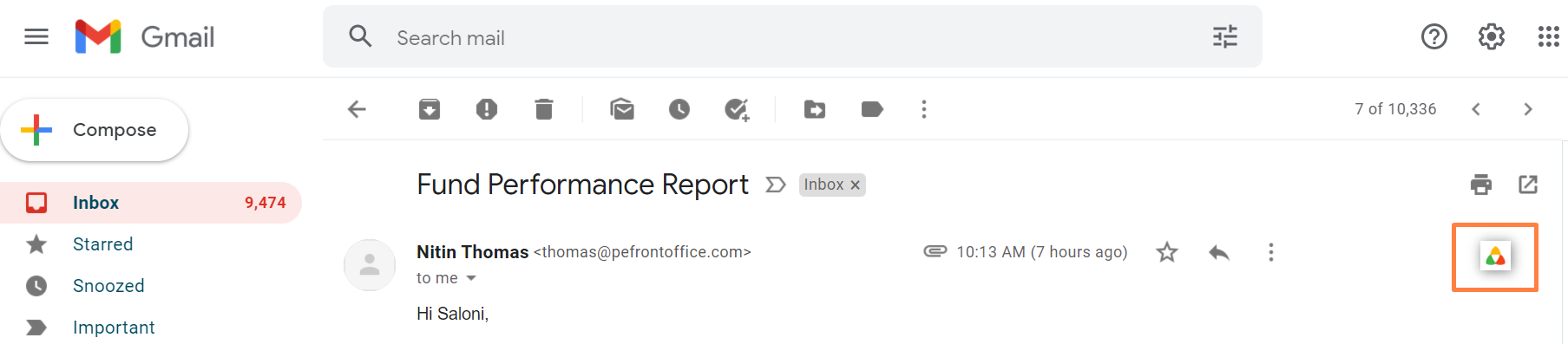
2. Open a mail in Gmail Inbox, click on the PEFO icon as given below:
3. Use your PE Front Office URL and login credentials to login
4. You will now be able to
use the PEFO Gmail Plugin seamlessly.