
Document Management
Sign Attachments
To sign attachments, follow the below steps:
1. Navigate to DocuSign ( ) icon on the top.
2. Click on the Sign Attachments.
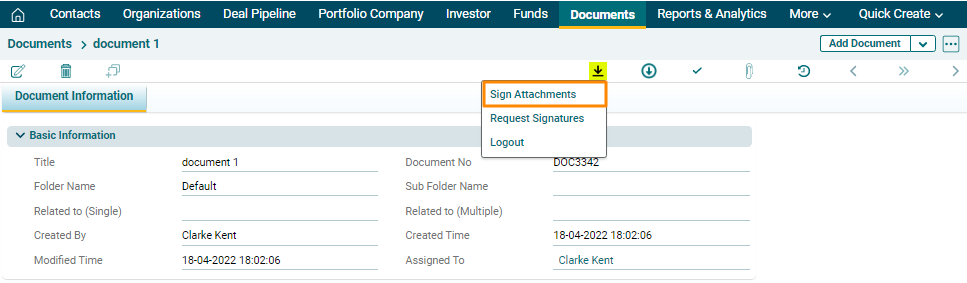
3. The DocuSign window is displayed. Attachments sent to you for signature shall appear on the home page. Click on a document. Click Sign. The document is displayed. Drag your signature from the left-hand side panel and drop at the designated area. Click Finish.