Document Management
Fund Level Access Rights
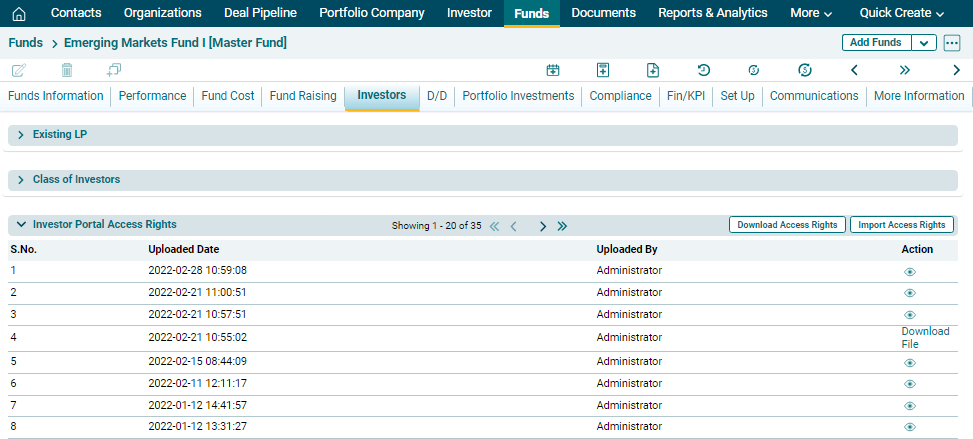
To grant investor portal access rights at fund level, follow the below steps:
1. Click on Download Access Rights button on the horizontal bar on top of the panel.
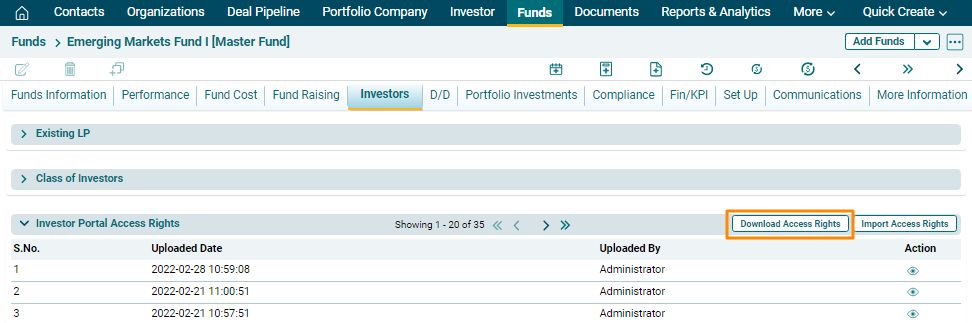
2. The excel file will download. Mark the access by mentioning R (read-only access), W (Read and Write access), or N (No access) and save the file.
3. To import portal access rights, click on the Import Access Rights button on the horizontal bar on top of the panel.
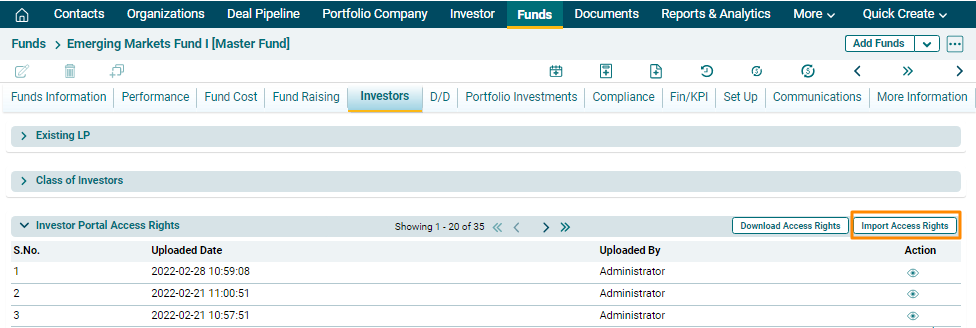
4. Click the Choose File button.

5. Select the User Access Rights template. Click Upload.

6. The User Access Rights details will populate based on the uploaded template.