Document Management
Import From Excel
To import funds from excel, follow the below steps:
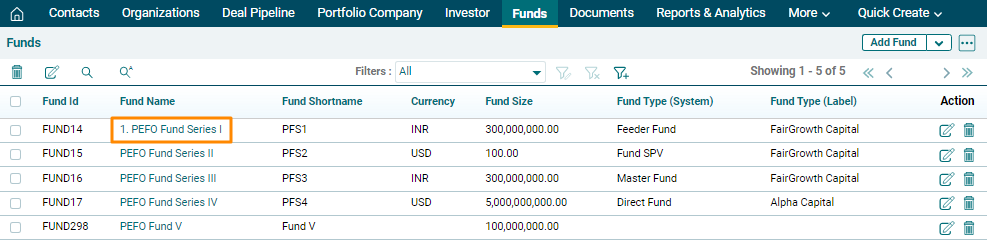
1. Click on the Funds in the main menu.

2. Click on the down arrow button next to Add Fund button in the top right corner. Click on Import from Excel.

3. The Import Fund window is displayed. Click on Choose File button.
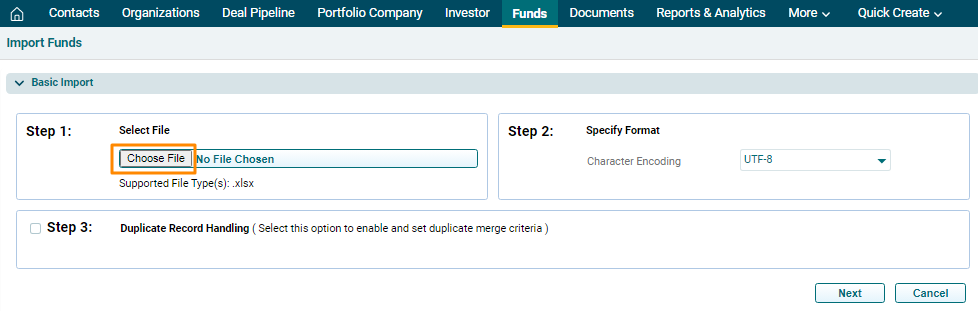
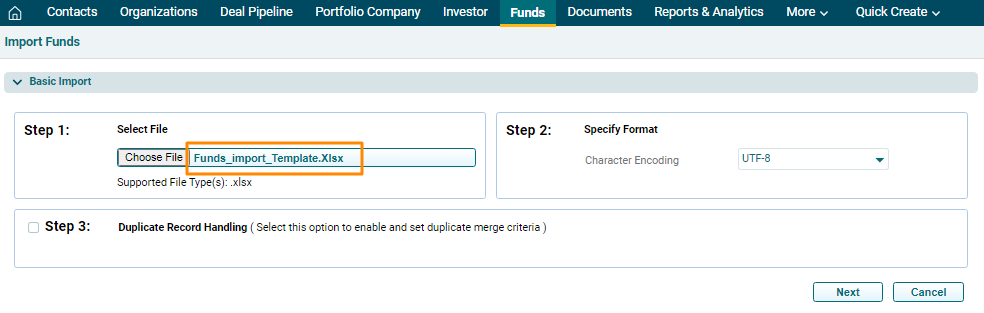
4. Once you choose the file, it will be reflected in Step 1. Based on the file chosen, Step 2 will be auto-filled. In Step 3, you can specify whether to Skip, Overwrite, or Merge the duplicate records, if any. Complete the steps and click Next.
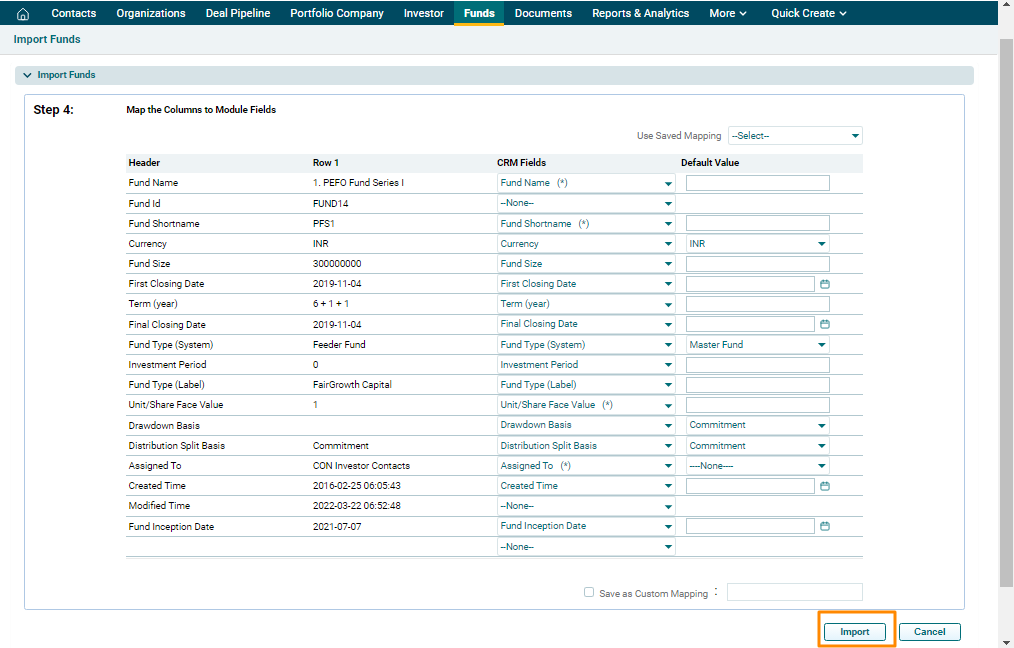
5. The imported data is displayed here. Click Import.
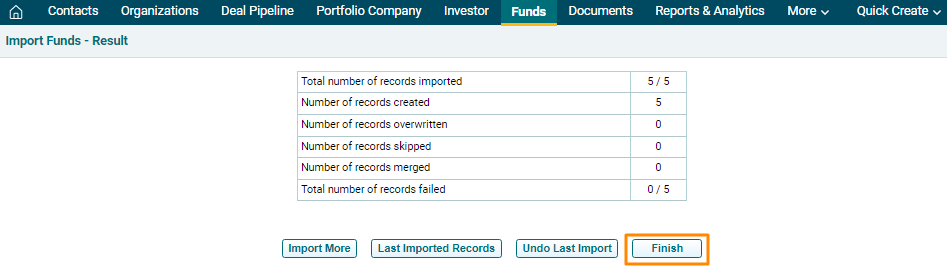
6. You will see different options here. You can Import More records, download Last Imported Records, Undo Last Import and Finish. To complete the import, click Finish.
7. The imported Fund will be visible in the Funds List View page.