Document Management
Issue Investor Login
You can issue investor login credentials to the related contact.
To issue investor log details, follow the below steps:
1. Click on Contacts in the main menu.

2. Click on Contact Name.

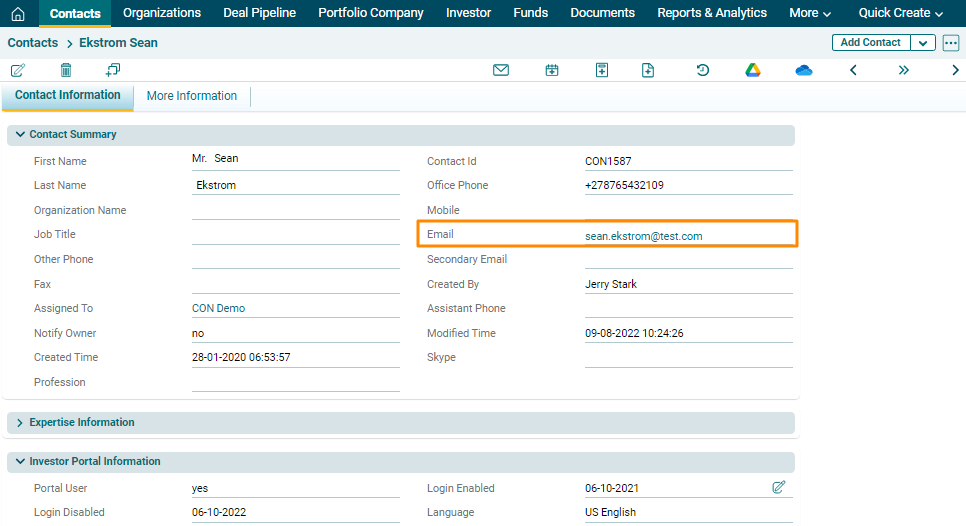
3. The Contact Information window is displayed.
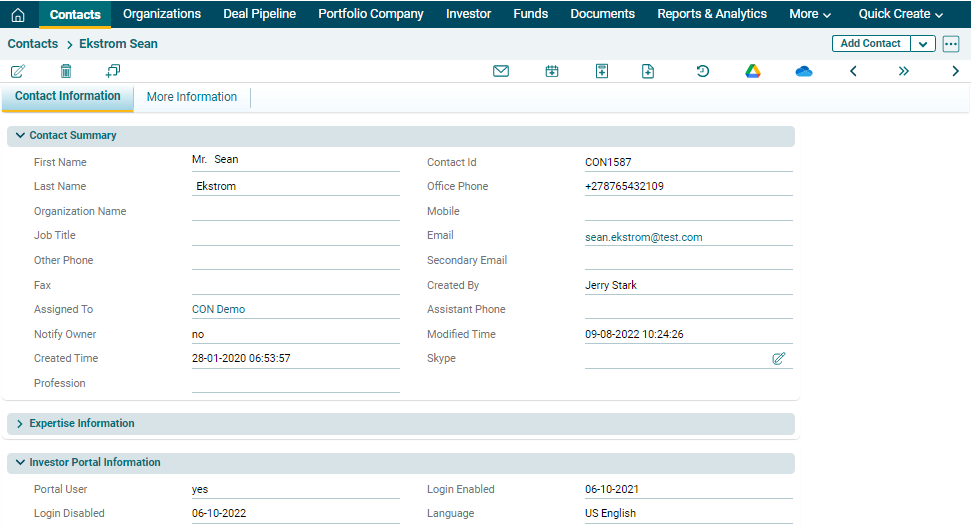
4. Go to Investor Portal Information panel. The details listed are:
- Portal User: Depicts whether portal user rights
- Login Enabled: Depicts when the login was enabled.
- Login Disabled: Depicts when the login was disabled.
- Language: Depicts the default language.

5. To send login credentials to the investor contact, click on
Edit ( ) icon against Portal User field.
6. Check the box and click on Check ( ) button to save.
7. As the checkbox is checked, the login credentials will be sent to the contact’s email id.