CRM
Contact Information
This tab contains the
primary details pertaining to a contact at the time of creation. It has six
panels which have been described below along with their fields.
Contact Summary
This panel allows you to
capture the basic details of a contact.
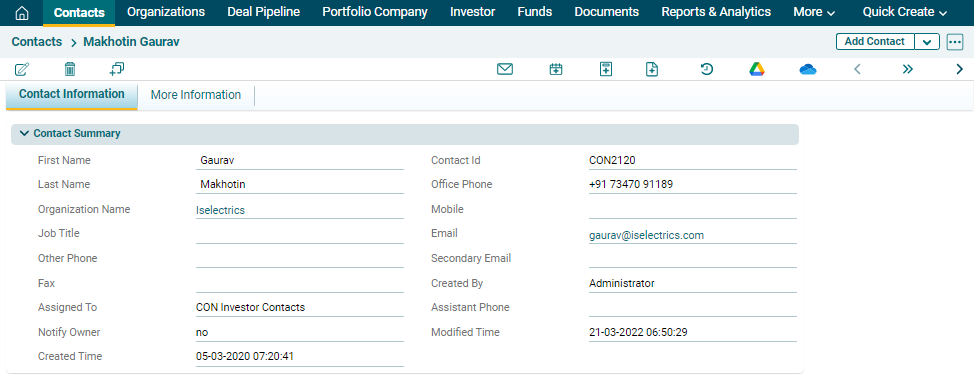
In the above panel,
the following are system-generated fields:
- Contact Id
- Assigned To
- Created Time
- Created By
- Modified Time
The system will
auto-fill these details based on your login details and the time.
Expertise Information
This panel allows you
to capture the expertise information of the contact.

Investor Portal Information
This panel allows you to
define the language preference of the contact for the Investor Portal.

Relationship Information
This panel allows you to
capture the information of relationship manager of the contact.

Description Information
This panel allows you to
capture any additional information about the contact in the description.

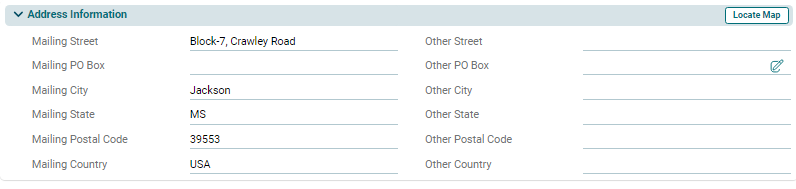
Address Information
This panel allows you to enter primary mailing address as well as alternate address of the contact.