CRM
Activity History
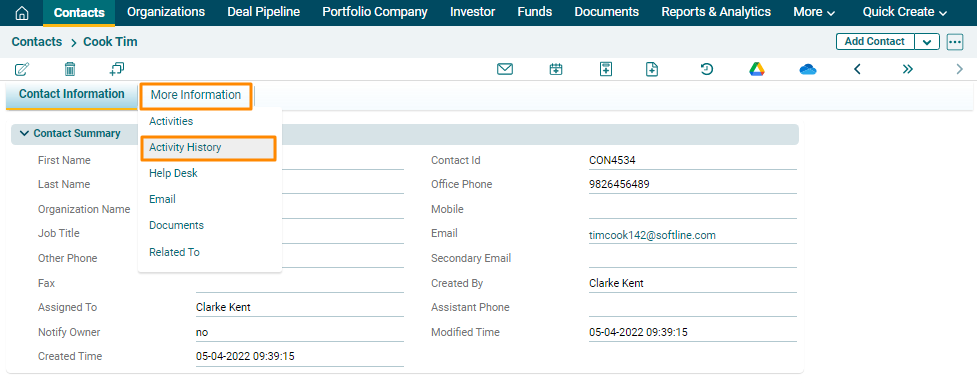
To view Activity History, follow
the below steps:
1. Navigate to the More Information tab
and Click on Activity History.
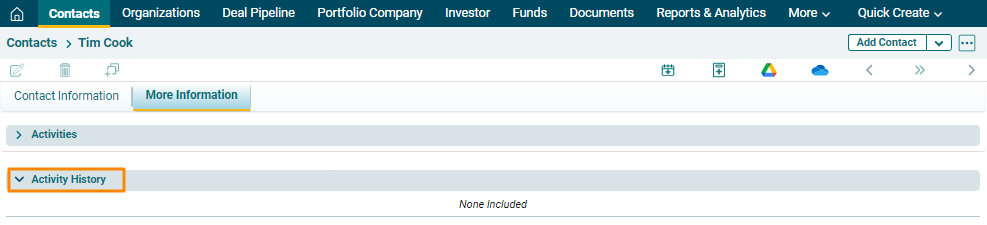
2. Alternatively, click on More
Information tab. There are several panels here, including Activity
History panel. Any activity, when completed, appears here.
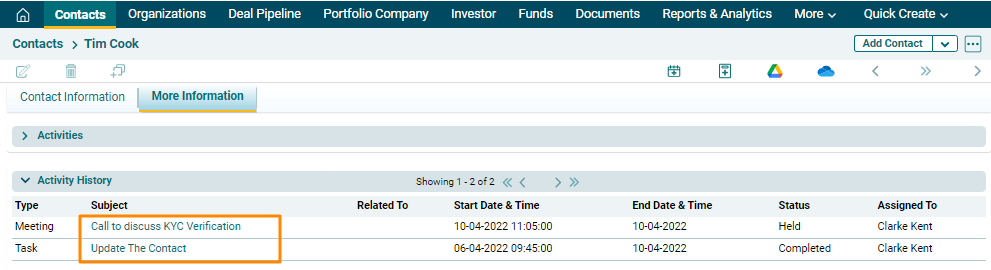
3. Once an activity gets completed, it appears
under the Activity History panel.