CRM
Add Existing Document
To add an existing document to the list, follow the below steps:
1. Click on Contact Name.

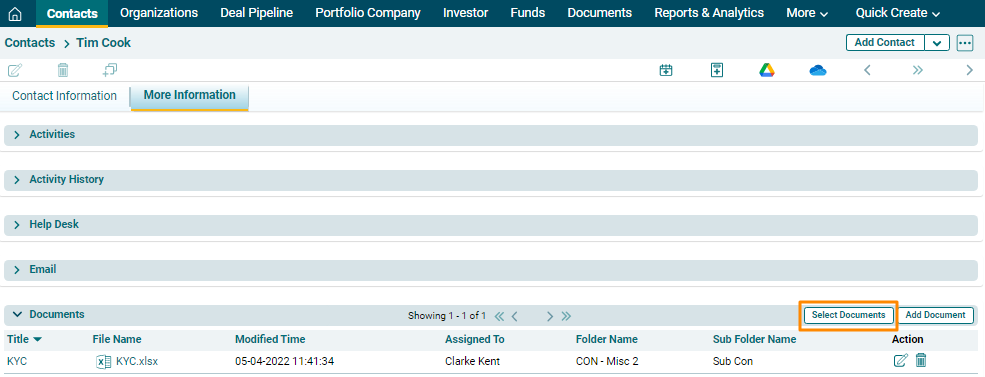
2. Click on the More Information tab. There are several panels here, including the Documents panel. Click on Select Document button in the top right corner of the panel.
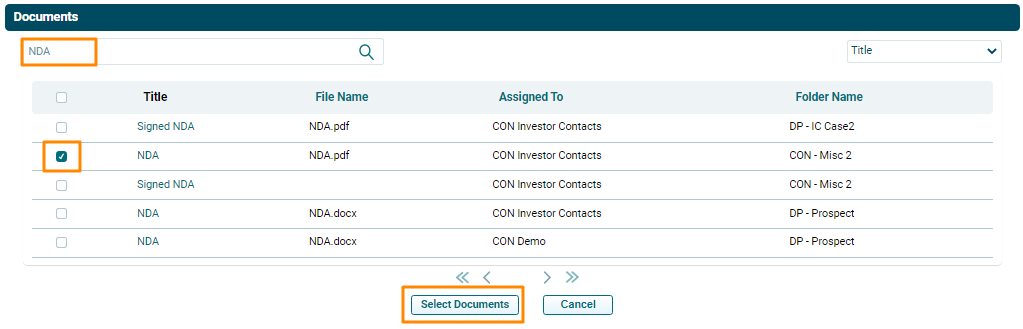
3. The Documents window is displayed. Type the file name in the search box. Check the checkbox against the file name. Click on Select Documents button.
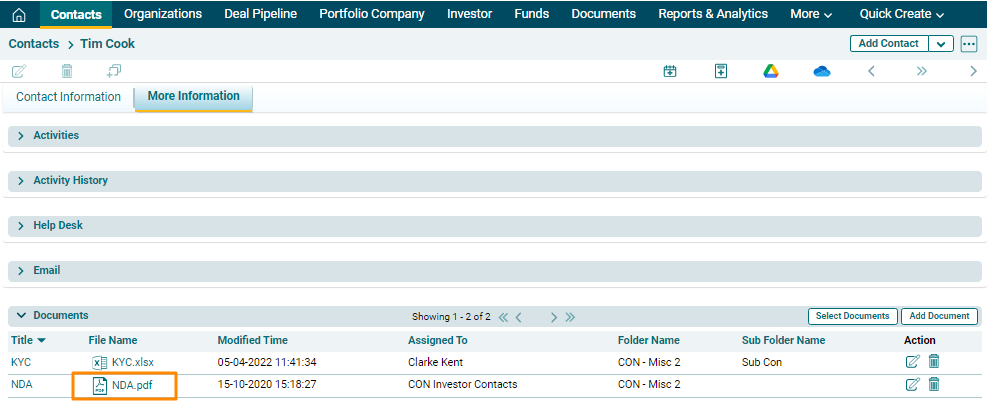
4. The document will appear in the Document list view.