Edit/Delete a Document
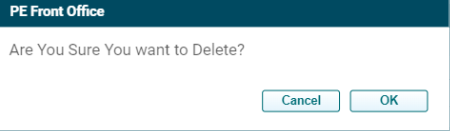
To Edit/Delete a Document, follow the steps below:
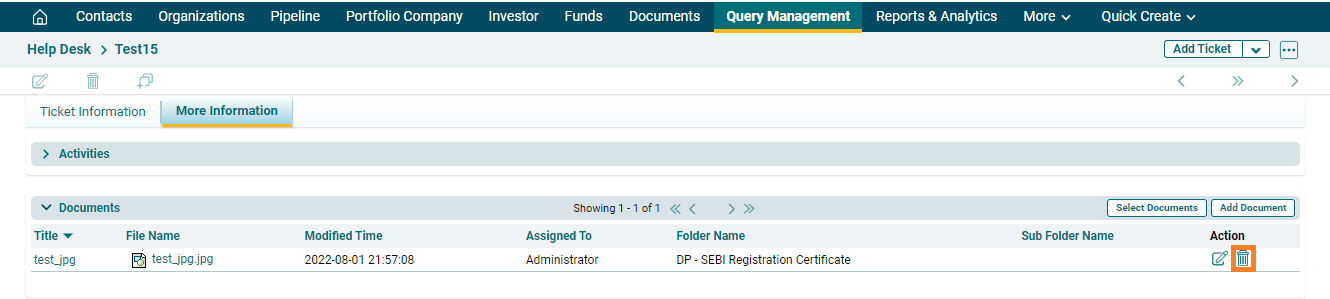
1. Navigate to Query Management, on the top right panel

2. Click on More Information.

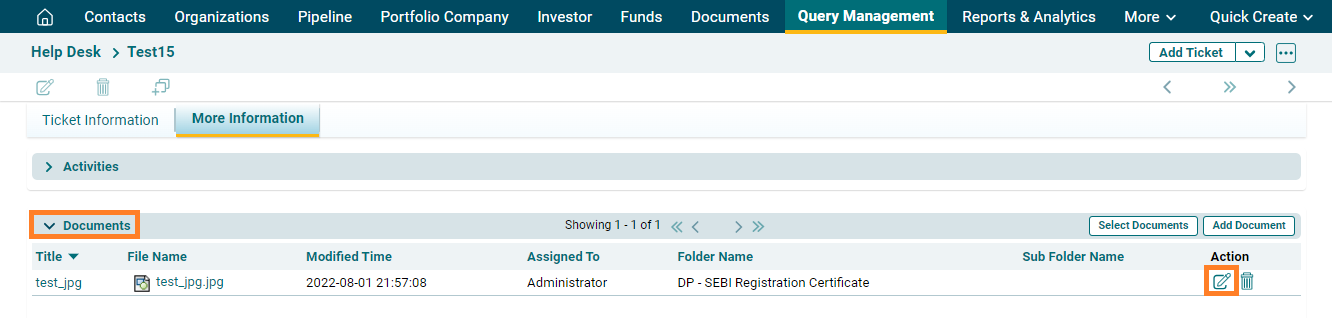
3. Click on Documents navigate to the ( ) icon and click on it.
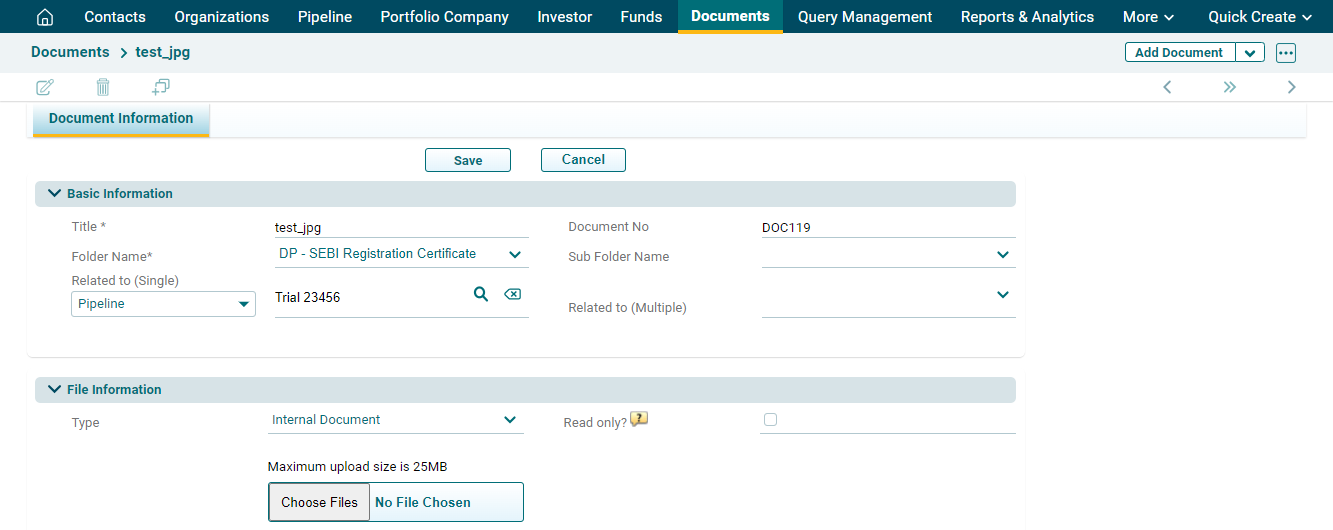
4. Edit the details, then click on Save.