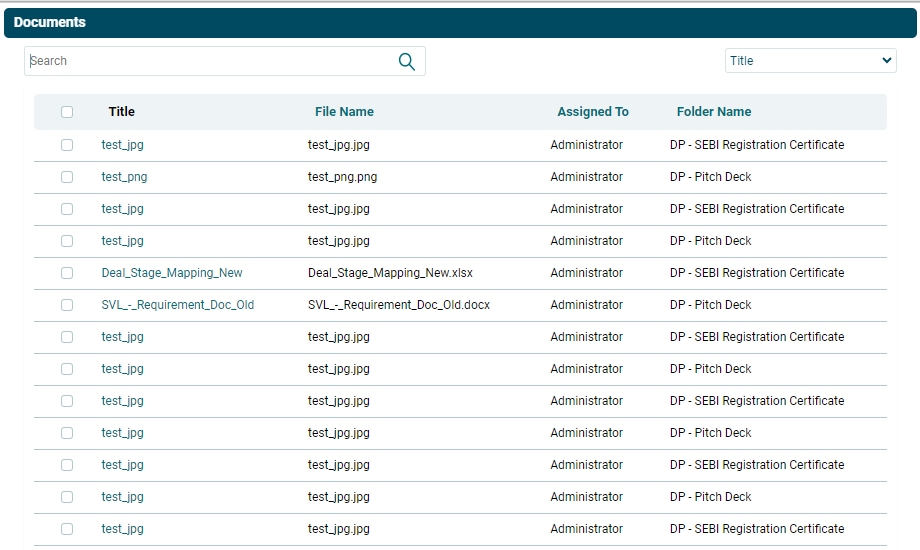
Add Existing Document
To Add a Document, follow the steps below:
1. Navigate to Query Management, on the top right panel

2. Click on More Information.

3. Click on Documents and navigate to Select Documents on the top right panel and click on that.
To Add a Document, follow the steps below:
1. Navigate to Query Management, on the top right panel
2. Click on More Information.
3. Click on Documents and navigate to Select Documents on the top right panel and click on that.