Delete a Ticket
This functionality is specifically for SVL team members
To delete a ticket, follow the below steps:
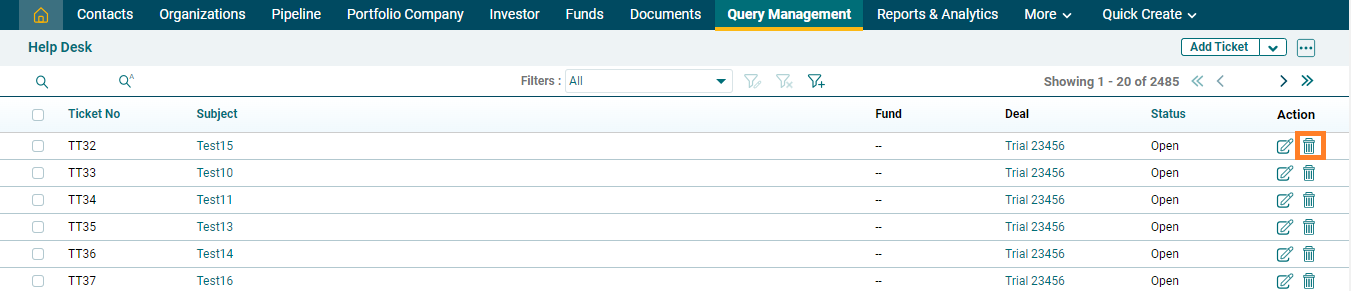
1. Navigate to Query Management, on the top panel.

2. Click on the Delete ( ) icon in the Actions column.
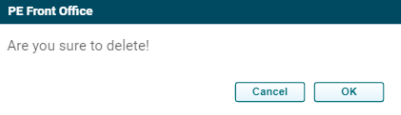
3. The delete window is displayed. Click OK to delete the field.