
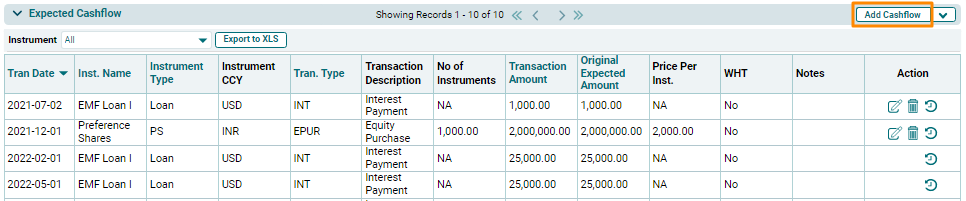
In the Expected Cashflow tab, you can add and manage expected cashflows for all the instruments.
To modify a cashflow, follow the below steps:
1. Click on Add Cashflow button in the top right corner of the panel.
2. The fields will be activated. Provide the transaction details. Click the Check button to save the cashflow details.

3. The added cashflow will be displayed in the Expected Cashflow Panel.
