Custom Settings
Currency Conversion
The
currency conversion tab allows you to save the value of default currency in
other currencies. You can see it on a monthly basis or a daily basis.
You can
see four tabs here.
- Monthly Exchange Rate Setup: This tab allows you to set up currency
conversion month-wise.
- Daily Exchange Rate Setup: This tab allows you to set up currency
conversion day-wise.
- Current Exchange Rate Setup: This tab allows displays the most
recent exchange rated based on daily or monthly criteria.
- Currency Exchange Configuration: This tab allows you to configure daily
or monthly criteria for Current Exchange rate.
There are a number of operations you can perform on the Monthly Exchange Rate Setup and Daily Exchange Rate Setup tabs. These operations are the same for the two tabs.
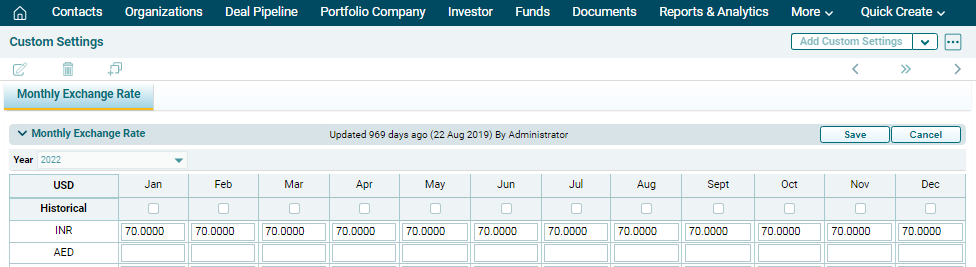
To edit currency conversion rates, click on Edit ( ) button
in the top right corner of the panel. Update the details and click Save.
) button
in the top right corner of the panel. Update the details and click Save.
To upload
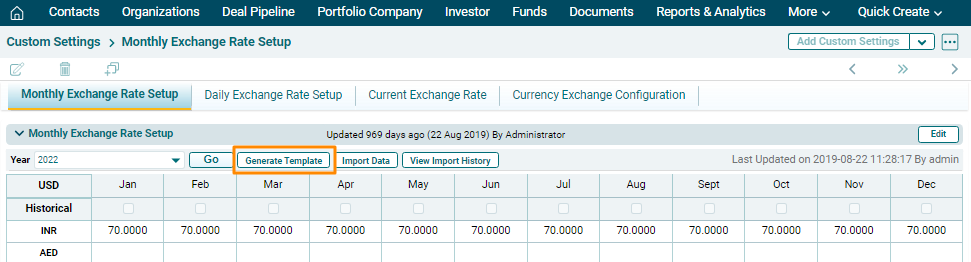
currency conversion details in bulk, follow the below steps:
1. Click on Generate Template button on the horizontal bar on top of the panel. The excel file will download. Enter the details and save the file.
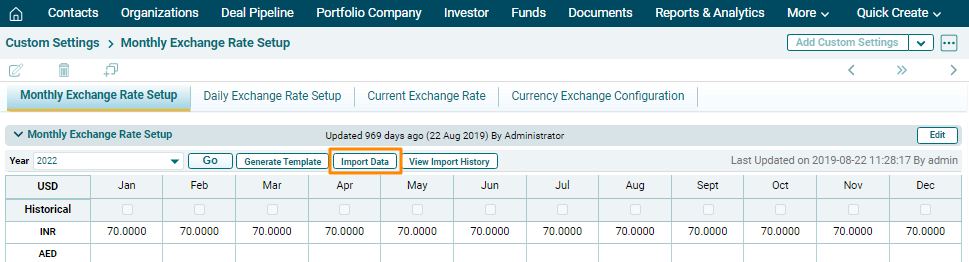
2. To import
bulk currency conversion details, click on Import Data button on
the horizontal bar on top of the panel.
3. Click
the Choose File button.
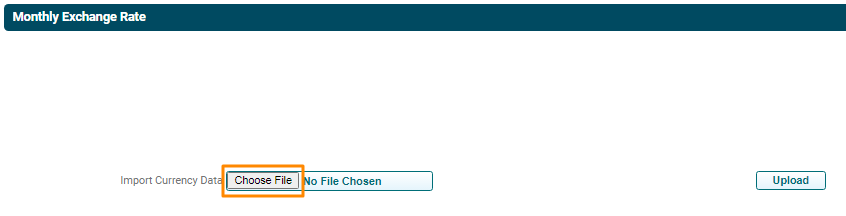
4. Choose
the template. Click Upload.
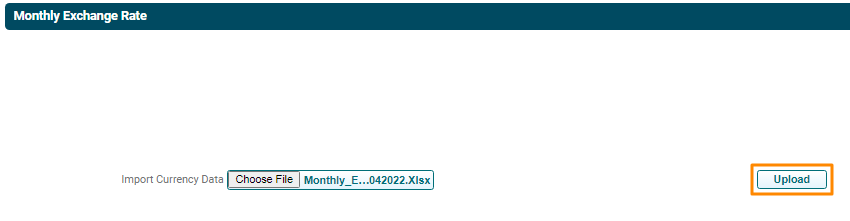
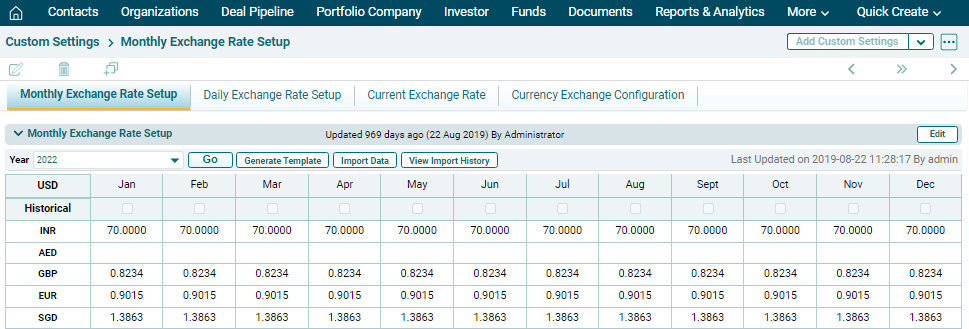
5. The Currency
Conversion details will populate based on the uploaded template.
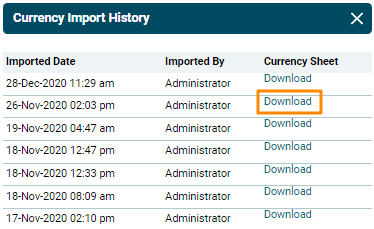
View History
To view the recent imports,
click on the View Import History button on the
horizontal bar on top of the panel.
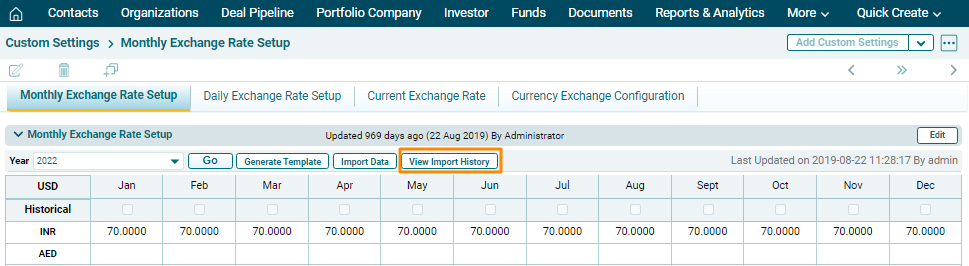
The Currency Import History window is displayed which shows when were the changes made and by whom. You can also download the Currency Sheets.